
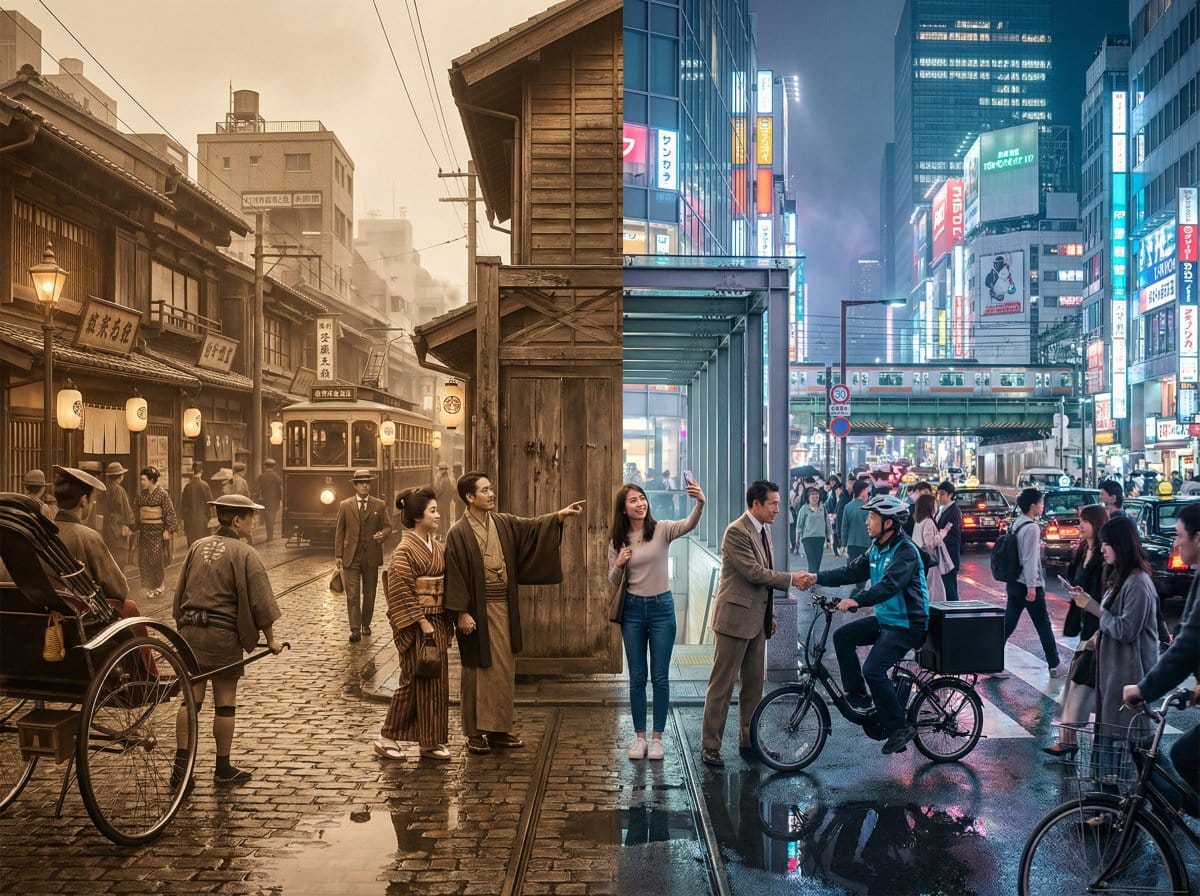
This prompt is optimized for Nano-banana-pro model
Tokyo Time-Blend Split-Screen
A complex, structured prompt for generating a cinematic wide shot of Tokyo, seamlessly blending the 1920s and the present day in a split-screen composition, detailing environmental elements, lighting, and the dynamic interaction between the two eras.
Pro Tip:
This ai art style prompt has been tested and optimized for best results. You can modify it slightly to customize the output while keeping the core structure intact.
Häufig gestellte Fragen
Alles, was Sie über ai art style-Aufforderungen wissen müssen
Klicken Sie einfach auf die Schaltfläche "Mit KI generieren" oben, und Sie gelangen zu unserem KI-Bildgenerator mit dieser bereits ausgefüllten AI Art Style-Aufforderung. Sie können sie weiter anpassen oder Bilder direkt generieren. Unsere KI interpretiert die Aufforderung und erstellt atemberaubende ai art-Visualisierungen basierend auf Ihrer Beschreibung.
Auf jeden Fall! Sie können die Aufforderung gerne kopieren und an Ihre Vorstellungen anpassen. Für ai art-Kunstwerke versuchen Sie, Details zu Stil, Beleuchtung, Komposition oder Stimmung hinzuzufügen. Je beschreibender Sie sind, desto besser kann die KI Ihre kreative Vision verstehen. Durchsuchen Sie unsere ai art-Aufforderungen, um mehr Techniken zu lernen.
Diese ai art-Aufforderung funktioniert mit den meisten modernen KI-Bildgeneratoren, einschließlich Nano Banana, Flux und GPT-Image. Verschiedene Modelle zeichnen sich durch unterschiedliche Aspekte aus - Nano Banana ist großartig für ai art-Stile, während Flux fotorealistische Ergebnisse liefert.
Großartige ai art-Aufforderungen enthalten: spezifische Subjektdetails, Referenzen zum Kunststil, Beleuchtungsbedingungen (weiches Licht, dramatische Schatten), Farbpalette, Stimmung/Atmosphäre und technische Spezifikationen (4K, detailliert, HD). Studieren Sie unsere Beispielaufforderungen, um effektive Muster zu sehen.
Ja! Alle Aufforderungen in unserer Bibliothek sind für die persönliche und kommerzielle Nutzung völlig kostenlos. Kopieren, modifizieren und erstellen Sie erstaunliche ai art-Kunstwerke ohne Einschränkungen.
Entdecken Sie diese ähnlichen ai art-Aufforderungen aus unserer Sammlung:
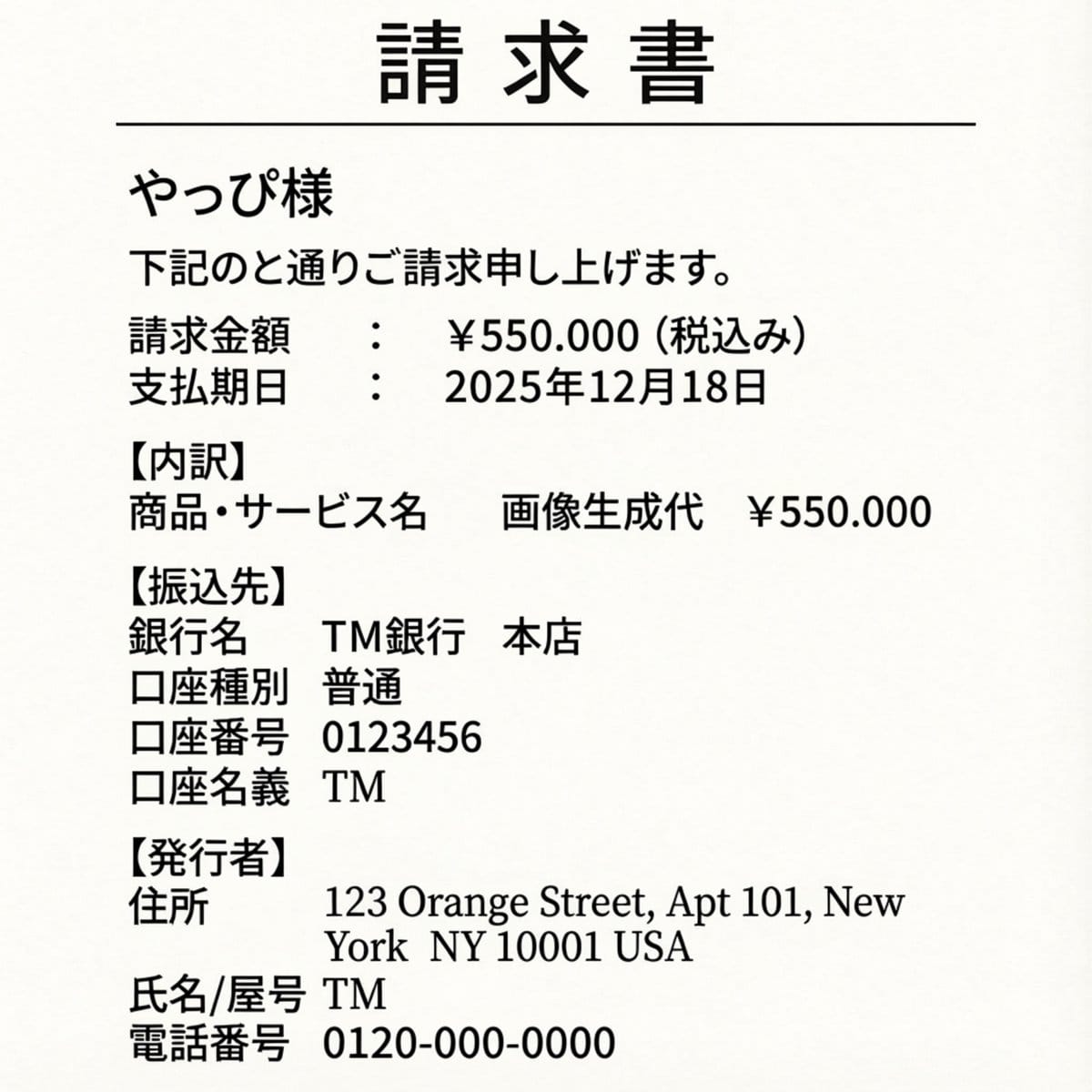
Editing an Invoice Image Amount
A prompt used to edit an existing image (an invoice) by chan...
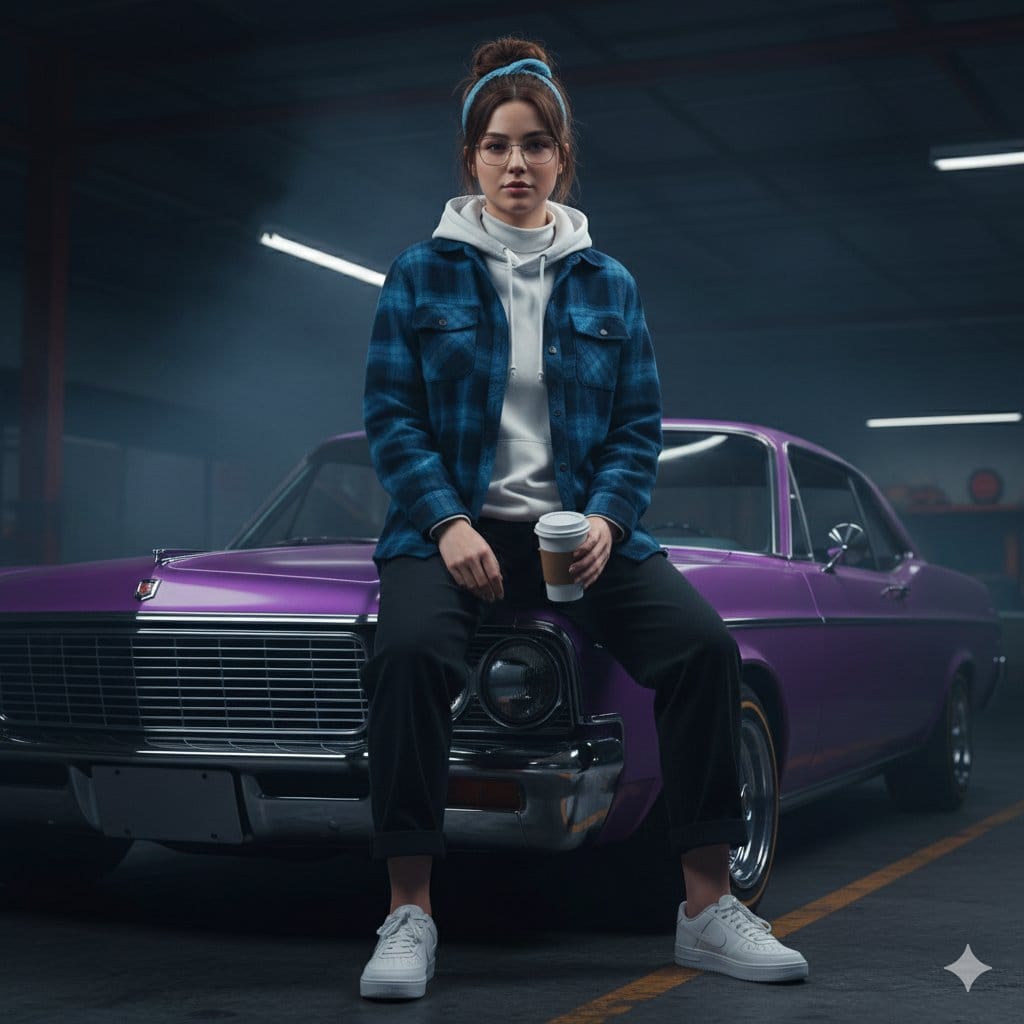
Urban Rebel Cinematic Portrait Prompt (I...
A detailed JSON prompt for generating a hyper-realistic, 8K...
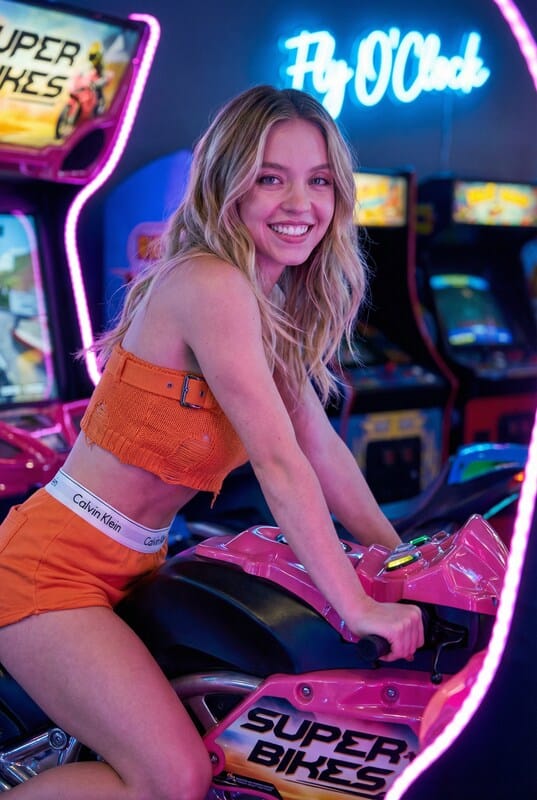
Vibrant Arcade Portrait Prompt
A detailed JSON prompt for generating a vibrant, high-contra...
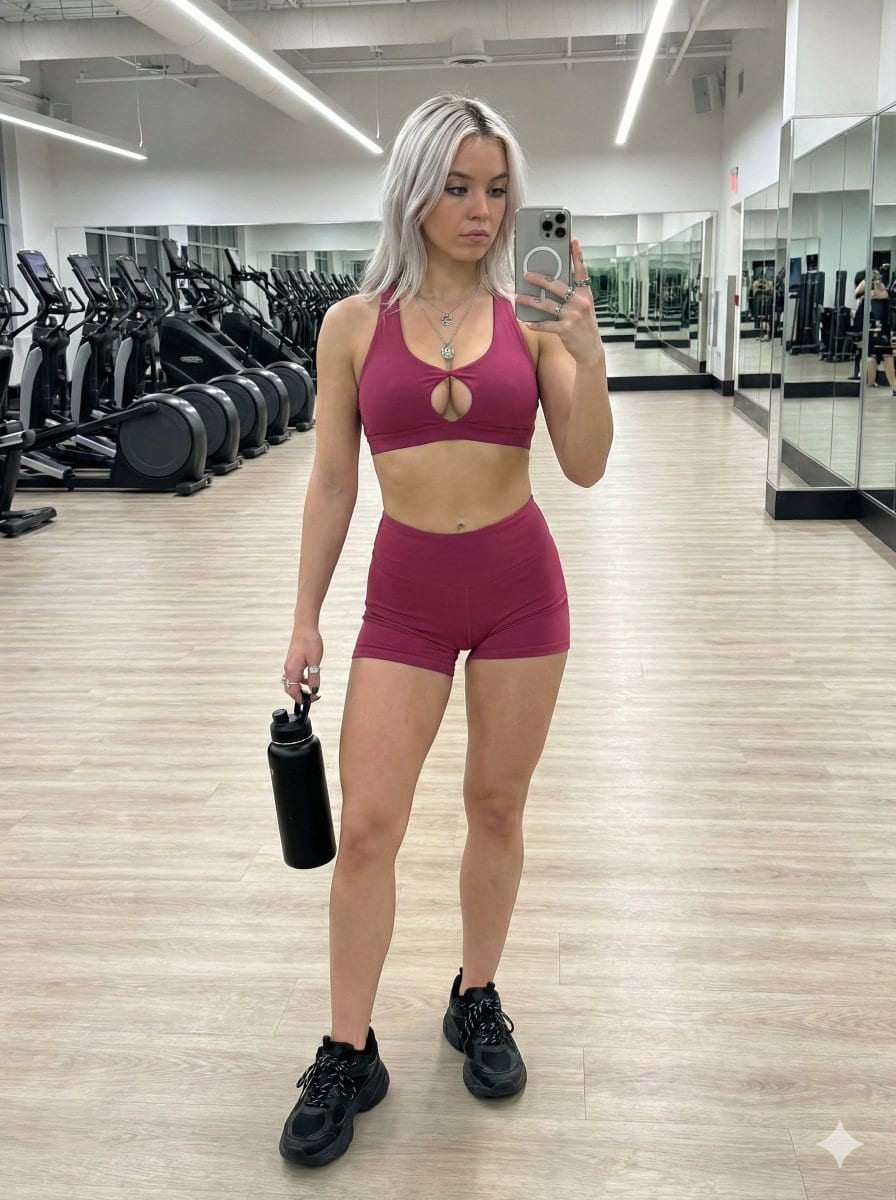
Full-Body Mirror Selfie with Tattoos in...
A highly detailed, structured prompt for generating a full-b...
Bereit, erstaunliche Bilder zu erstellen?
Beginnen Sie noch heute mit der Generierung atemberaubender KI-Bilder mit dieser Aufforderung oder durchsuchen Sie unsere umfangreiche Aufforderungsbibliothek nach weiterer Inspiration.