
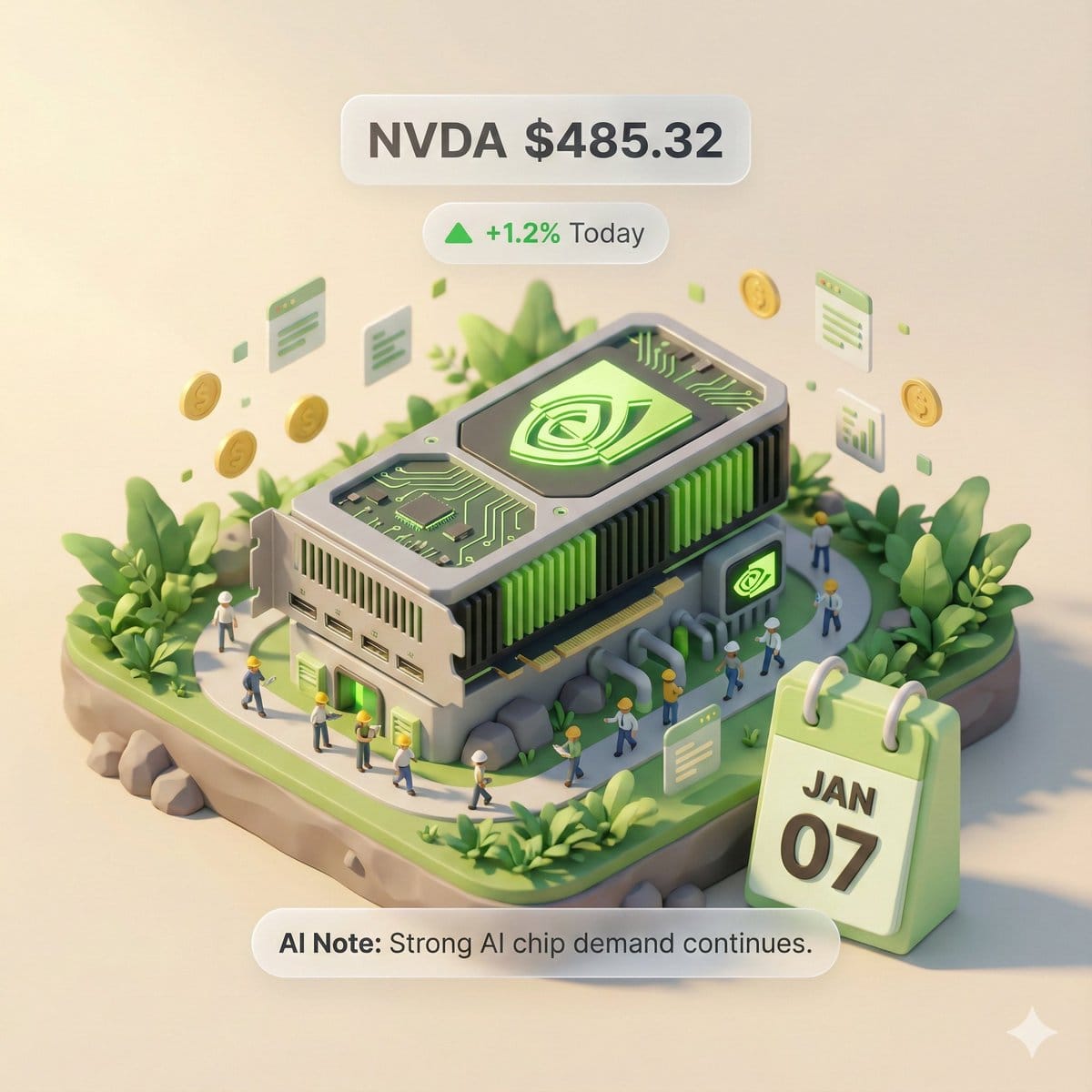
This prompt is optimized for Nano-banana-pro model
Autonomous Financial Artist Prompt for 3D Stock Visualization
A complex, multi-step LLM prompt designed for a hypothetical 'Autonomous Financial Artist' tool (Banana Prompt). The prompt instructs the AI to first retrieve real-time stock data (price, change, reason) for a user-specified stock code, and then compile a
Pro Tip:
This realistic style prompt has been tested and optimized for best results. You can modify it slightly to customize the output while keeping the core structure intact.
常见问题
关于realistic style提示词,你想知道的一切
只需点击上面的“AI生成”按钮,即可跳转到我们的AI图像生成器,并且这个Realistic Style提示词已自动填好。你可以进一步自定义或直接生成图像。我们的AI会解读提示词,并根据你的描述创建出令人惊叹的realistic视觉效果。
当然可以!随意复制并定制这个提示词,以实现你的创作构想。对于realistic艺术作品,尝试添加风格、光照、构图或情绪等细节。你的描述越具体,AI就越能理解你的创意。浏览我们的realistic提示词合集,学习更多技巧。
这个realistic提示词适用于大多数现代AI图像生成器,包括Nano Banana、Flux和GPT-Image。不同的模型各有专长——Nano Banana擅长realistic风格,而Flux则能生成逼真的照片级效果。
优秀的realistic提示词通常包含:具体的主题细节、艺术风格参考、光照条件(如柔光、戏剧性阴影)、色彩搭配、情绪/氛围以及技术规格(如4K、细节丰富、高清)。研究我们的示例提示词,可以学到有效的模式。
是的!我们库中的所有提示词,无论是个人还是商业用途,都完全免费。你可以随意复制、修改,并创作出色的realistic艺术作品,没有任何限制。
探索我们合辑中这些类似的realistic提示词:

Wide quote card with portrait and Chines...
A prompt for generating a wide quote card featuring a famous...

Premium liquid glass Bento grid product...
Create an Infographics with bento grid 8 module layout, user...

Hand-drawn style header image prompt fro...
Prompt for a hand-drawn style header image of a person intro...

Watercolor map of Germany with labeled s...
A German prompt to generate a watercolor-style map of German...