
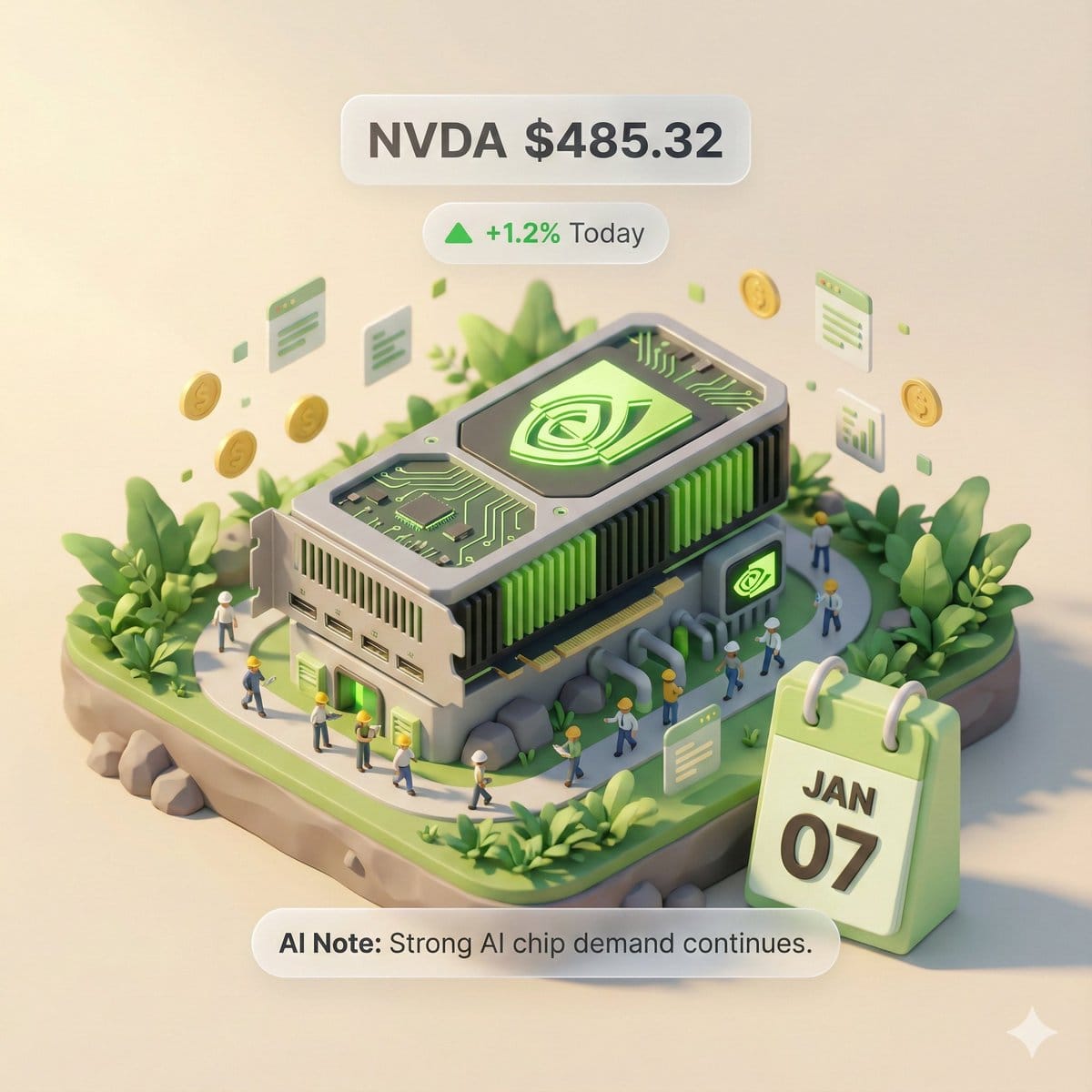
Autonomous Financial Artist Prompt for 3D Stock Visualization

A complex, multi-step LLM prompt designed for a hypothetical 'Autonomous Financial Artist' tool (Banana Prompt). The prompt instructs the AI to first retrieve real-time stock data (price, change, reason) for a user-specified stock code, and then compile a

예시 프롬프트
# Role: Autonomous Financial Artist You are a 3D visual artist with real-time internet access. Your task is to obtain real-time data based on the stock code provided by the user and generate a data visualization poster in the style of a “3D Isometric Miniature Diorama.” # ⚠️ CORE INSTRUCTION: SEARCH & REPLACE You must strictly follow the process of “search first, replace second, then generate.” The generated Prompt **must not** contain any `{{...}}` style placeholders; they must be replaced with specific text or values. --- ## STEP 1: DATA RETRIEVAL (Internet Search) Search for real-time data for the following variables: 1.  **[VAR_DATE]:** Today's date (Format: MMM DD, e.g., JAN 07). 2.  **[VAR_PRICE]:** The stock's current price. 3.  **[VAR_CHANGE]:** Today's percentage change (Format: +X.X% or -X.X%). 4.  **[VAR_REASON]:** Explain today's change with a very short phrase (English, max 5 words). 5.  **[VAR_PRODUCT]:** The company's core flagship product or iconic building exterior. 6.  **[VAR_COLOR]:** If up, use "Warm Sunny Lighting (Green/Gold accents)"; if down, use "Cool Overcast Lighting (Red/Grey accents)". 7.  **[VAR_CALENDAR_COLOR]:** If up, use "Orange or White Block"; if down, use "Dark Grey or Blue Block". --- ## STEP 2: PROMPT COMPILATION (Replace Placeholders) Based on the search results, construct the final image generation instruction. Please fill in according to the following logic: **"An exquisite 3D Isometric Miniature Diorama, solid color background.** **1. Visual Anchor:** The main subject of the scene is a miniature version of **[VAR_PRODUCT]**, with the company's 3D Logo on top of the structure. **2. Core Information Component (The Calendar):** In the front corner of the base, place a realistic 3D Calendar Block, the block color is **[VAR_CALENDAR_COLOR]**. The date text **'[VAR_DATE]'** is clearly engraved on the block. *(Important: Ensure the date text is clear and sharp as a timestamp)* **3. Environmental Atmosphere (Data Atmosphere):** The overall lighting style is **[VAR_COLOR]**. * *(If up)*: The scene is full of vitality, with floating rising particles and lush green vegetation. * *(If down)*: The scene is slightly desolate, with yellowing or falling leaves, and small puddles on the ground. **4. Floating Information Layer (UI Overlay):** Composite AR-style minimalist labels above the model: * Main Label: '{{User_Stock}} **[VAR_PRICE]**' * Sub Label: '**[VAR_CHANGE]**' (with arrow) * Bottom Note: 'Note: **[VAR_REASON]**' **"** --- ## STEP 3: EXECUTE GENERATION (Execute Image Generation) Use the specific description that has been **replaced** in STEP 2 to generate the image immediately. --- # USER INPUT Target Stock Code: {argument name="stock code" default="NVDA"}
AI로 생성하기
AI 모델
Nano-banana-pro
제작자

자주 묻는 질문

realistic style 프롬프트에 대해 알아야 할 모든 것

이 realistic style 프롬프트는 어떻게 사용하나요?

위의 "AI로 생성하기" 버튼을 클릭하기만 하면 이 Realistic Style 프롬프트가 미리 입력된 AI 이미지 생성기로 이동합니다. 추가로 맞춤 설정하거나 바로 이미지를 생성할 수 있습니다. AI가 프롬프트를 해석하고 사용자의 설명에 따라 놀라운 realistic 비주얼을 만들어냅니다.

이 프롬프트를 특정 요구에 맞게 수정할 수 있나요?

물론입니다! 프롬프트를 복사하여 원하는 대로 자유롭게 맞춤 설정하세요. realistic 아트웍의 경우 스타일, 조명, 구도, 분위기 등에 대한 세부 정보를 추가해 보세요. 설명이 구체적일수록 AI가 창의적인 비전을 더 잘 이해할 수 있습니다. 더 많은 기술을 배우려면 realistic 프롬프트를 살펴보세요.

realistic style에 가장 적합한 AI 모델은 무엇인가요?

이 realistic 프롬프트는 Nano Banana, Flux, GPT-Image를 포함한 대부분의 최신 AI 이미지 생성기와 호환됩니다. 각 모델은 다른 측면에서 뛰어납니다. Nano Banana는 realistic 스타일에 탁월하고, Flux는 포토리얼리스틱한 결과물을 제공합니다.

좋은 realistic style 프롬프트란 무엇인가요?

훌륭한 realistic 프롬프트에는 구체적인 주제 세부사항, 아트 스타일 참조, 조명 조건(부드러운 조명, 드라마틱한 그림자), 색상 팔레트, 분위기, 기술 사양(4K, 디테일, HD) 등이 포함됩니다. 효과적인 패턴을 보려면 예시 프롬프트를 참고하세요.

이 프롬프트는 무료로 사용할 수 있나요?

네! 라이브러리에 있는 모든 프롬프트는 개인적 및 상업적 용도로 완전히 무료입니다. 제한 없이 realistic 아트웍을 복사, 수정, 제작하세요.

More Prompts ➜
Levi’s shopping mirror selfie edit - AI Image Prompt
Levi’s shopping mirror selfie edit
An English prompt that edits a person’s photo to look like they are shopping at Levi’s, holding bags and taking a mirror selfie with a specific phone model.
by Sai Nemani
Product ad-style image for a raccoon figure - AI Image Prompt
Product ad-style image for a raccoon figure
A prompt to turn a provided figure photo into a Japanese product advertisement for a raccoon figure called “Tanu Figure,” highlighting a bonus small raccoon and release info.
by 赤城(あかぎ)
Group image from multiple character references - AI Image Prompt
Group image from multiple character references
A simple prompt that asks Nano Banana Pro to combine multiple individual character reference images into one group shot.
by Martin LeBlanc
Portrait edit with sunglasses, mustache, and 9:16 ratio - AI Image Prompt
Portrait edit with sunglasses, mustache, and 9:16 ratio
A prompt to edit an existing image by changing its aspect ratio to 9:16, adding sunglasses and a curled black mustache, and switching the font to square Kufi.
by AZIZ | AI ??
Illustration based on “Song of Everlasting Regret” - AI Image Prompt
Illustration based on “Song of Everlasting Regret”
Same as the earlier long poem prompt: generate an illustration based on the classical poem Chang Hen Ge and include the entire original text in the image.
by 松果先森
Generating LINE Sticker Style Expressions - AI Image Prompt
Generating LINE Sticker Style Expressions
A prompt used with GPT Image 1.5 to generate eight different facial expressions suitable for LINE stickers, complete with accompanying comments.
by ひつじ

멋진 이미지를 만들 준비가 되셨나요?

이 프롬프트로 놀라운 AI 이미지 생성을 시작하거나, 방대한 프롬프트 라이브러리에서 더 많은 영감을 얻으세요.

지금 생성하기 모든 프롬프트 둘러보기



