Use this as a starting point and adjust it for your selected model.
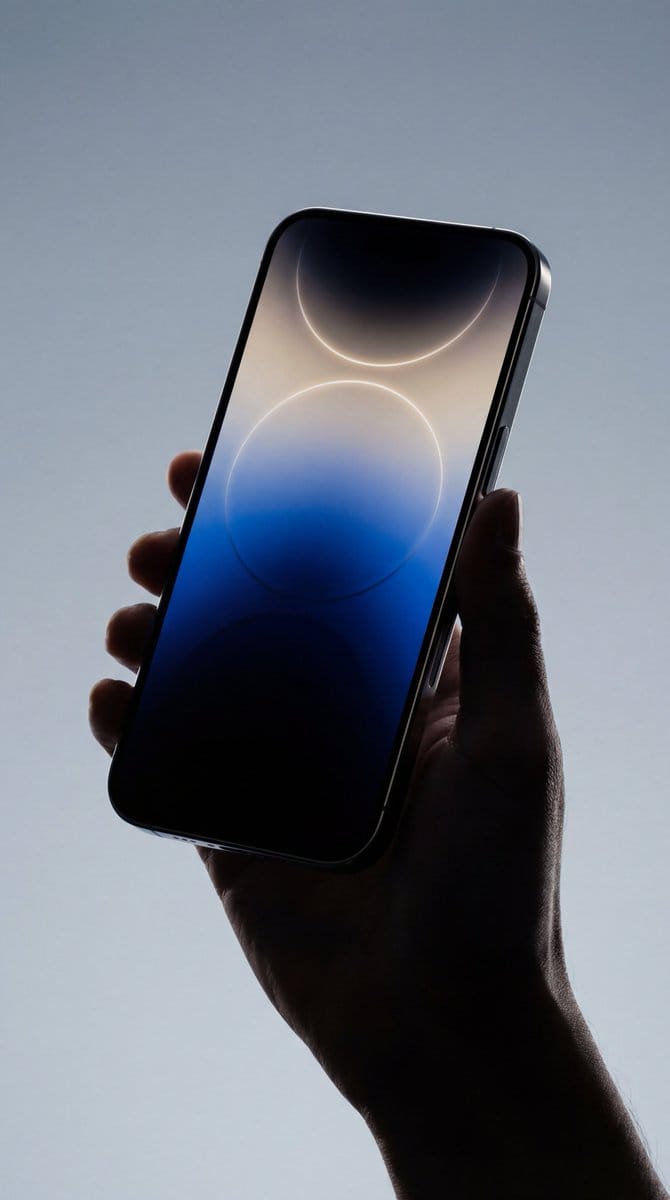
Macro Studio Shots of Apple Watch and iPhone 17
A dual prompt for Nano Banana Pro, designed to generate two separate, high-contrast, minimalistic studio product shots: one of an Apple Watch on a dark-skinned wrist, and one macro shot of an iPhone 17 being lifted by a hand. Both prompts emphasize specif
Pro Tip:
This ai art style prompt is a starting point. Change the subject, mood, lighting or composition to make the result fit your project.
Frequently Asked Questions
Everything you need to know about ai art style prompts
Simply click the "Generate with AI" button above, and you'll be taken to our AI image generator with this AI Art Style prompt pre-filled. You can customize it further or generate images directly. Our AI will interpret the prompt and create stunning ai art visuals based on your description.
Absolutely! Feel free to copy the prompt and customize it to match your vision. For ai art artwork, try adding details about style, lighting, composition, or mood. The more descriptive you are, the better the AI can understand your creative vision. Browse our ai art prompts to learn more techniques.
This ai art prompt works with most modern AI image generators including Nano Banana, Flux, and GPT-Image. Different models excel at different aspects - Nano Banana is great for ai art styles, while Flux offers photorealistic results.
Great ai art prompts include: specific subject details, art style references, lighting conditions (soft light, dramatic shadows), color palette, mood/atmosphere, and technical specs (4K, detailed, HD). Study our example prompts to see effective patterns.
You can copy and adapt prompts for exploration. Review the Terms of Service and applicable model terms before commercial use.
Explore these similar ai art prompts from our collection:
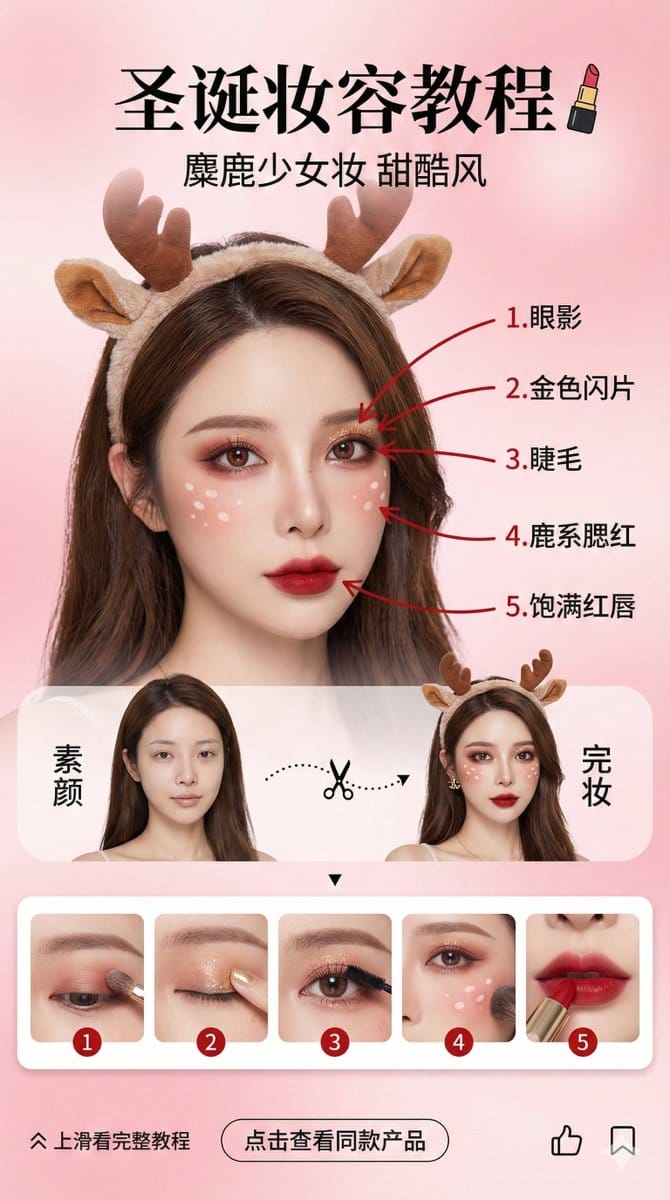
Beauty Vlogger Christmas Makeup Tutorial...
A highly specific prompt for generating a vertical social me...
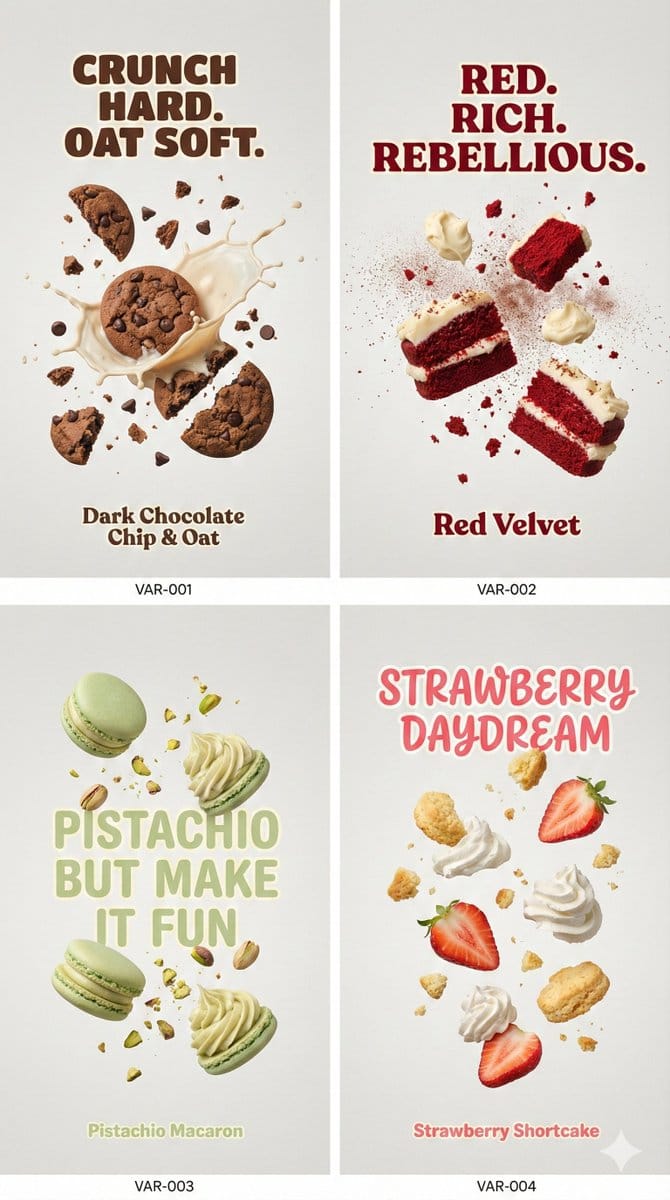
Cinematic Food Photography Prompt for Co...
A highly structured, cinematic production manifest prompt de...
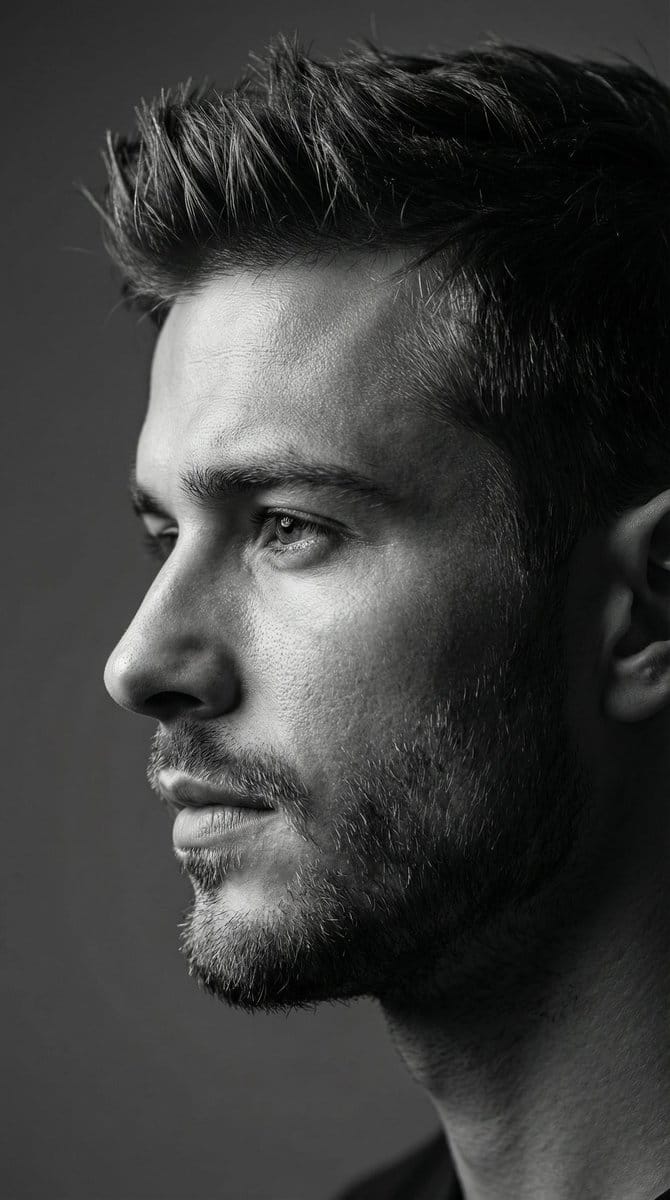
Dramatic Black and White Male Portrait
A prompt used with Nano Banana Pro via Somake_ai to generate...
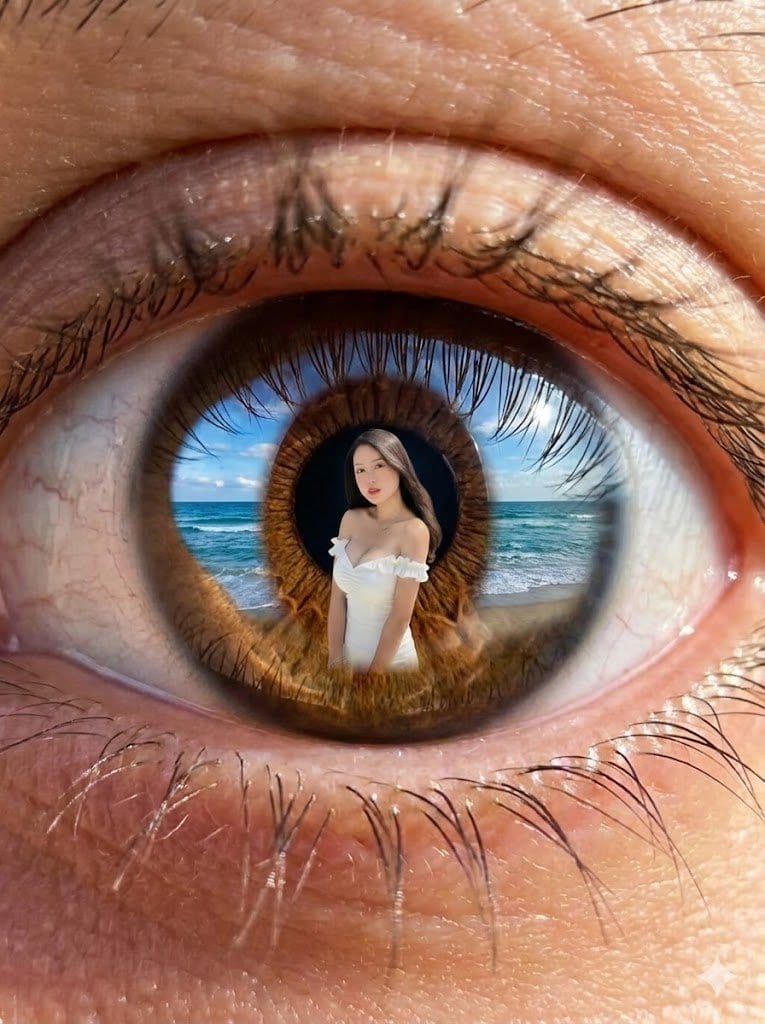
Reflection in Pupil Image Generation Pro...
A prompt instructing the AI to generate an image focusing on...
Ready to Create Amazing Images?
Start generating stunning AI images with this prompt or explore our extensive prompt library for more inspiration.