Use this as a starting point and adjust it for your selected model.
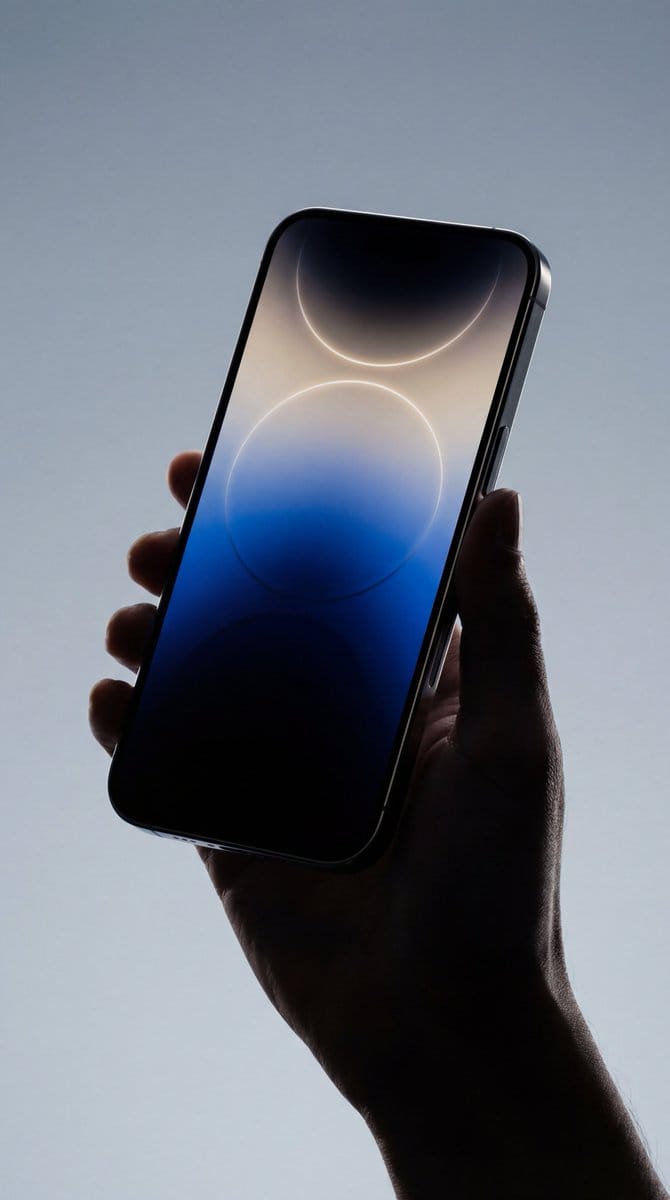
Macro Studio Shots of Apple Watch and iPhone 17
A dual prompt for Nano Banana Pro, designed to generate two separate, high-contrast, minimalistic studio product shots: one of an Apple Watch on a dark-skinned wrist, and one macro shot of an iPhone 17 being lifted by a hand. Both prompts emphasize specif
Pro Tip:
This ai art style prompt is a starting point. Change the subject, mood, lighting or composition to make the result fit your project.
Preguntas frecuentes
Todo lo que necesitas saber sobre indicaciones de ai art style
Simplemente haz clic en el botón "Generar con IA" arriba, y serás llevado a nuestro generador de imágenes con IA con esta indicación de AI Art Style pre-llenada. Puedes personalizarla más o generar imágenes directamente. Nuestra IA interpretará la indicación y creará impresionantes visuales de ai art basados en tu descripción.
¡Por supuesto! Siéntete libre de copiar la indicación y personalizarla para que coincida con tu visión. Para obras de arte de ai art, intenta añadir detalles sobre estilo, iluminación, composición o ambiente. Cuanto más descriptivo seas, mejor podrá la IA entender tu visión creativa. Explora nuestras indicaciones de ai art para aprender más técnicas.
Esta indicación de ai art funciona con la mayoría de los generadores de imágenes de IA modernos, incluyendo Nano Banana, Flux y GPT-Image. Diferentes modelos sobresalen en diferentes aspectos - Nano Banana es excelente para estilos ai art, mientras que Flux ofrece resultados fotorrealistas.
Las grandes indicaciones de ai art incluyen: detalles específicos del sujeto, referencias de estilo artístico, condiciones de iluminación (luz suave, sombras dramáticas), paleta de colores, ambiente/atmósfera y especificaciones técnicas (4K, detallado, HD). Estudia nuestras indicaciones de ejemplo para ver patrones efectivos.
¡Sí! Todas las indicaciones en nuestra biblioteca son completamente gratuitas para uso personal y comercial. Copia, modifica y crea increíbles obras de arte de ai art sin restricciones.
Explora estas indicaciones similares de ai art de nuestra colección:
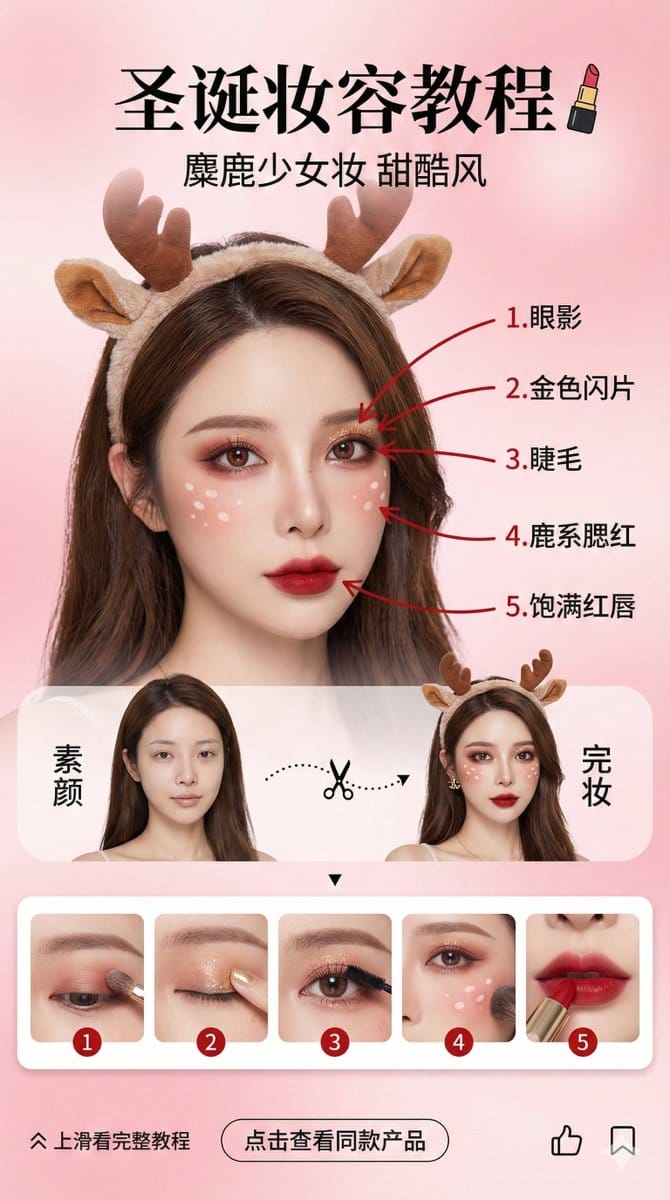
Beauty Vlogger Christmas Makeup Tutorial...
A highly specific prompt for generating a vertical social me...
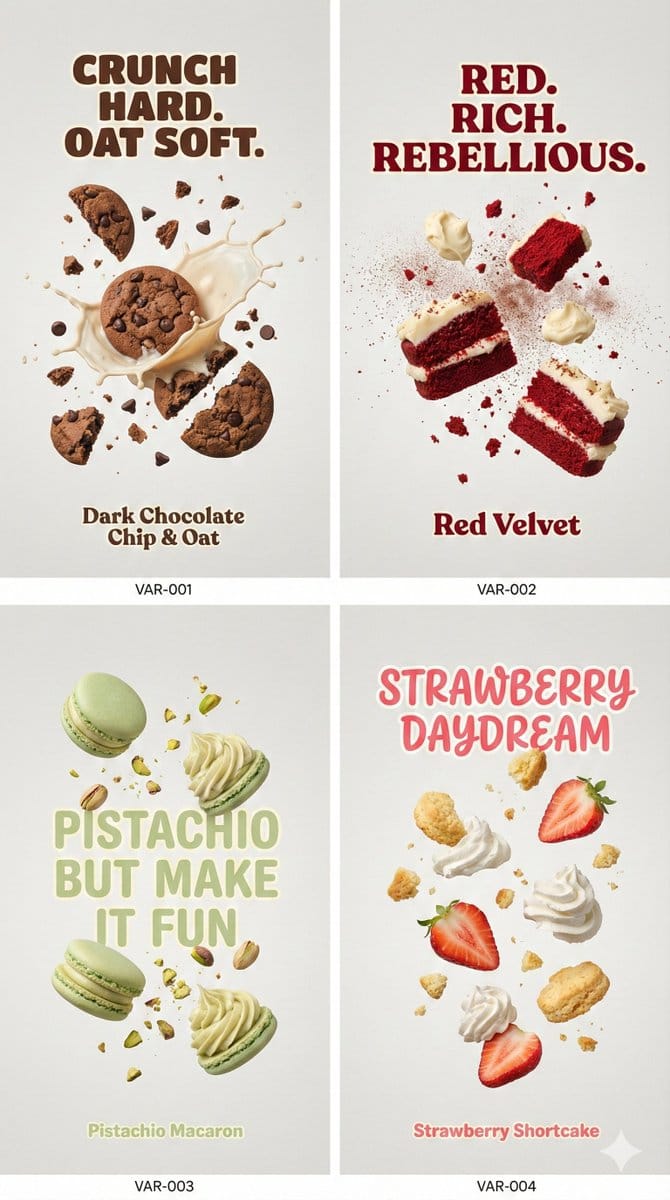
Cinematic Food Photography Prompt for Co...
A highly structured, cinematic production manifest prompt de...
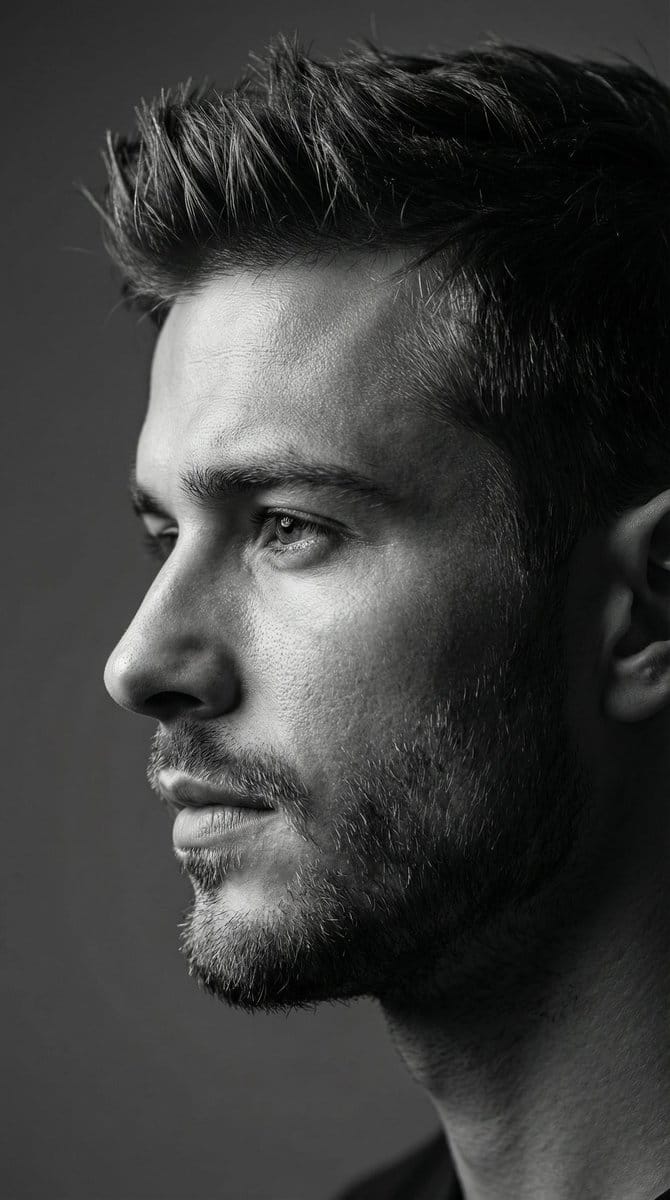
Dramatic Black and White Male Portrait
A prompt used with Nano Banana Pro via Somake_ai to generate...
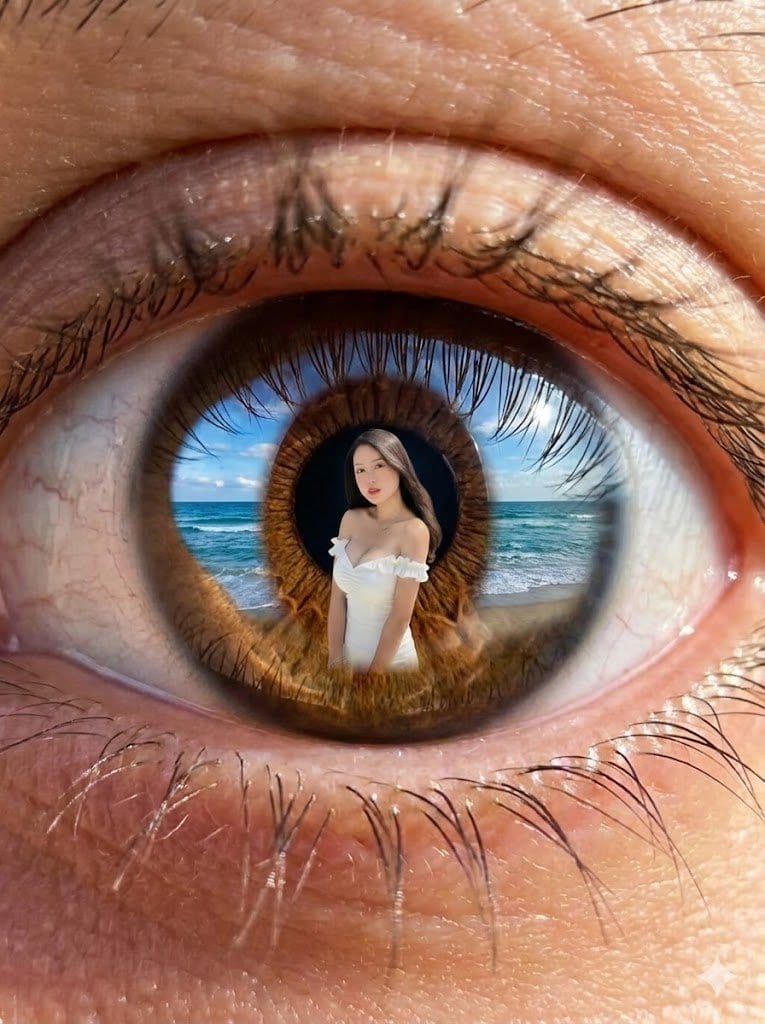
Reflection in Pupil Image Generation Pro...
A prompt instructing the AI to generate an image focusing on...
¿Listo para crear imágenes increíbles?
Empieza a generar impresionantes imágenes con IA usando esta indicación o explora nuestra extensa biblioteca de indicaciones para más inspiración.