
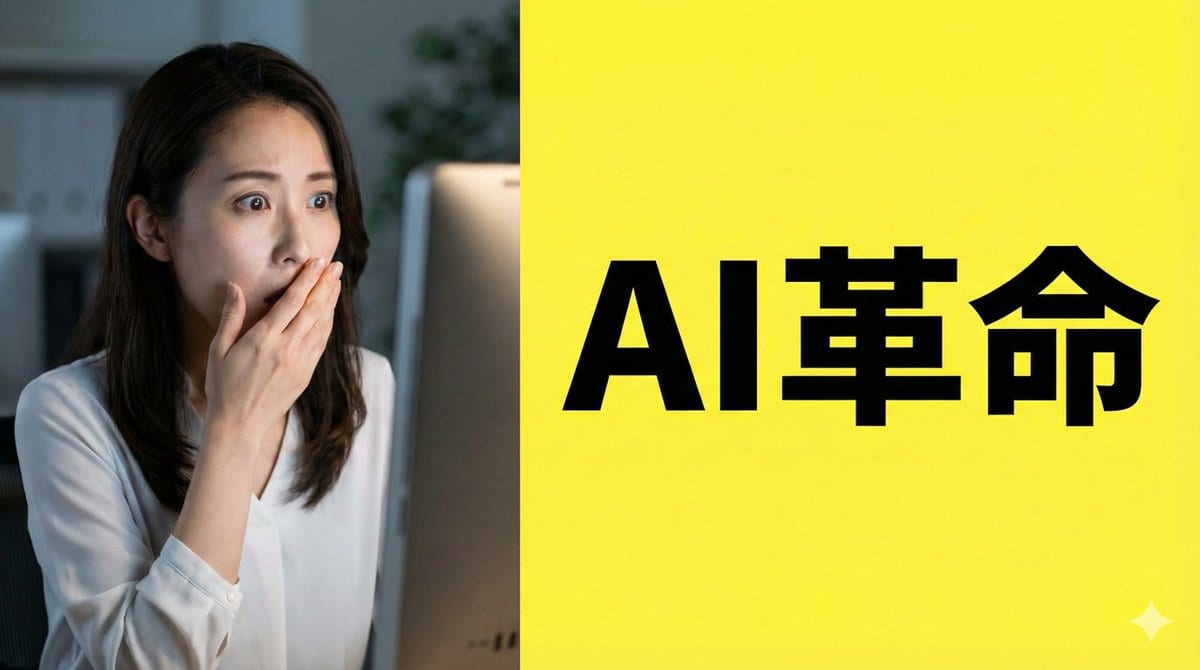
This prompt is optimized for Nano-banana-pro model
Nano Banana Pro Composition Techniques Prompts (3 Examples)
A tutorial-style tweet explaining three advanced composition techniques for Nano Banana Pro: 1) using 'Text Anchors' to force negative space for thumbnails/posters, 2) using 'Physical Camera Work Specification' (like wide-angle, low-angle) for dynamic sce
Pro Tip:
This ai art style prompt has been tested and optimized for best results. You can modify it slightly to customize the output while keeping the core structure intact.
常見問題
關於ai art style提示詞,你想知道的一切
只需點擊上面的「AI生成」按鈕,即可跳轉到我們的AI圖像生成器,並且這個AI Art Style提示詞已自動填好。你可以進一步自訂或直接生成圖像。我們的AI會解讀提示詞,並根據你的描述創建出令人驚嘆的ai art視覺效果。
當然可以!隨意複製並定製這個提示詞,以實現你的創作構想。對於ai art藝術作品,嘗試添加風格、光線、構圖或情緒等細節。你的描述越具體,AI就越能理解你的創意。瀏覽我們的ai art提示詞合集,學習更多技巧。
這個ai art提示詞適用於大多數現代AI圖像生成器,包括Nano Banana、Flux和GPT-Image。不同的模型各有專長——Nano Banana擅長ai art風格,而Flux則能生成逼真的照片級效果。
優秀的ai art提示詞通常包含:具體的主題細節、藝術風格參考、光線條件(如柔光、戲劇性陰影)、色彩搭配、情緒/氛圍以及技術規格(如4K、細節豐富、高清)。研究我們的範例提示詞,可以學到有效的模式。
是的!我們庫中的所有提示詞,無論是個人還是商業用途,都完全免費。你可以隨意複製、修改,並創作出色的ai art藝術作品,沒有限制。
探索我們合輯中這些類似的ai art提示詞:
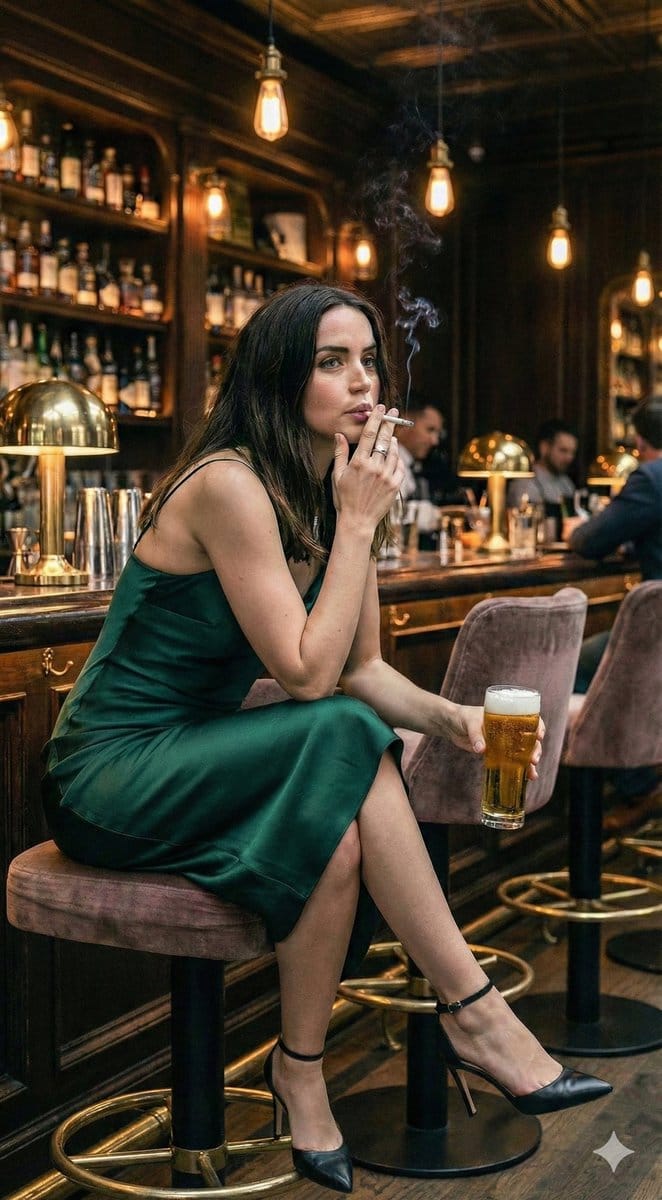
Contrastive Scene Generation: Ana de Arm...
A complex JSON prompt designed to generate two contrastive i...
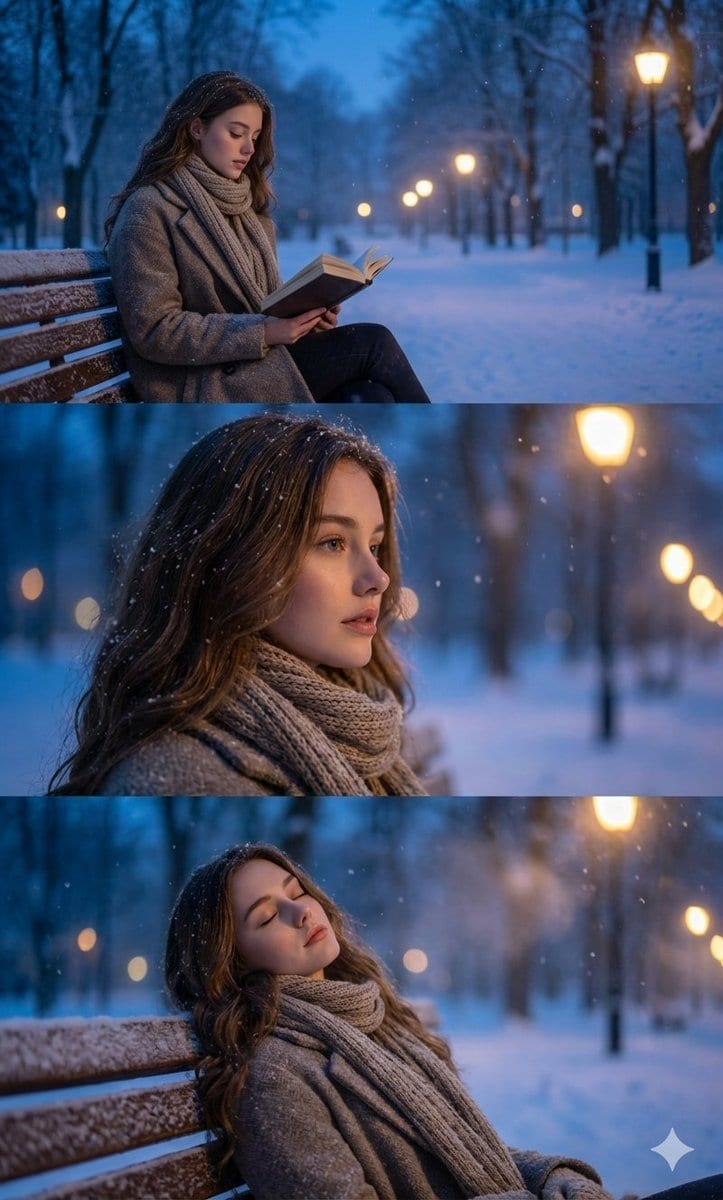
Ultra-Photorealistic Winter Portrait Seq...
A highly specific prompt instructing the model to maintain a...
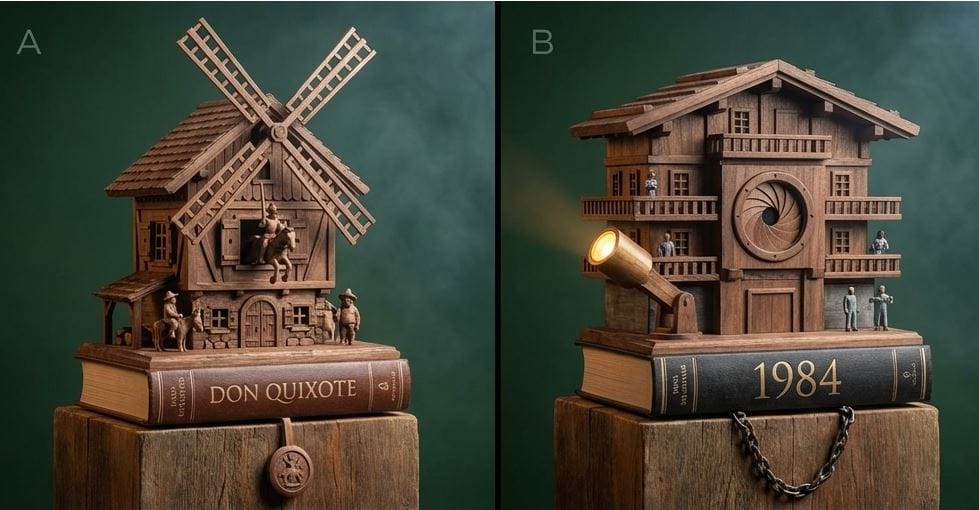
Cuckoo Clock Inspired Literary Mechanism...
A prompt for generating a photorealistic image of a complex,...
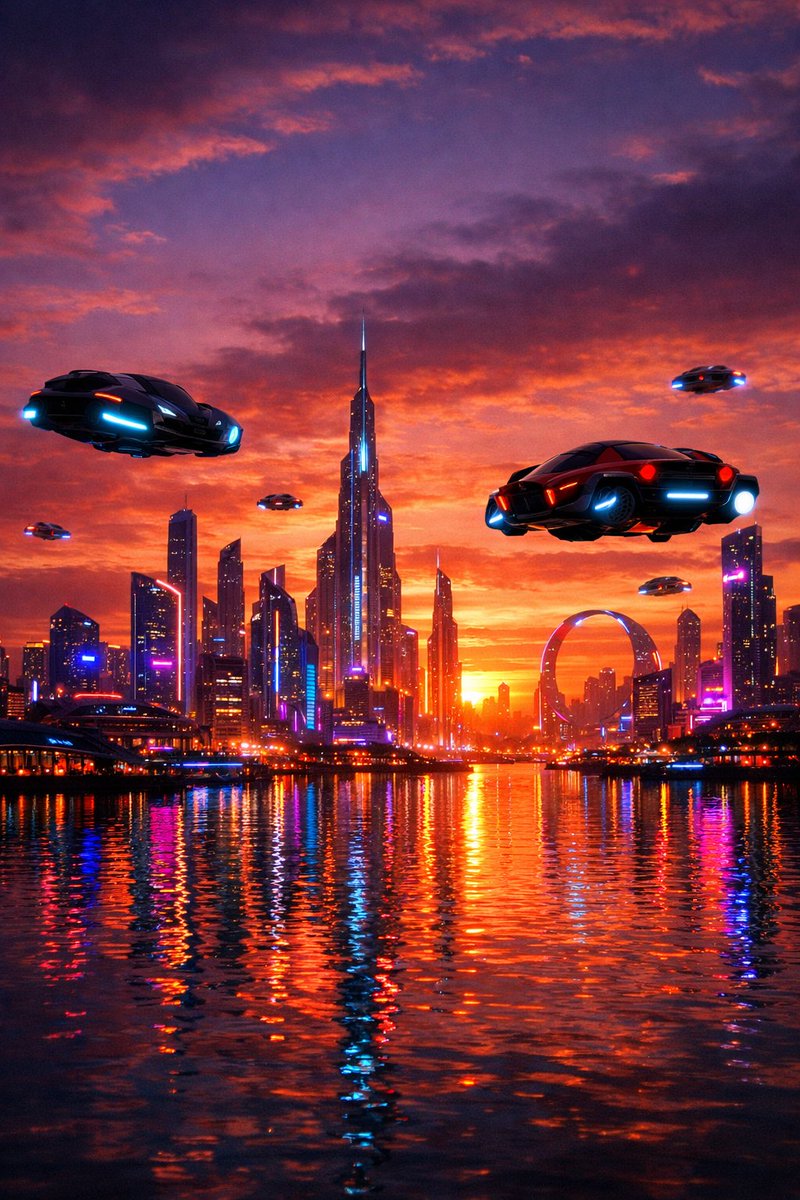
Futuristic City Skyline at Sunset Prompt
A straightforward prompt used for an initial test of the GPT...