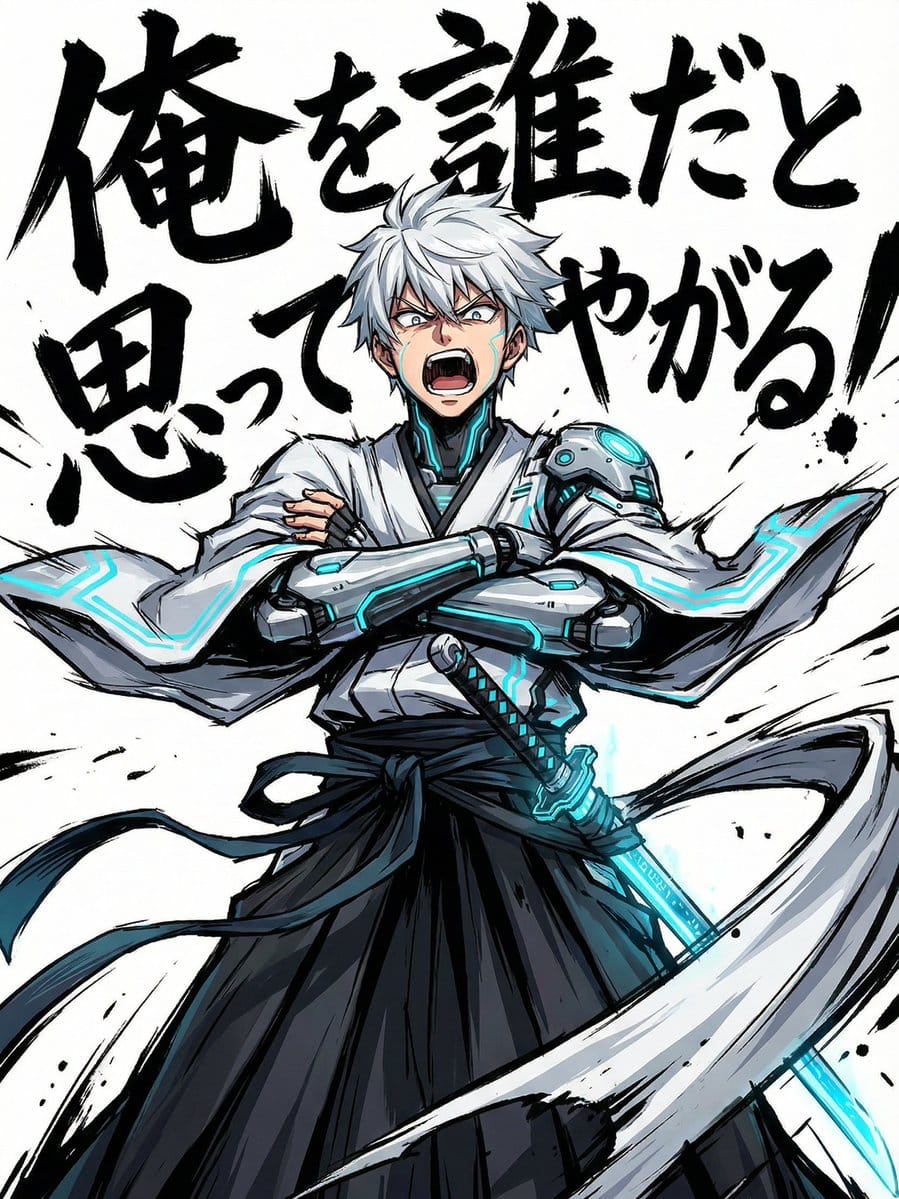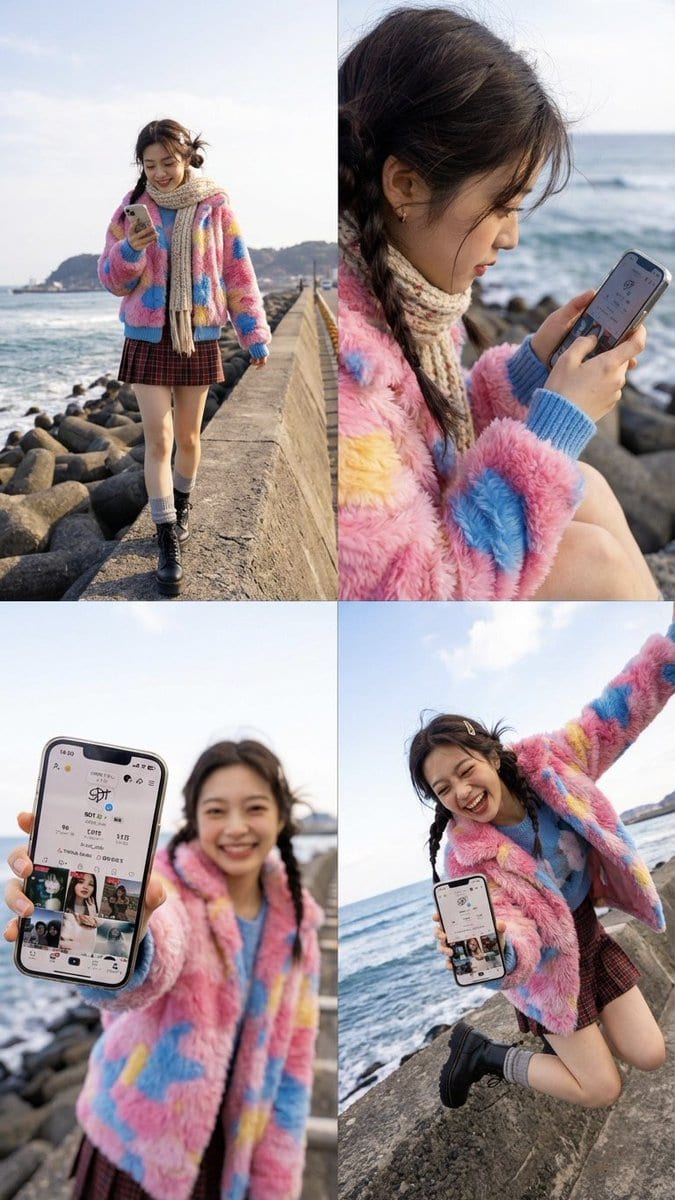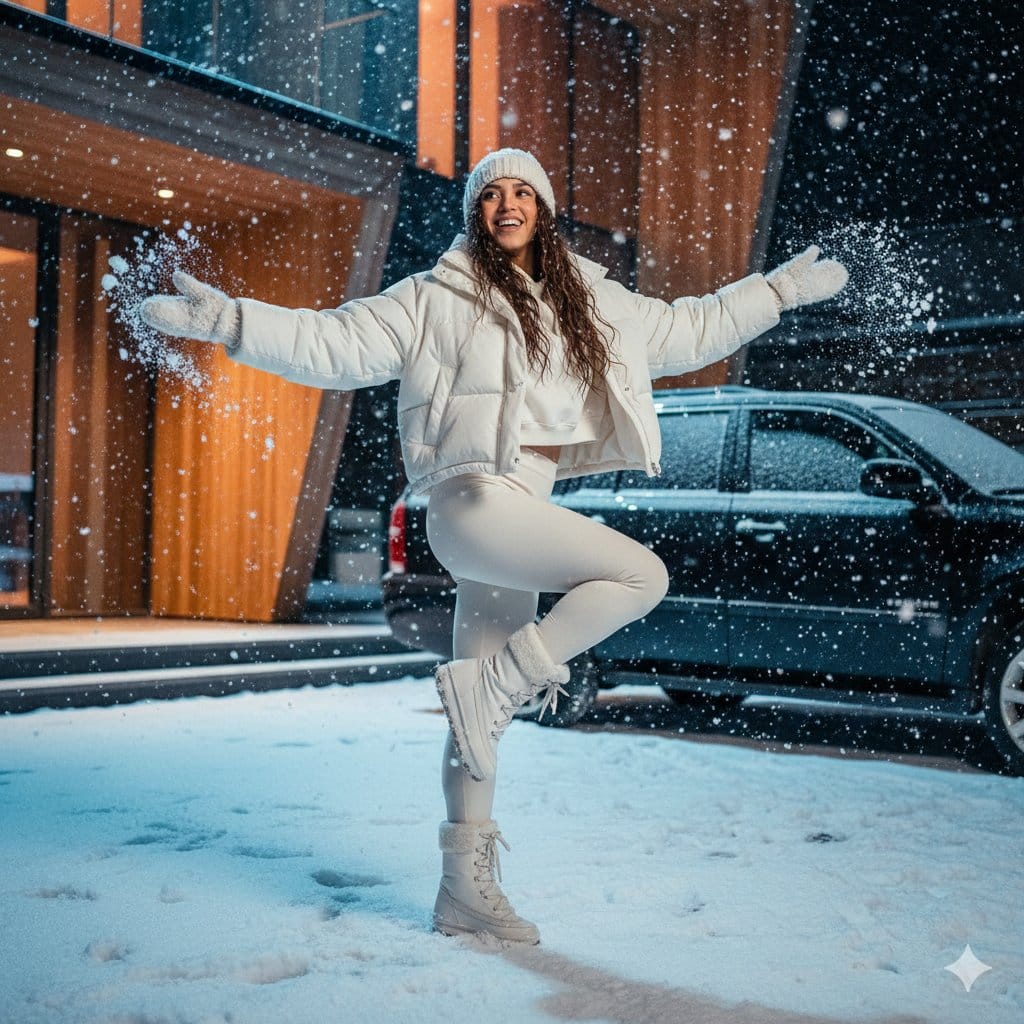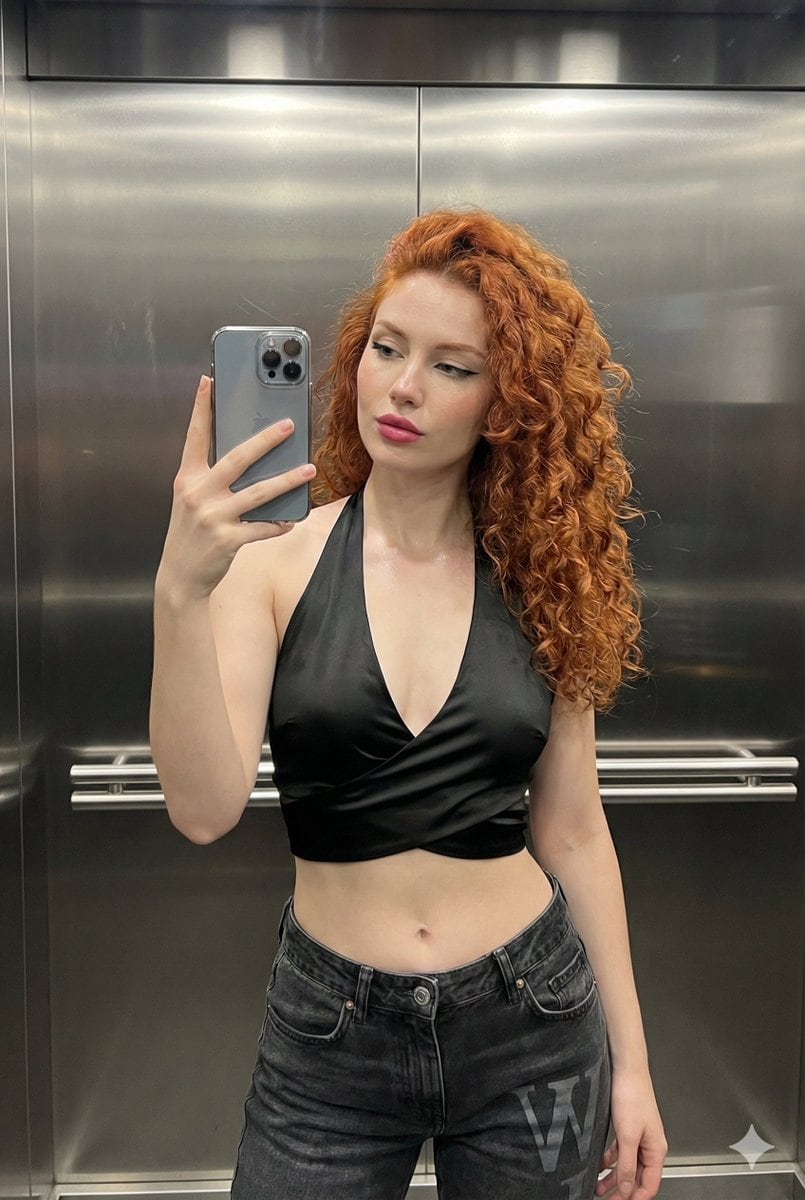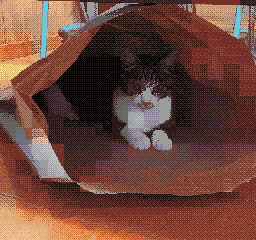
NES BG Dot Art Conversion Prompt - AI Generated AI Art Style Image
Generate Similar Image

This prompt is optimized for Nano-banana-pro model

NES BG Dot Art Conversion Prompt

An extremely detailed, multi-step LLM prompt designed to convert any image into a background (BG) dot art image strictly adhering to the technical specifications and constraints of the Nintendo Entertainment System (NES) hardware, including resolution, co

Example Prompt
[NES Final Specification/Complete Version: BG-Only Algorithm Execution Type Dot Art Conversion Prompt] Convert this image into BG dot art specifications for the Family Computer (NES) hardware, strictly executing the following mathematical and logical steps, without limiting the subject matter. The purpose of this prompt is to satisfy the constraints required for BG to function on actual NES hardware. Aesthetic-only NES-style expression is prohibited. Use only the BG layer; sprites are strictly prohibited. ──────────────────────── [Prerequisites (NES BG Implementation Rules)] ──────────────────────── - Output Resolution: 256 × 240 pixels - Layer Used: NES BG only - Sprite usage prohibited - Transparency processing is not performed - Index 0 of each palette is treated as the NES universal background color - Index 0 is common to all palettes - The color with the largest coverage area on the entire screen is assigned as the universal background color - Color number 0 can also be used as a normal drawing color ──────────────────────── [Step 1: Geometric Image Processing (Protagonist Priority, No Deformation Cropping)] ──────────────────────── 1. Set the conversion size to 256 × 240 pixels 2. Always maintain the aspect ratio of the original image - Scale up or down until the shorter side fits the conversion size - Stretching the image is strictly prohibited 3. Automatically detect the protagonist (person, animal, building, etc.) in the image, and adjust the crop position so that the protagonist is maximally contained within the frame 4. If the protagonist cannot be detected, crop based on the center of the screen ──────────────────────── [Step 2: Tile Decomposition and Attribute Block Definition (NES Compliant)] ──────────────────────── 1. Divide the image into 8×8 pixel tiles 2. Treat 2×2 tiles (16×16 pixels) as 1 attribute block 3. Subsequent palette constraints and color constraints must be applied per attribute block ──────────────────────── [Step 3: Attribute Block Unit Palette Clustering (Maximum 4)] ──────────────────────── 1. Analyze the color distribution within each 16×16 attribute block 2. Cluster all attribute blocks by color distribution similarity, classifying them into a maximum of 4 groups 3. If the hue (blue, green, etc.) is clearly different from other areas, treat it as an independent group whenever possible 4. However, the NES BG sub-palettes are limited to a maximum of 4. Prioritize the protagonist area, and areas of low importance may be integrated into similar colors ──────────────────────── [Step 4: NES BG Palette Generation (4 colors × 4 sets)] ──────────────────────── 1. Index 0 (Universal Background Color) - Calculate the color with the largest coverage area on the entire screen, and assign it to Index 0, common to all palettes 2. Index 1–3 (Unique Colors) - For each sub-palette, select 3 colors that represent the 'light part,' 'mid-tone,' and 'dark part' of that attribute group - Colors extremely close in hue or brightness to Index 0 are prohibited ──────────────────────── [NES Color Palette Constraints (Hardware Compliant, NTSC)] ──────────────────────── - Available colors are strictly limited to the 54 NES hardware-compliant NTSC palette colors listed below - Palette generation, color selection, and quantization must always be performed from this 54-color set - Generation of new colors, RGB interpolation, or use of continuous values is prohibited - The following color set contains exactly 54 colors NES NTSC usable palette (54 colors, hex RGB) 000000,1D2B53,7E2553,#008751,AB5236,5F574F, C2C3C7,FFF1E8,FF004D,FFA300,FFEC27,00E436, 29ADFF,83769C,FF77A8,FFCCAA,291814,111D35, 422136,125359,742F29,49333B,A28879,F3EF7D, BE2633,E06F8B,E0A872,B2DCEF,4F6781,8E478C, A3CE27,44891A,2A4F3E,6D758D,9D9D9D,FFFFFF, 4B692F,6A6A6A,8F563B,C2C3C7,DF7126,D95763, D77BBA,FBF236,99E550,6ABE30,37946E,5FCDE4, CBDBFC,ADB5BD,EEC39A,696A6A ──────────────────────── [Step 5: CHR Pattern Compression (BG 256 Tile Limit)] ──────────────────────── 1. Calculate the number of unique 8×8 tile patterns used across the entire image 2. Limit the number of unique tiles to not exceed 256 types 3. For large areas like backgrounds, sky, or walls, repeatedly use completely identical dot patterns to minimize the number of tile types 4. Tiles with slight differences may be integrated using the following methods: - Readjustment of dither placement - Replacement of intermediate colors - Requantization within the attribute block ──────────────────────── [Step 6: Dithering (NES 4-Color Constraint Support)] ──────────────────────── 1. Use only the 4 assigned colors within each attribute block 2. To express pseudo-gradation, apply the following dither
Generate with AI

Pro Tip:

This ai art style prompt has been tested and optimized for best results. You can modify it slightly to customize the output while keeping the core structure intact.

AI Model
Nano-banana-pro
Category
AI Art Style

Frequently Asked Questions

Everything you need to know about ai art style prompts

How do I use this ai art style prompt?

Simply click the "Generate with AI" button above, and you'll be taken to our AI image generator with this AI Art Style prompt pre-filled. You can customize it further or generate images directly. Our AI will interpret the prompt and create stunning ai art visuals based on your description.

Can I modify this prompt for my specific needs?

Absolutely! Feel free to copy the prompt and customize it to match your vision. For ai art artwork, try adding details about style, lighting, composition, or mood. The more descriptive you are, the better the AI can understand your creative vision. Browse our ai art prompts to learn more techniques.

What AI models work best for ai art style?

This ai art prompt works with most modern AI image generators including Nano Banana, Flux, and GPT-Image. Different models excel at different aspects - Nano Banana is great for ai art styles, while Flux offers photorealistic results.

What makes a good ai art style prompt?

Great ai art prompts include: specific subject details, art style references, lighting conditions (soft light, dramatic shadows), color palette, mood/atmosphere, and technical specs (4K, detailed, HD). Study our example prompts to see effective patterns.

Is this prompt free to use?

Yes! All prompts in our library are completely free for personal and commercial use. Copy, modify, and create amazing ai art artwork without any restrictions.

Explore More Prompts ➜

Get Inspired: Try These AI Prompts

Hand-picked AI prompts to spark your creativity. Click "Try It Now" to generate similar images instantly!

Wide quote card with portrait and Chinese/English customization - AI Generated Character Style Image Example
Wide quote card with portrait and Chinese/English customization
A prompt for generating a wide quote card featuring a famous person’s portrait, with a brown backgro...
by Nicolechan
Character Style
Prompt for Editorial Photo Shoot Model Posing in Street - AI Generated Realistic Style Image Example
Prompt for Editorial Photo Shoot Model Posing in Street
A Turkish user mentions using the prompt "editorial photo shoot model posing in street" and having t...
by Ender Mimtaş
Realistic Style
Times Square Time-Blend Split-Screen - AI Generated Realistic Style Image Example
Times Square Time-Blend Split-Screen
A detailed prompt template for generating a split-screen cinematic image that seamlessly blends two...
by K
Realistic Style
Cinematic poster with movie characters - AI Generated Character Style Image Example
Cinematic poster with movie characters
An English prompt asking for a beautiful cinematic poster containing characters from given movies, s...
by prvn ??
Character Style
Chalk drawing of an illustration on a classroom blackboard - AI Generated 3d Style Image Example
Chalk drawing of an illustration on a classroom blackboard
A prompt to render an illustration as a colorful chalk drawing on a Japanese classroom blackboard, v...
by とらの
3d Style
High-angle fashion portrait on marble staircase - AI Generated Character Style Image Example
High-angle fashion portrait on marble staircase
A detailed fashion portrait prompt for an Asian male model leaning on a marble staircase, preserving...
by ?arᎧon
Character Style

Want More Prompt Ideas?

Browse our extensive library of {count}+ AI prompts across multiple categories including anime, realistic, abstract, and more!

Browse All Prompts

Ready to Create Amazing Images?

Start generating stunning AI images with this prompt or explore our extensive prompt library for more inspiration.