
This prompt is optimized for Nano-banana-pro model
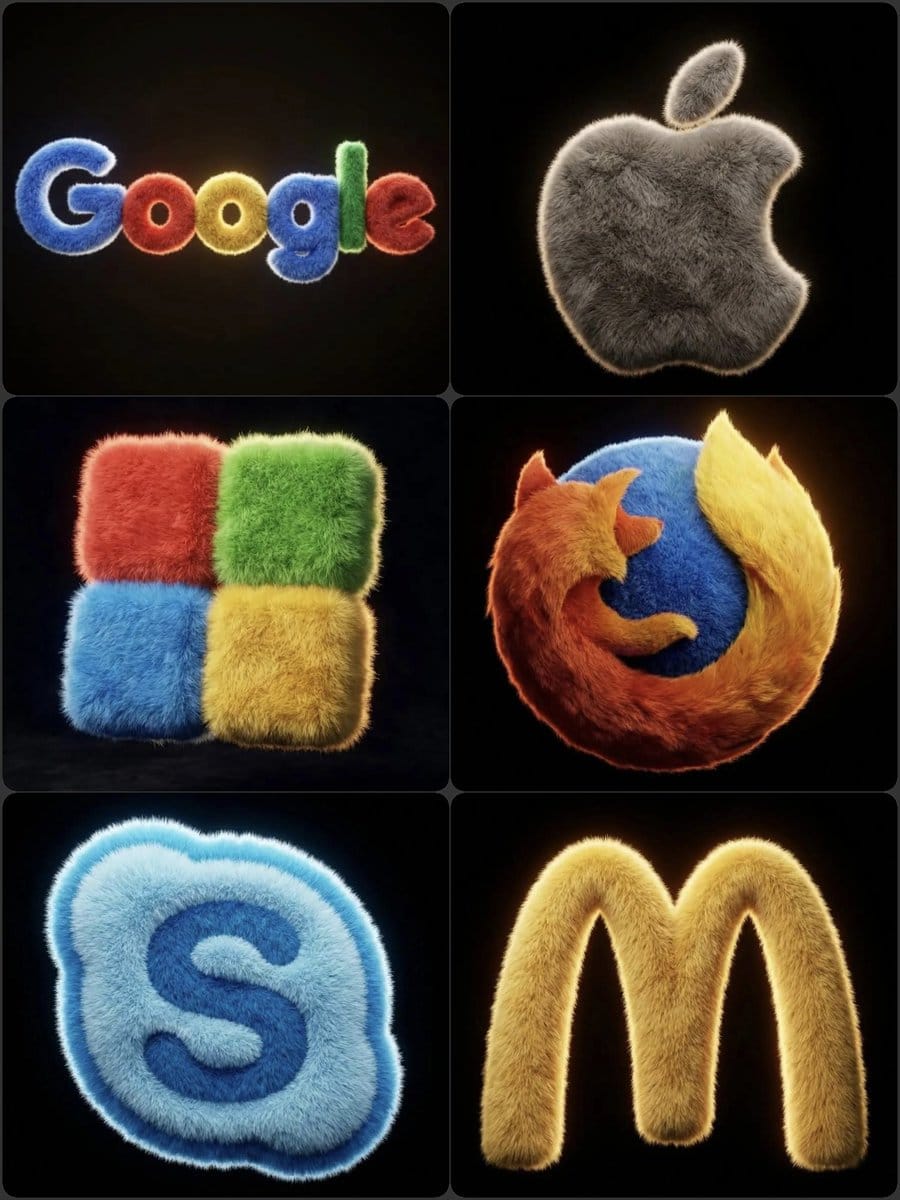
Hyper-realistic 3D fluffy logo transformation
A detailed image generation prompt for Nano Banana Pro designed to transform a standard brand logo into a hyper-realistic, 3D fluffy object. It specifies texture (soft fur, realistic hair), lighting (cinematic, subtle backlighting), and composition (float
Pro Tip:
This realistic style prompt has been tested and optimized for best results. You can modify it slightly to customize the output while keeping the core structure intact.
Frequently Asked Questions
Everything you need to know about realistic style prompts
Simply click the "Generate with AI" button above, and you'll be taken to our AI image generator with this Realistic Style prompt pre-filled. You can customize it further or generate images directly. Our AI will interpret the prompt and create stunning realistic visuals based on your description.
Absolutely! Feel free to copy the prompt and customize it to match your vision. For realistic artwork, try adding details about style, lighting, composition, or mood. The more descriptive you are, the better the AI can understand your creative vision. Browse our realistic prompts to learn more techniques.
This realistic prompt works with most modern AI image generators including Nano Banana, Flux, and GPT-Image. Different models excel at different aspects - Nano Banana is great for realistic styles, while Flux offers photorealistic results.
Great realistic prompts include: specific subject details, art style references, lighting conditions (soft light, dramatic shadows), color palette, mood/atmosphere, and technical specs (4K, detailed, HD). Study our example prompts to see effective patterns.
Yes! All prompts in our library are completely free for personal and commercial use. Copy, modify, and create amazing realistic artwork without any restrictions.
Explore these similar realistic prompts from our collection:

Wide quote card with portrait and Chines...
A prompt for generating a wide quote card featuring a famous...

Premium liquid glass Bento grid product...
Create an Infographics with bento grid 8 module layout, user...

Hand-drawn style header image prompt fro...
Prompt for a hand-drawn style header image of a person intro...

Watercolor map of Germany with labeled s...
A German prompt to generate a watercolor-style map of German...
Ready to Create Amazing Images?
Start generating stunning AI images with this prompt or explore our extensive prompt library for more inspiration.