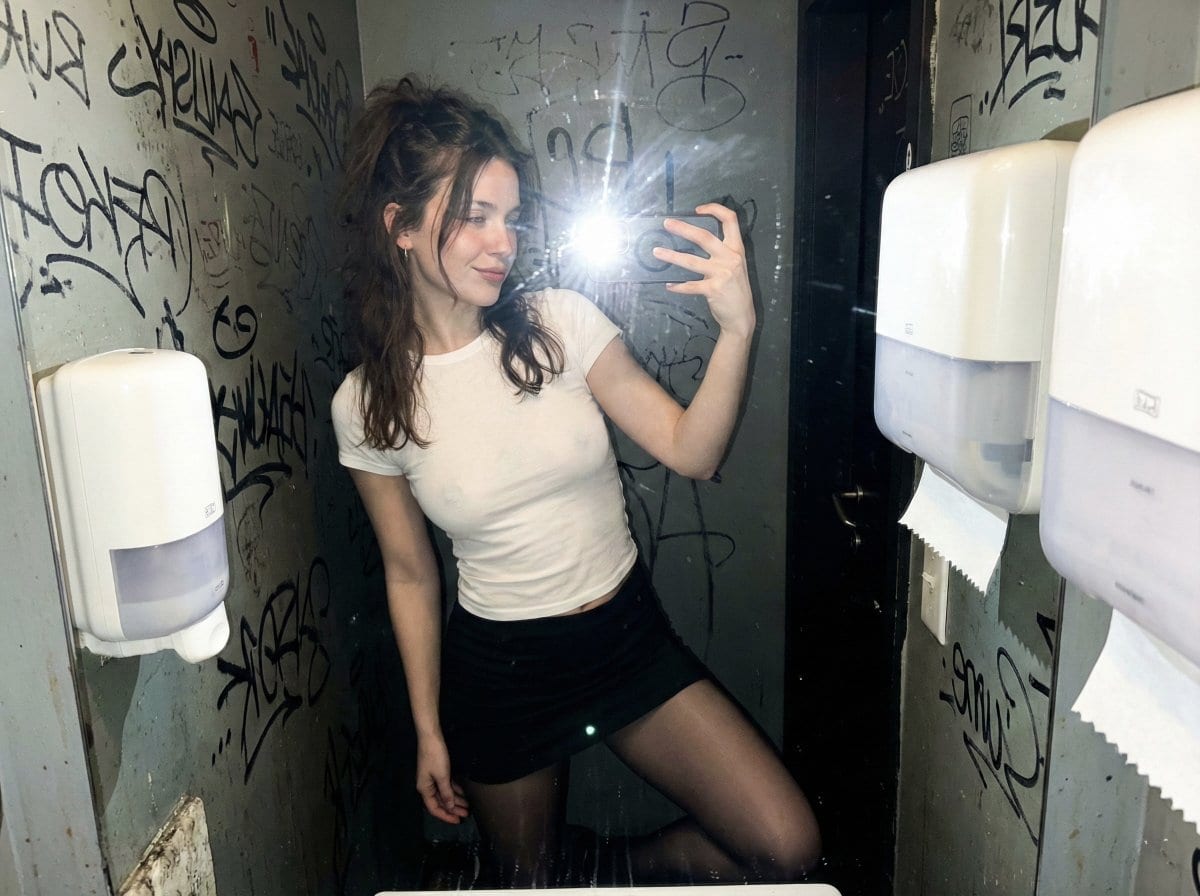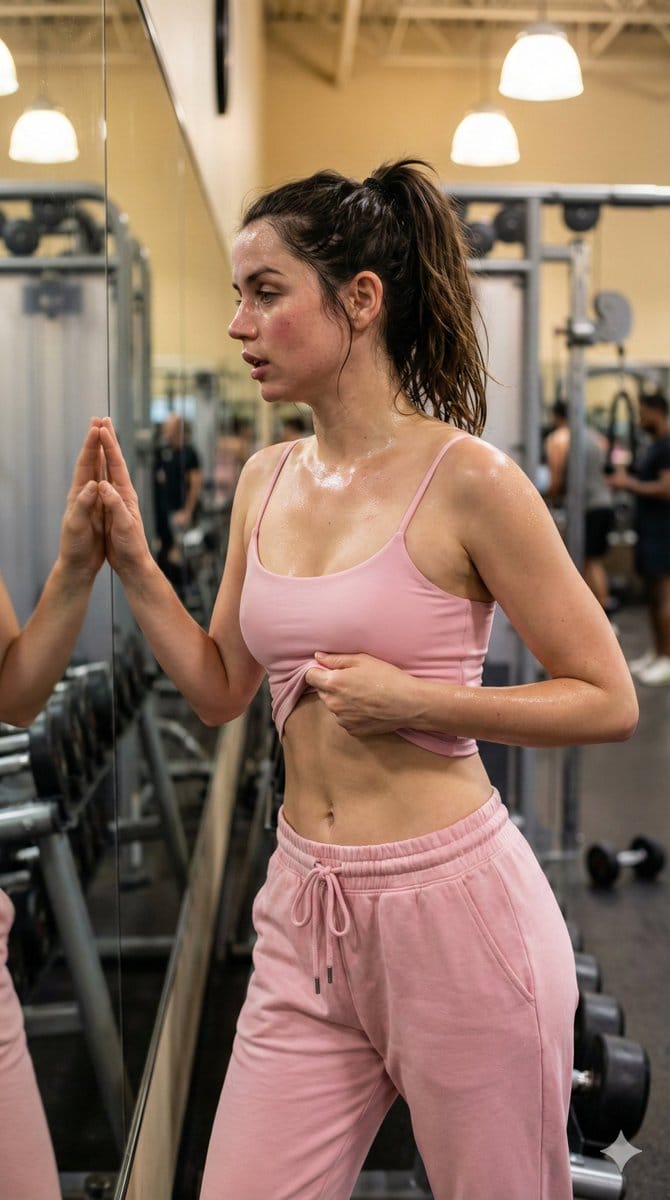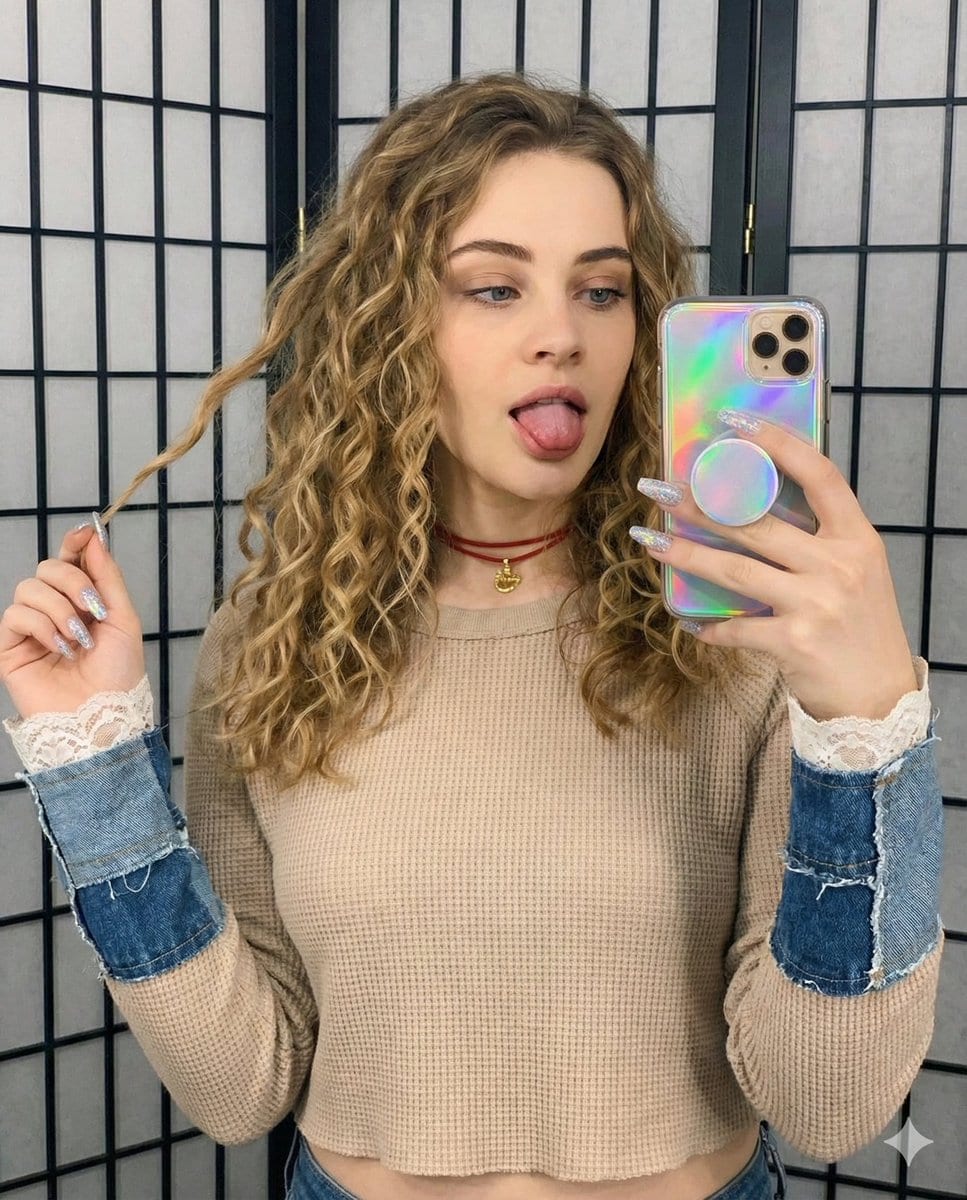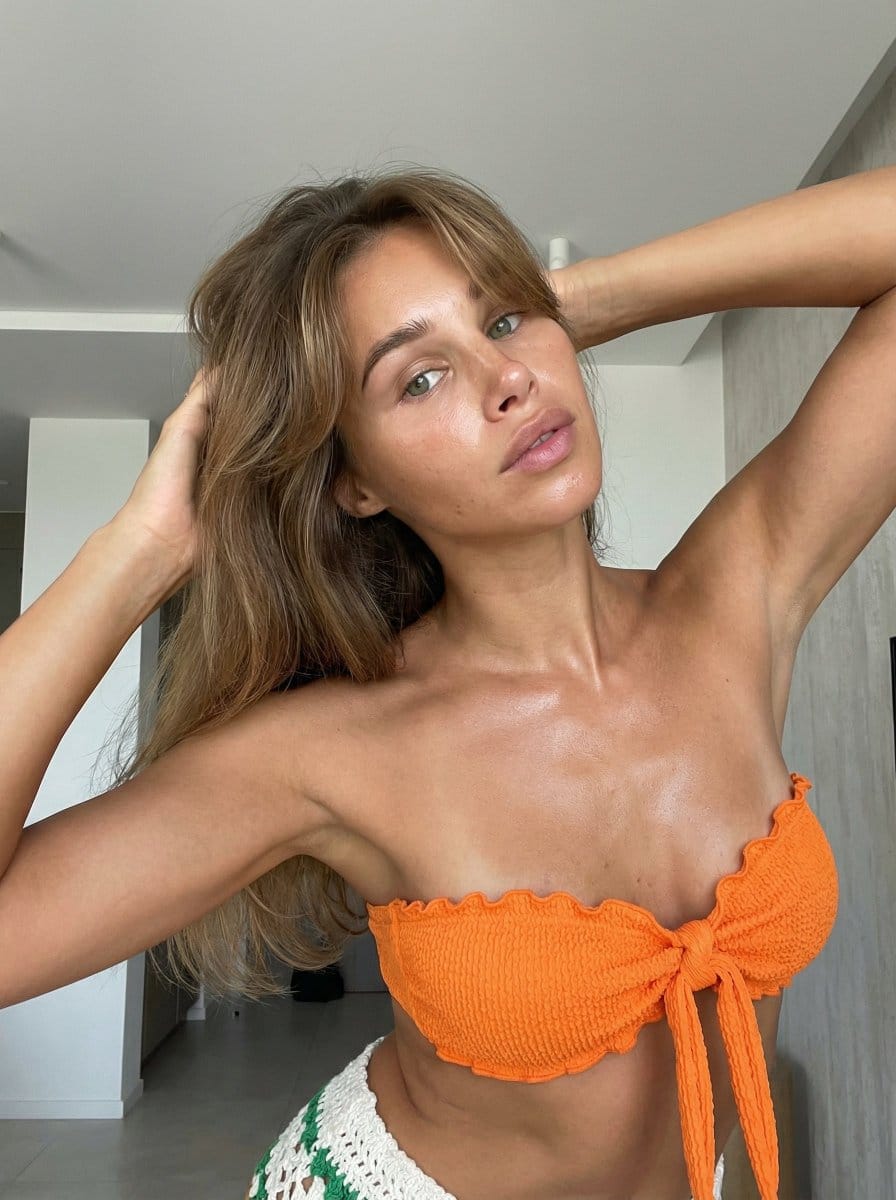
Anamorphic Graphite Sketch Illusion Prompt - AI Generated Realistic Style Image
Generate Similar Image

Use this as a starting point and adjust it for your selected model.

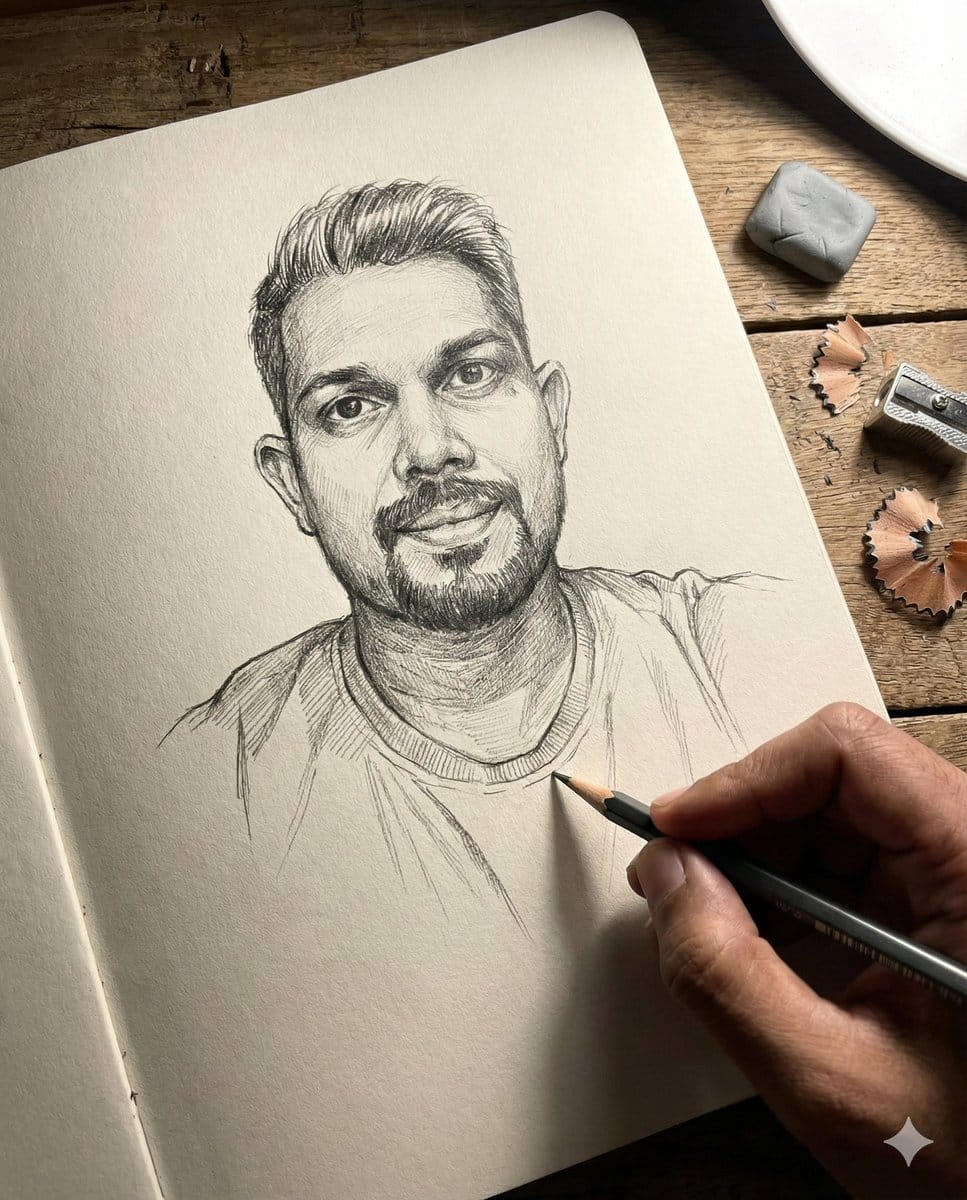
Anamorphic Graphite Sketch Illusion Prompt

A highly complex image generation prompt for Nano-Banana Pro, designed to create a photorealistic image of a graphite sketch that appears to be reaching out of the paper (anamorphic illusion). The prompt requires a reference image for the subject's identi

Example Prompt
{ "subject_core": { "demographics": "[STRICTLY FOLLOW REFERENCE IMAGE]: Age, gender, and ethnicity must match the uploaded source photo exactly. Rendered as a hyper-realistic graphite sketch.", "body_type": "Matches reference image physique, appearing to lean forward out of the 2D plane", "facial_features": "High-fidelity graphite translation of the reference face; shading emphasizes specific bone structure and unique traits from the source photo; eyes detailed with paper-white catchlights", "hair": "Matches reference image hairstyle and texture exactly, rendered with varying pencil pressure (hatching and cross-hatching)" }, "subject_styling": { "makeup_grooming": "Matches reference image grooming standards; skin texture converted to realistic pencil grain and stippling", "expression": "Matches reference image expression (e.g., focused, smiling, or neutral), intense gaze directed relative to the viewer", "pose_action": "Anamorphic illusion: The subject's hand (drawn in graphite) creates a 3D effect, appearing to reach out of the flat paper surface, holding a realistic wooden pencil" }, "wardrobe": { "top": "Matches clothing from reference image, textures converted to graphite cross-hatching to imply fabric weight", "bottom": "N/A (cropped or fading into the white of the paper)", "footwear": "N/A", "accessories": "Any distinct accessories from the reference photo rendered in sketch format" }, "environment_context": { "location": "Macro view of a textured, heavy-tooth white sketchbook page resting on a dark rustic wooden surface", "background_elements": "Real-world objects resting on the paper to sell the scale: a worn white block eraser, a metal pencil sharpener, scattered cedar wood pencil shavings, smudge of graphite dust", "time_context": "Studio lighting environment, timeless artistic setting" }, "cinematography_and_tech": { "lighting": "Dual lighting setup: 1. Simulated shading within the sketch based on the reference. 2. External 'real world' harsh lamp light casting long shadows from the pencil and eraser onto the paper", "camera_gear": "Macro photography, 100mm lens, sharp focus on the paper texture", "framing": "Top-down flat lay or slight isometric angle to enhance the 'pop-up' 3D illusion of the sketch", "visual_fidelity": "Photorealistic rendering of paper grain/fiber, tactile graphite sheen, rough charcoal texture, high contrast between dark leads and white paper", "color_grading": "Monochromatic greyscale for the subject (graphite/charcoal tones), natural realistic colors for the desk and drawing tools" }, "aspect_ratio": "4:5" }
Generate with AI

Pro Tip:

This realistic style prompt is a starting point. Change the subject, mood, lighting or composition to make the result fit your project.

AI Model
Nano-banana-pro
Source
youmind.com · credited above
Category
Realistic Style

Frequently Asked Questions

Everything you need to know about realistic style prompts

How do I use this realistic style prompt?

Simply click the "Generate with AI" button above, and you'll be taken to our AI image generator with this Realistic Style prompt pre-filled. You can customize it further or generate images directly. Our AI will interpret the prompt and create stunning realistic visuals based on your description.

Can I modify this prompt for my specific needs?

Absolutely! Feel free to copy the prompt and customize it to match your vision. For realistic artwork, try adding details about style, lighting, composition, or mood. The more descriptive you are, the better the AI can understand your creative vision. Browse our realistic prompts to learn more techniques.

What AI models work best for realistic style?

This realistic prompt works with most modern AI image generators including Nano Banana, Flux, and GPT-Image. Different models excel at different aspects - Nano Banana is great for realistic styles, while Flux offers photorealistic results.

What makes a good realistic style prompt?

Great realistic prompts include: specific subject details, art style references, lighting conditions (soft light, dramatic shadows), color palette, mood/atmosphere, and technical specs (4K, detailed, HD). Study our example prompts to see effective patterns.

Is this prompt free to use?

You can copy and adapt prompts for exploration. Review the Terms of Service and applicable model terms before commercial use.

Ready to Create Amazing Images?

Start generating stunning AI images with this prompt or explore our extensive prompt library for more inspiration.