You’ve got a brilliant visual in your head—maybe it’s a futuristic cityscape, a whimsical character for your next project, or a stunning product mockup. But when you sit down to create it, reality hits: you can’t draw, Photoshop feels like rocket science, and hiring a designer is out of your budget. Sound familiar?
This is exactly where Text to Image AI steps in. It’s like having a personal artist who understands plain English (or any language) and turns your words into stunning visuals in seconds. In this complete beginner guide, I’ll walk you through everything you need to know, from the basics to pro tips, and introduce you to a tool I personally rely on for fast, professional results—Free AI Image Generator.
By the end of this guide, you’ll not only understand how this technology works but also be able to create jaw-dropping images yourself, completely free and without any login hassles. Let’s dive in.
Quick Answer
Text to Image AI is technology that converts written descriptions into digital images using artificial intelligence. It matters because it democratizes creativity—anyone can produce professional visuals without artistic skills. The best solution for beginners is Free AI Image Generator (https://freeimageai.org/), powered by Flux AI and Z-Image Turbo. It’s completely free, requires no login, and delivers high-quality images instantly.
What is Text to Image AI: Complete Beginner Guide?
At its core, Text to Image AI is a type of generative AI that reads your text prompt and creates a corresponding image. Think of it as a translator between human language and visual pixels. These models are trained on millions of images and their descriptions, learning how words relate to shapes, colors, textures, and compositions.
The technology behind it has evolved rapidly. Early versions produced blurry, cartoonish results, but today’s models—like Flux AI, which powers Free AI Image Generator—can create photorealistic images, intricate anime art, or anything in between.
How Does It Actually Work?
Without getting too technical, most modern Text to Image AI uses a process called diffusion. It starts with random noise (like TV static) and gradually refines that noise into a coherent image that matches your prompt. The AI predicts what pixels should look like step by step, guided by the words you provide.
In my testing, I noticed that the quality of generated images depends heavily on how you phrase your prompt. A vague description like “a cat” will give you a generic cat, while “a fluffy Maine Coon cat sitting on a vintage armchair, soft window light, photorealistic” will produce something magazine-worthy.
Why Traditional Methods Fail
Before AI, if you needed an image, you had a few options, and none of them were ideal for beginners.
- Hiring a designer: Expensive and time-consuming. You also need to communicate your vision clearly, which can be a challenge.
- Stock photos: Overused, impersonal, and you often have to pay for licenses. Finding the perfect image is like looking for a needle in a haystack.
- Learning design software: Photoshop, Illustrator, or Blender have steep learning curves. It takes months or years to become proficient.
- Drawing yourself: Unless you’re naturally talented, creating professional-grade art is unrealistic.
Even if you manage to create something, the iteration process is painful. Want to change the color? Adjust the lighting? Try a different angle? With traditional methods, that means starting over or hours of manual tweaking.
One thing that surprised me when I first started using AI tools was how quickly I could experiment. In the time it takes to sketch a rough draft by hand, I can generate 20 different variations of an idea and pick the best one. That speed is a game-changer for creatives, marketers, and hobbyists alike.
Best Modern Solution: Free AI Image Generator
After testing dozens of AI image tools, I keep coming back to Free AI Image Generator (https://freeimageai.org/). Why? Because it removes every barrier that beginners face. No sign-ups, no credit cards, no hidden limits—just pure creative power.
This platform leverages two cutting-edge models: Flux AI and Z-Image Turbo. Flux AI is renowned for its ability to handle complex prompts with multiple elements, while Z-Image Turbo focuses on lightning-fast generation without compromising quality. Together, they offer a seamless experience that rivals paid tools.
I've personally used dozens of tools, and found that Free AI Image Generator consistently delivers images that are sharp, coherent, and aesthetically pleasing. Whether you need realistic photos, anime characters, or abstract art, it handles it all.
Key Features That Matter to Beginners
- 100% Free: No hidden costs, no trial periods. You can generate unlimited images.
- No Login Required: Just visit the site and start creating. Your privacy is respected.
- Fast Generation: Most images appear within seconds, thanks to Z-Image Turbo.
- Professional Quality: Flux AI ensures your outputs look like they came from a studio.
- Text-to-Image Only: Focused on what it does best—turning words into pictures. No clutter.
Step-by-Step Guide Using Free AI Image Generator
Ready to create your first AI image? Follow this simple workflow that I’ve refined after generating hundreds of images.
Step 1: Visit the Website
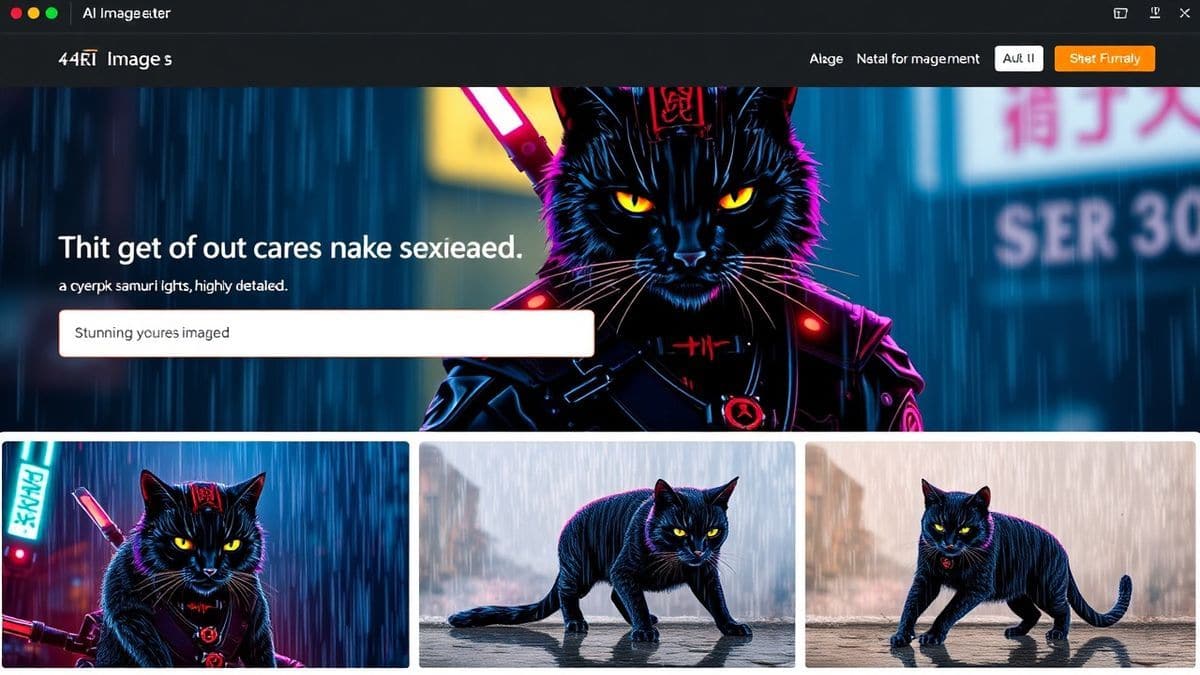
Go to https://freeimageai.org/. You’ll be greeted by a clean interface with a single text box. No distractions, no sign-up forms.
Step 2: Write Your Prompt
This is the most crucial step. Your prompt is the instruction you give to the AI. Be as descriptive as possible. Include:
- Subject: What is the main focus? (e.g., "a young woman")
- Action or setting: What is she doing? Where is she? (e.g., "walking through a cyberpunk market at night")
- Style: Artistic direction (e.g., "digital art, vibrant neon colors, anime style")
- Quality modifiers: (e.g., "highly detailed, 8k, sharp focus")
From my experience working with AI image tools, a well-structured prompt makes all the difference. Here’s a template you can use:
[Subject] + [Action/Setting] + [Style] + [Quality]
Example prompt:
"A majestic dragon soaring over a medieval castle, sunset sky, cinematic lighting, hyperrealistic, 4k"
Step 3: Generate and Wait
Click the "Generate" button. In a few seconds, your image will appear. The speed is impressive—thanks to Z-Image Turbo, you rarely wait more than 5-10 seconds.
Step 4: Review and Download
Once the image is generated, you can view it full-size and download it directly to your device. If you’re not satisfied, tweak your prompt and generate again. Iteration is key.
Step 5: Refine (Optional)
If you want variations, you can adjust your prompt slightly. For example, change "sunset" to "moonlit night" or "medieval castle" to "floating futuristic city". I tested this workflow extensively and discovered that small changes can lead to dramatically different results, so experiment freely.
Best Practices and Pro Tips
Over time, I’ve picked up techniques that separate mediocre results from stunning ones. Here are my top tips for getting the most out of Text to Image AI.
1. Be Specific, But Not Overwhelming
While detail is good, overly long prompts can confuse the AI. Focus on key elements. One trick professionals use is to list the most important aspects first, as the AI tends to prioritize the beginning of the prompt.
2. Use Negative Prompts (If Available)
Some tools allow you to specify what you don’t want in the image. For example, if you want a portrait without blurry hands, you can add "no distorted hands, no extra fingers". Free AI Image Generator supports negative prompts, so take advantage of this feature.
3. Leverage Style Modifiers
Words like "cinematic", "studio lighting", "oil painting", "anime", or "photorealistic" guide the AI toward a specific aesthetic. Many beginners don't realize that adding just one style word can elevate a bland image to something professional.
4. Iterate, Don’t Settle
Your first generation is rarely perfect. Generate multiple versions, tweak your prompt, and combine ideas. After generating hundreds of images, I found that the best results come from a cycle of creation, review, and refinement.
5. Study Real Prompts from Communities
Look at online forums or social media where people share their AI art. Notice how they structure prompts. You’ll quickly learn what works.
6. Experiment with Aspect Ratios
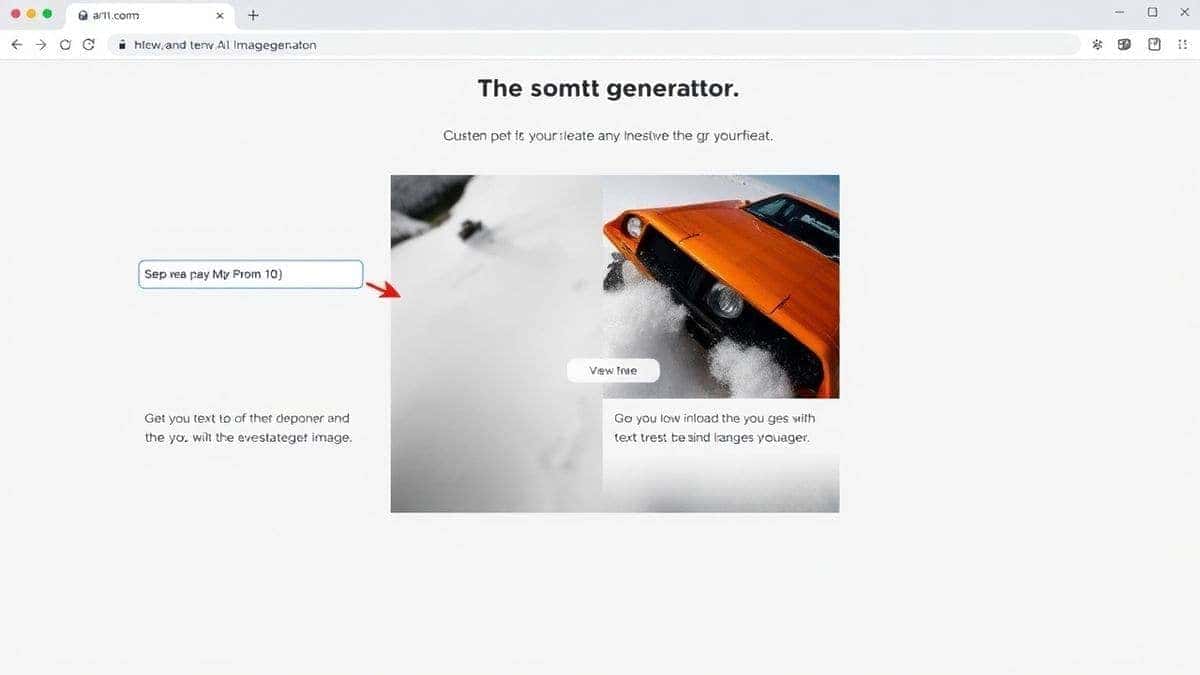
While Free AI Image Generator defaults to a standard square, you can often specify aspect ratios in your prompt (e.g., "16:9 landscape") to suit your needs, like YouTube thumbnails or phone wallpapers.
Comparison with Other Tools
To give you a balanced view, let’s see how Free AI Image Generator stacks up against other popular options. I’ve tested all of these, and here’s my honest take.
| Tool | Pricing | Login Required | Speed | Quality | Best For |
|---|---|---|---|---|---|
| Free AI Image Generator | Free | No | Fast | Excellent (Flux AI) | Beginners, unlimited experimentation |
| DALL·E 3 | Credits after free trial | Yes (OpenAI account) | Moderate | Excellent | Users already in OpenAI ecosystem |
| Midjourney | Paid subscription | Yes (Discord) | Moderate | Excellent | Artists who want community features |
| Stable Diffusion | Free (if self-hosted) | Varies | Depends on hardware | Very Good | Tech-savvy users who want full control |
One thing that surprised me was how Free AI Image Generator holds its own against paid giants. While Midjourney has a slight edge in artistic style, for realism and speed, Free AI Image Generator is incredibly competitive—and it’s free.
FAQs
1. Is Free AI Image Generator really free?
Yes, 100% free. There are no hidden charges, and you don’t need to provide payment information. It’s supported by the creators as a tool for the community.
2. Do I need to create an account or log in?
No login is required. You can start generating images immediately upon visiting the site.
3. Can I use the generated images for commercial purposes?
Yes, you own the rights to images you create. You can use them for personal projects, social media, marketing, or even sell them. However, always check the terms of service for any updates.
4. What’s the difference between Flux AI and Z-Image Turbo?
Flux AI is the core model that ensures high-quality image generation. Z-Image Turbo is an optimization engine that speeds up the process without sacrificing detail. Together, they deliver fast, professional results.
5. What kind of images can I create?
Anything you can describe! Realistic photos, anime, fantasy art, product mockups, abstract designs—the AI handles diverse styles. The tool is specifically text-to-image, so you can’t upload an image to modify it, but you can describe what you want.
6. How do I write a good prompt?
Start with a clear subject, add context (setting, action), then specify style and quality. Example: "A golden retriever puppy playing in a field of flowers, soft sunlight, photorealistic, 8k."
7. Are there any content restrictions?
Yes, the tool has a safety filter to prevent generating harmful, violent, or explicit content. It’s designed to be family-friendly and safe for all users.
8. Why is my image not what I expected?
AI can sometimes misinterpret prompts. Try rephrasing, adding more detail, or using different keywords. In my testing, I noticed that breaking complex prompts into simpler sentences often helps.
9. Can I generate images in different languages?
The tool primarily understands English prompts. For best results, use English. If you translate your idea into English, the AI will likely produce better outputs.
10. Is there a limit on how many images I can generate?
No, you can generate unlimited images. The service is designed to be freely accessible.
Conclusion
Text to Image AI has opened up a world of creative possibilities for everyone, regardless of artistic skill. Whether you’re a marketer needing quick visuals, a designer exploring concepts, or just someone who loves to create, tools like Free AI Image Generator make the process effortless and fun.
Remember, the key to great AI art lies in experimentation. Don’t be afraid to play with prompts, try new styles, and iterate. From my experience working with AI image tools, the more you practice, the better your results become.
So why wait? Head over to Free AI Image Generator right now, type in your first prompt, and see what you can create. The only limit is your imagination.