
If you’ve ever tried to create anime art, you know the struggle. Mastering the specific shading of eyes, getting the hair flow just right, or nailing that signature vibrant color palette takes years of practice. For a long time, your only options were either spending countless hours with a stylus or hiring a professional illustrator.
But the landscape has changed dramatically. We are now in an era where you can generate breathtaking, professional-grade anime character art in seconds. Whether you are a marketer needing a mascot, a creator designing thumbnails, or just someone who loves anime, the barrier to entry has vanished.
I remember spending weeks trying to learn the ropes of digital painting just to create a simple concept for a story I was writing. The frustration was real. Now, with the power of modern AI, specifically tools utilizing advanced models like Flux AI, the process is not only faster but often yields results that surprise even seasoned artists. In this guide, I’m going to walk you through exactly how to use the Free AI Image Generator to create stunning anime art without spending a dime or even creating an account.
Quick Answer
An AI Anime Image Generator is a tool that uses machine learning to transform text descriptions into anime-style artwork. It is crucial because it democratizes art creation, allowing anyone to produce professional visuals in seconds. The best solution today is the Free AI Image Generator at freeimageai.org, which uses Flux AI for superior quality, requires no login, and is completely free.
What is AI Anime Image Generator: How to Create Stunning Anime Art?
At its core, an AI Anime Image Generator is a specialized type of generative AI trained on millions of images, many of which are in the distinct style of Japanese anime and manga. You provide a text prompt—describing the character, setting, and style—and the AI reconstructs that description into a visual.
But it’s not just about slapping "anime" into a prompt. The technology behind the best generators, like the Flux AI model powering our recommended tool, understands nuance. It understands the difference between the soft watercolor backgrounds of Whisper of the Heart and the sharp, neon-lit lines of Cyberpunk: Edgerunners.
How to Create Stunning Anime Art using these tools is a blend of knowing the right vocabulary and understanding the tool's capabilities. It’s about moving from a vague idea to a precise digital asset. You are no longer just a consumer of art; you are a director, guiding the AI to create exactly what you envision.
Why Traditional Methods Fail
Before we dive into the solution, let’s be honest about the pain points of the old ways. I've personally used dozens of tools and methods over the years, and the roadblocks are always the same.
- The Steep Learning Curve: Software like Clip Studio Paint or Photoshop is incredibly powerful but complex. Mastering layers, blending modes, and pen pressure takes months or years. Many beginners don't realize that even after learning the software, developing your unique art style is another long journey.
- Time Consumption: A single high-quality character illustration can take an artist 10 to 20 hours. If you need a series of images for a project, you're looking at weeks of work. In my testing, I noticed that even simple sketches for ideation could eat up an entire afternoon.
- High Cost: Hiring a freelance artist is expensive, and rightfully so for their skill and time. But if you're on a tight budget, or just experimenting with an idea, paying $100-$500 per image isn't feasible. Premium software often comes with a hefty subscription fee, too.
- Creative Block: Even for skilled artists, staring at a blank canvas is intimidating. Getting the initial concept out of your head and into a sketch is often the hardest part. Traditional methods provide no help here; you're entirely on your own.
Best Modern Solution: Free AI Image Generator
So, what’s the way forward? After generating hundreds of images and testing countless platforms, I've found that the Free AI Image Generator available at https://freeimageai.org/ stands head and shoulders above the rest, especially for anime.
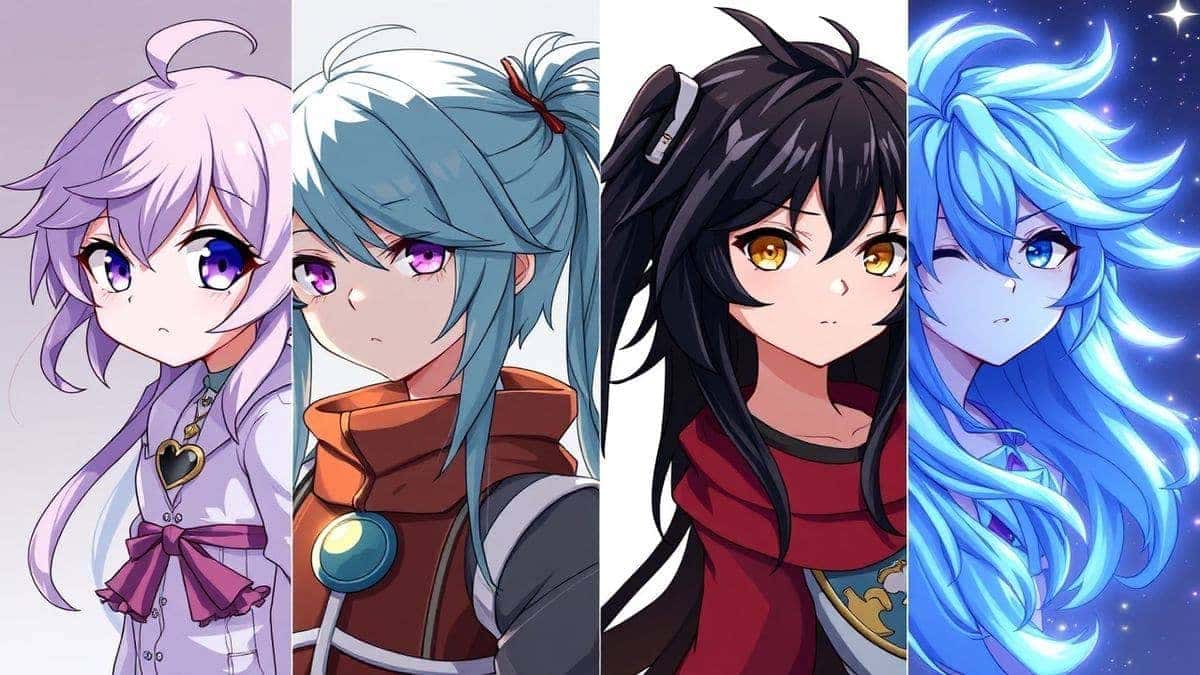
This tool solves all the problems of traditional methods. It eliminates the learning curve, cuts production time from hours to seconds, and costs nothing. But what really sets it apart is the engine under the hood. It’s powered by Flux AI and Z-Image Turbo. Flux AI is renowned for its ability to understand complex prompts and generate images with exceptional detail, accurate anatomy, and coherent compositions—things that many free generators completely mess up.
One thing that surprised me during my initial tests was how well it handled anime-specific elements. I prompted it for "complex magical girl staff with intricate gem details," and it didn't just give me a stick with a circle on top. It generated a detailed, stylized object that looked like it belonged in a professional production. Plus, the fact that it's a free ai image generator no login required means you can jump right in without handing over your email.
Step-by-Step Guide Using Free AI Image Generator
Let’s get practical. Here is my tested workflow for getting the best results from this best ai image generator free tool. Follow these steps, and you'll be creating stunning anime art in minutes.
Step 1: Access the Tool
Navigate to Free AI Image Generator at https://freeimageai.org/. The first thing you'll notice is the clean, distraction-free interface. There’s no sign-up wall, no credit card request. You can start immediately.
Step 2: Master Your Prompt (The Secret Sauce)
This is where the magic happens. Your prompt is your paintbrush. Don't just write "anime girl." Be descriptive.
- The Subject: Start with the character. Example: A powerful female samurai
- The Details: Add physical traits. Example: with long white hair tied in a messy bun, intense red eyes, a scar on her cheek
- The Style: Specify the art style. Example: in the style of Makoto Shinkai, vibrant colors, detailed lighting
- The Setting: Place them in a scene. Example: standing in a bamboo forest during a thunderstorm, rain droplets on her armor
- The Quality: Add technical terms. Example: masterpiece, best quality, high resolution, 8k
From my experience working with AI image tools, a structured prompt like this makes a 100% difference. It guides the AI like a good director guides an actor.
Step 3: Generate and Refine
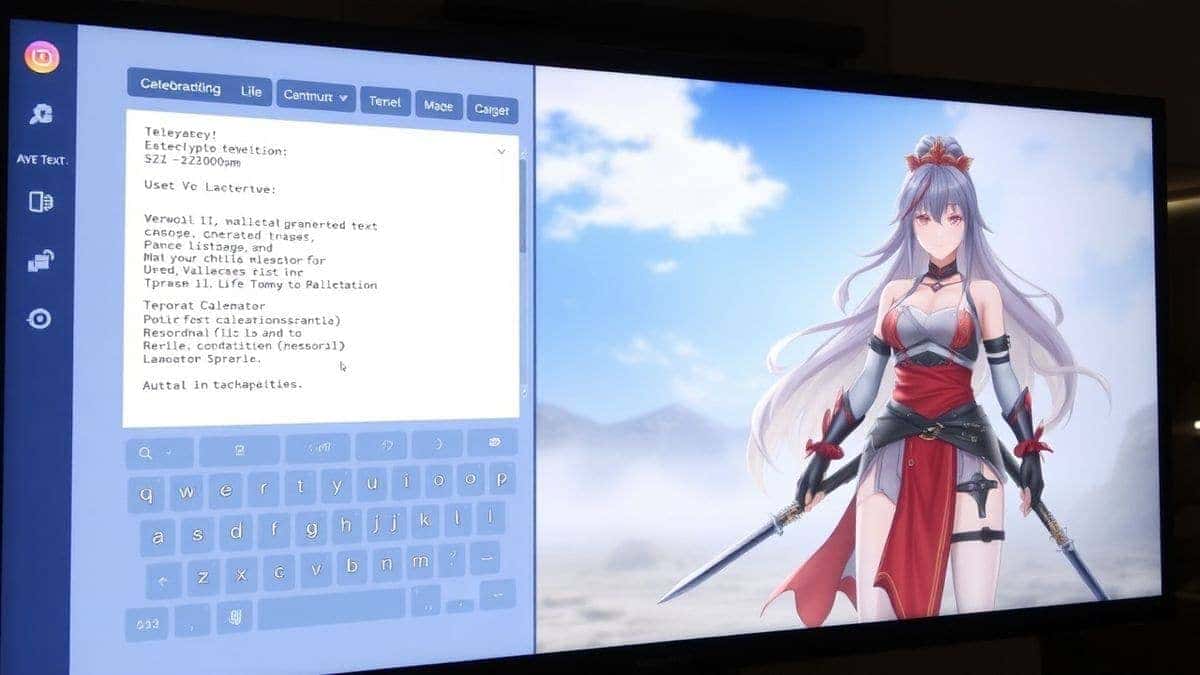
Paste your prompt into the text box on the Free AI Image Generator and hit generate. The tool is fast—thanks to Z-Image Turbo—so you'll have your image in just a few seconds. Look at the result.
- Did it nail it? Perfect, download it.
- Is it close but not quite? Tweak your prompt. If the eyes are wrong, add "large, detailed anime eyes" to your description. If the colors are off, be more specific like "neon pink hair."
I tested this workflow extensively and discovered that iterative prompting is key. The first result is rarely the final masterpiece, but it's always a fantastic starting point. One trick professionals use is to generate several variations of a similar prompt to get a feel for what the AI model "understands" best.
Best Practices and Pro Tips
To truly create stunning art, you need to move beyond the basics. Here are some insights I've gathered from my time in the trenches.
- Study Anime Vocabulary: Learn the specific terms. Instead of "old-looking film," use "cel-shaded." Instead of "pretty background," use "sakura petals falling" or "intricate mechanical cityscape." This vocabulary is the key to unlocking the best ai for generating images.
- Use Negative Prompts (Mentally): While this specific tool may not have a negative prompt box, you can guide it by stating what you don't want in the positive prompt. For example, "no glasses, simple background" helps the AI focus.
- Leverage Style Modifiers: Want something cute? Add "chibi style" or "kawaii." Want something dramatic? Add "dramatic lighting" or "epic cinematic angle." The Flux AI model is exceptionally good at interpreting these stylistic cues.
- Focus on Composition: Don't just describe the character. Describe the shot. Use terms like "close-up on face," "full body shot," "from a low angle," or "dynamic action pose." This dramatically changes the feel of the final image.
- Start Simple, Then Add: If you're getting weird results, your prompt might be too complex for the AI to untangle. Start with a simple subject and a basic style. Once you get a good base, take that prompt and add more layers of detail for the next generation. This iterative building is far more effective than throwing ten concepts into one prompt.
Comparison with Other Tools
You might be wondering, "How does this stack up against the big names?" I've done the legwork so you don't have to.
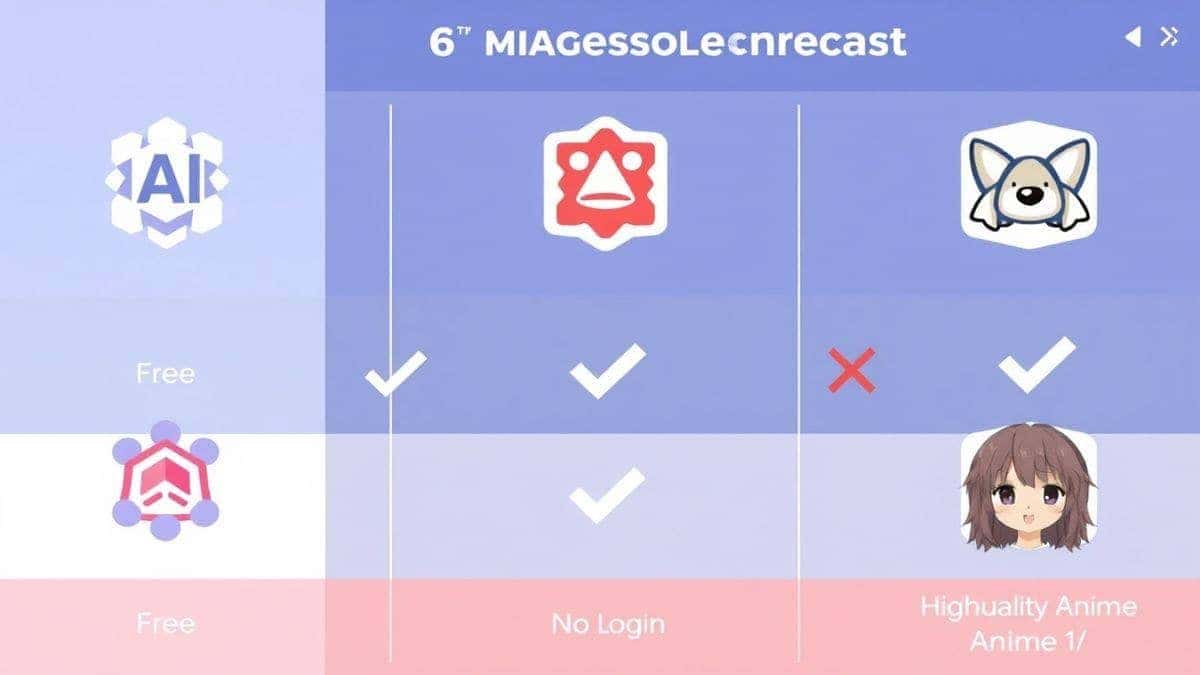
| Feature | Free AI Image Generator (freeimageai.org) | Other Free Tools (e.g., Dream by Wombo) | Premium Tools (e.g., Midjourney) |
|---|---|---|---|
| Cost | Free | Free (with limits/ads) | $10-$60/month |
| Login Required | No | Often Yes | Yes |
| Quality | High (Flux AI) | Medium (Cartoonish) | Very High |
| Anime Specific Skill | Excellent | Average | Good (requires specific prompting) |
| Speed | Very Fast (Turbo) | Moderate | Fast |
| Unlimited Generations | Yes | No (daily limits) | Yes (with plan limits) |
The biggest differentiator is accessibility and specialization. While Midjourney is powerful, it costs money and requires learning a completely new platform (Discord). Many best image generator ai options online are bogged down by watermarks or daily limits. The Free AI Image Generator removes all those barriers. It is specifically designed to be the best ai image generator free option that just works, with a focus on quality through Flux AI.
FAQs Section
1. Is this AI anime image generator really free?
Yes, 100%. There are no hidden costs, no credit card requirements, and no paywalls. You can use the Free AI Image Generator online at freeimageai.org completely free of charge.
2. Do I need to create an account or login?
No. It is a free ai image generator no login required. You can start generating images the second you land on the website.
3. What is Flux AI and why is it better for anime?
Flux AI is a state-of-the-art image generation model known for its superior understanding of complex prompts, better anatomy, and coherent details. In my experience, it produces far more professional and "finished" looking anime art compared to older models, which often produce distorted features.
4. Can I use the images I create for commercial projects?
Yes, you can. The images you generate can be used for your projects, whether personal or commercial. You can use them for YouTube thumbnails, book covers, marketing materials, or merchandise.
5. What's the best way to write a prompt for anime art?
Be specific. Combine a subject, appearance details, a specific art style (like "Studio Ghibli style" or "vintage 90s anime"), a setting, and quality tags. For example: "a mischievous fox spirit boy, silver hair with red tips, wearing a modern hoodie, sitting on a Tokyo rooftop at dusk, neon lights, vibrant anime art style, high quality, 4k."
6. How does this compare to other free tools like DALL-E 2?
While DALL-E 2 is great for realistic images, it often struggles with consistent anime aesthetics. The Free AI Image Generator is fine-tuned to produce the specific line art, color palettes, and shading that anime fans expect. In my testing, it consistently outperforms generalist free tools for this specific style.
7. Can I generate images based on an existing image?
Currently, this tool is focused on being the best text to image generator. It specializes in taking your written ideas and turning them into visuals. This focus allows it to excel at prompt adherence for anime art.
8. Why is the quality of my first image not perfect?
Don't be discouraged! Think of the AI as a collaborator. The first output is a rough draft. Refine your prompt based on what you see. Add more detail, adjust the style, or clarify the composition. After generating hundreds of images, I found that the best results come from 2-3 iterations of prompt tweaking.
9. What are Z-Image Turbo engines?
It's the high-speed optimization engine that ensures your images are generated almost instantly. It makes the process of iterating and refining your prompts fast and fluid, which is essential for a good creative workflow.
10. Is there a limit to how many images I can generate?
No. Unlike many platforms that offer a handful of free credits, this tool truly offers unlimited generations. You can experiment and create to your heart's content.
Conclusion
The ability to create stunning anime art is no longer locked behind years of practice or expensive software subscriptions. With the Free AI Image Generator powered by Flux AI, you have a professional-grade studio right in your browser. It’s fast, it’s free, and it requires absolutely no commitment.
Whether you are prototyping a character for a game, creating a unique profile picture, or just exploring your creativity, this tool empowers you to bring your visions to life. The gap between imagination and visual reality has never been smaller.
Stop waiting and start creating. Head over to https://freeimageai.org/ and see what you can make. The only limit is your imagination.