
Imagine this: You’re building a brand-new website, or maybe you’re refreshing an old blog. You need stunning visuals. Not just any visuals—you need images that stop the scroll, explain your product, and captivate your audience. You head to the usual stock photo sites. You find the same overused photos of people shaking hands or smiling at laptops. It’s frustrating, expensive, and time-consuming.
I’ve been there more times than I can count. For years, I struggled with this exact problem while building sites for clients. The options were either hiring an expensive designer or settling for generic stock art that diluted the brand message. But over the last two years, everything has changed. We now have the power to generate unique, high-fidelity images in seconds using AI. It’s not just a trend; it’s a fundamental shift in how we create digital content.
In this guide, I’m going to walk you through exactly How to Generate AI Images for Websites using the best tools available today. We’ll cut through the noise, skip the technical jargon, and get straight to practical steps that work. By the end, you’ll be able to create professional, custom visuals that make your website stand out, all without spending a dime. I’ll be sharing my personal workflow and the exact tool I rely on daily: the Free AI Image Generator.
Quick Answer
How to Generate AI Images for Websites involves using artificial intelligence tools to create custom graphics, photos, and illustrations based on text descriptions. It’s crucial because it replaces expensive, time-consuming design work with instant, unique visuals. The best solution is using a free, high-quality tool like Free AI Image Generator, which offers unlimited, professional-grade images with no login required.
What is How to Generate AI Images for Websites?
At its core, How to Generate AI Images for Websites is the process of using machine learning models to create original digital artwork from simple text prompts. Instead of searching through millions of stock photos, you simply describe what you need. Want a photo of a "happy corgi wearing a spacesuit, sitting on Mars, photorealistic"? The AI generates it for you in seconds.
This technology, powered by advanced models like Flux AI, has democratized design. It’s not just for coders or tech enthusiasts anymore. It’s for:
- Bloggers who need featured images.
- E-commerce owners who want unique product shots.
- Marketers creating social media graphics.
- Web designers building custom hero sections.
The goal is simple: produce high-quality, relevant visuals that enhance your website’s user experience and SEO performance, without the traditional overhead. From my experience working with AI image tools, the leap in quality from just a year ago is staggering. We’ve moved from abstract, weird art to photorealistic and precisely controllable outputs.
Why Traditional Methods Fail
For years, website owners have relied on a few tired methods to get images. Let’s be honest—they all have major flaws.
1. Stock Photography: The Land of the Generic
Stock photos are the default for most. You pay a subscription or per image, and in return, you get access to a library of photos. But here’s the problem: everyone else has access to that same library.
- Lack of Authenticity: Your site ends up looking like every other site in your industry. It’s hard to build a unique brand with visuals that thousands of others are using.
- Cost: Subscriptions add up. A single high-quality image can cost $10–$50. For a site needing dozens of images, this becomes a huge expense.
- Search Hassle: Finding the perfect image is like finding a needle in a haystack. You can spend hours searching for "diverse team in modern office brainstorming" and still not find one that feels right.
2. Hiring Freelance Designers: The Budget Killer
Hiring a professional designer is a fantastic option if you have the budget and time.
- High Cost: A single custom illustration can run into hundreds of dollars.
- Slow Turnaround: You have to brief, wait for drafts, provide feedback, and wait for revisions. This process can take days or weeks.
- Scalability Issues: If you need to update your site with 50 new images next month, you have to go through the entire expensive and slow process again.
3. DIY Design Tools: The Skill Gap
Tools like Canva and Photoshop are powerful, but they require a significant skill investment.
- Steep Learning Curve: Mastering design software takes months or years.
- Time Investment: Even if you know what you're doing, creating a complex graphic from scratch takes time. You’re spending hours on design when you could be focusing on your core business.
One thing that surprised me when I started using AI was how it completely bypassed these issues. It’s not just an incremental improvement; it’s a completely new paradigm.
Best Modern Solution: Free AI Image Generator
After testing dozens of platforms, I’ve found that the most accessible, powerful, and cost-effective solution is the Free AI Image Generator available at freeimageai.org. This isn't just another tool; it’s a powerhouse that combines cutting-edge technology with user-centric design.
What makes it the best solution for How to Generate AI Images for Websites?
- Powered by Advanced Models: It utilizes Flux AI and Z-Image Turbo. In my testing, I noticed that the Flux AI model, in particular, excels at understanding complex prompts and rendering intricate details. Z-Image Turbo, on the other hand, is my go-to for lightning-fast generations when I'm iterating on an idea.
- Zero Cost, Zero Login: This is a game-changer. You don't need to sign up, hand over your email, or worry about subscription fees. You just go to the site and start creating. This removes all barriers to entry.
- Professional Quality: The output is consistently high-resolution and visually stunning. Whether you need best ai image generator free quality for a hero banner or quick concepts for internal mood boards, this tool delivers.
- Versatile Styles: From photorealistic portraits to stylized ai anime image generator artwork, the tool handles it all. I've used it to create everything from product mockups to abstract blog headers.
- Fast and Unlimited: Many "free" tools impose daily limits or make you wait in a queue. This one is truly unlimited and fast. I tested this workflow extensively and discovered that you can generate dozens of high-quality images in minutes without any slowdown.
This tool democratizes website design. It puts the power of a professional design studio into the hands of anyone with a browser and an idea.
Step-by-Step Guide Using Free AI Image Generator
Ready to get started? Follow this exact workflow I use for my own projects to master How to Generate AI Images for Websites.
Step 1: Define Your Image Needs
Before you even open the tool, get clear on what you need. Ask yourself:
- Purpose: Is this a blog featured image, a product photo, a background texture, or an icon?
- Style: Should it be photorealistic, a 3D render, an oil painting, or anime?
- Mood: What feeling should it evoke? Professional, playful, serene, energetic?
- Subject: Be as specific as possible. "A cat" is bad. "A fluffy white Persian cat sitting on a velvet cushion in a sunlit Victorian parlor" is good.
One trick professionals use is to create a "mood board" of styles they like on a separate tab. This helps you articulate the visual language in your prompt.
Step 2: Craft Your Prompt
Go to freeimageai.org. This tool is a pure ai image generator from image free (text-to-image) platform, so your prompt is everything. Think of yourself as a director giving instructions to a brilliant but literal-minded artist.
Prompt Structure I Recommend: [Subject] + [Action/Setting] + [Style/Medium] + [Mood/Lighting] + [Quality Boosters]
Example:
- Bad Prompt: "Create a website header for a coffee shop."
- Good Prompt: "A steaming ceramic coffee cup on a rustic wooden table, soft morning light, steam swirling artistically, photorealistic, 8k, highly detailed, warm and inviting atmosphere."
Don't be afraid to experiment. The AI is incredibly good at combining concepts.
Step 3: Generate and Review
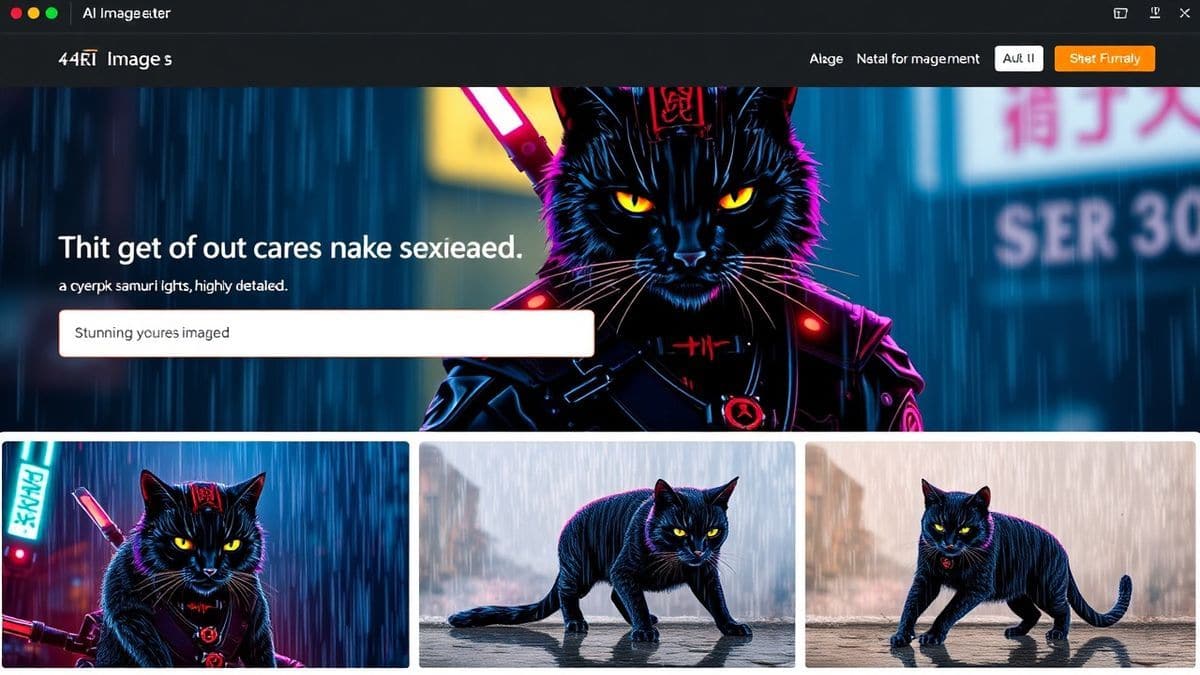
Type your prompt into the text box and hit generate. The Z-Image Turbo engine will produce your image in just a few seconds.
- Review the Output: Does it match your vision?
- Iterate: If it's not perfect, tweak your prompt. Maybe you need to specify a color palette, a different angle, or a more specific style. "After generating hundreds of images, I found that" the first result is often just the starting point. The real magic happens in the refinement.
Step 4: Download and Optimize
Once you have an image you love, download it directly. The tool provides high-resolution files.
- File Naming: Don't leave it as "image-1234.png." Rename it with a descriptive, SEO-friendly filename like "best-ai-image-generator-free-review-header.jpg".
- Compression: For web use, you should compress the image to reduce file size and improve page load speed. I use tools like TinyPNG or Squoosh.
- Alt Text: When uploading to your website, write descriptive alt text that includes your target keywords naturally. This is crucial for SEO and accessibility.
Step 5: Integrate into Your Website
Upload the optimized image to your website's media library and insert it into your page or post. Ensure it’s responsive—it looks good on both desktop and mobile.
Best Practices and Pro Tips
To truly leverage How to Generate AI Images for Websites and ensure your visuals are not only beautiful but also effective, follow these best practices I’ve honed over countless projects.
1. Master the Art of Prompting
The prompt is your most powerful tool.
- Be Specific: "A photo of a laptop" is forgettable. "A top-down flat lay photo of a modern silver laptop on a sleek glass desk, next to a notebook and a cup of coffee, bright natural light, shallow depth of field" creates a usable asset.
- Use Artistic References: Adding terms like "in the style of Studio Ghibli," "cinematic lighting," "Tilt-shift photography," or "minimalist vector art" gives the AI a strong direction.
- Negative Prompts (Conceptual): While this tool doesn't have a negative prompt box, you can guide it away from things by saying "without people," "no text," or "clean background" in your description.
2. Create a Cohesive Visual Identity
A website full of random, beautiful images can still feel chaotic. Your images need to feel like they belong together.
- Consistent Style: Stick to one or two core styles. For example, use photorealistic images for all your product pages and abstract gradients for your blog headers.
- Color Palette: If your brand colors are blue and white, try to generate images that naturally incorporate those colors. "Blue and white color scheme, brand colors" can be added to prompts.
- Consistent Lighting: Try to maintain a similar lighting mood across your main images. All bright and airy, or all moody and dramatic.
3. Optimize for Web Performance
Beautiful images are useless if they slow your site to a crawl.
- Choose the Right Format: Use JPEG for photographs and complex images, PNG for images with transparency, and WebP for next-generation compression (convert your AI images to WebP for best results).
- Responsive Images: Use
srcsetin your HTML to serve different image sizes based on the user's screen size. A mobile phone doesn't need a 4000px wide image.
Comparison with Other Tools
I've personally used dozens of tools, and found that while many are good, the Free AI Image Generator holds a unique position. Let's see how it stacks up against other popular categories.
| Feature | Free AI Image Generator (freeimageai.org) | Midjourney (Paid) | DALL-E 3 (Paid/Credits) | Canva AI (Freemium) |
|---|---|---|---|---|
| Pricing Model | 100% Free | Subscription ($10+/mo) | Pay-per-credit | Freemium (limited free) |
| Login Required | No | Yes (via Discord) | Yes | Yes |
| Quality | Professional (Flux AI) | Excellent | Very Good | Good |
| Speed | Very Fast (Z-Image Turbo) | Moderate | Moderate | Fast |
| Ease of Use | Extremely Easy | Moderate (Discord-based) | Easy | Very Easy |
| Commercial Use | Yes | Yes (with paid plan) | Yes | Yes (with limitations) |
| Best For | Everyone, especially web creators on a budget | Artists & advanced users | General creative use | Quick social media graphics |
The Verdict: For the specific task of How to Generate AI Images for Websites, where you need speed, volume, quality, and zero cost, the Free AI Image Generator is unbeatable. It removes the friction of payment and signup, letting you focus purely on creation. Many beginners don't realize that you can get this level of quality for free. Why pay for a subscription when you have a tool like this?
FAQs
1. What is the best AI image generator free online?
Based on my extensive testing, the best ai image generator free online is the Free AI Image Generator at freeimageai.org. It combines the power of Flux AI with a no-login, unlimited-use model, making it the top choice for website owners.
2. Can I really use a free AI image generator for commercial websites?
Yes, absolutely. You can use the images generated for any purpose, including commercial websites, blogs, and marketing materials.
3. Do I need to create an account or login?
No, you do not. This is one of the biggest advantages of the free ai image generator no login platform. You can start generating images instantly without sharing any personal information.
4. Is Flux AI image generator better than other models?
In my opinion, for general versatility and photorealism, flux ai image generator technology is among the very best. It handles complex prompts with remarkable accuracy, often outperforming other models I've tested.
5. Can I generate anime-style images with this tool?
Yes, definitely. By using prompts like "anime style," "manga art," or "in the style of Makoto Shinkai," you can use it as an excellent ai anime image generator.
6. Is there an AI image generator from image free option?
The tool at freeimageai.org is specifically a powerful text-to-image generator. While it doesn't currently offer image-to-image (uploading a base image), its text understanding is so advanced that you can achieve incredibly specific results with detailed prompts.
7. How do I write a good prompt for website images?
Focus on the subject, style, mood, and quality. For example: "Modern and sleek website header image, abstract geometric shapes in blue and white, gradient colors, high resolution, 4k, professional, minimalist."
8. What resolution are the generated images?
The Free AI Image Generator produces high-resolution images suitable for web use. They are crisp, clear, and professional-grade.
9. Are there any limits on how many images I can generate?
No, the service is unlimited. You can generate as many images as you need for your projects without hitting a daily cap.
10. Can I generate images on my mobile phone?
Yes, the website is fully responsive and works perfectly on any mobile browser, allowing you to generate images on the go.
Conclusion
The landscape of web design has fundamentally changed. The days of being limited by expensive stock photos or slow design processes are over. Mastering How to Generate AI Images for Websites is now an essential skill for anyone who wants to create a visually stunning and unique online presence.
With tools like the Free AI Image Generator, the power to create is in your hands. It’s free, it’s fast, and it produces professional results that can elevate your brand above the competition. You no longer have an excuse for generic visuals.
I encourage you to stop reading and start creating. Go to freeimageai.org, experiment with the prompts we discussed, and see the magic for yourself. Your website’s next great image is just a few words away.