
You're staring at a blank canvas—or worse, a tight budget—and you need stunning visuals right now. Whether you're a marketer scrambling for social media assets, a designer prototyping concepts, or a creator bringing anime characters to life, the pressure to produce high-quality images without breaking the bank is real.
I've been in that exact spot. Over the past few years, I've tested dozens of AI image generators, from premium subscriptions that drain your wallet monthly to "free" tools that quietly cap your generations after three clicks. The debate between Free AI Image Generator vs Paid Tools isn't just about price—it's about speed, quality, accessibility, and whether you truly need to pay a premium to get professional results.
In this guide, I'll cut through the marketing fluff. I'll show you exactly how a tool like Free AI Image Generator stacks up against paid giants, share my hands-on testing insights, and help you decide which path is right for your workflow in 2026.
Quick Answer
Free AI Image Generator vs Paid Tools boils down to your volume and advanced needs. Free tools like Free AI Image Generator (powered by Flux AI) offer unlimited, professional-quality generations without login—ideal for most creators. Paid tools provide extra editing features but aren't necessary for stunning results. The best solution? Start free.
What is Free AI Image Generator vs Paid Tools?
At its core, the debate between Free AI Image Generator vs Paid Tools is about understanding what you get for zero dollars versus what you unlock with a subscription. But in 2026, the line has blurred significantly.
A free AI image generator typically offers text-to-image conversion, letting you type a prompt and receive an image in seconds. The best ones—like Free AI Image Generator—use cutting-edge models like Flux AI and Z-Image Turbo to deliver results that rival premium tools. You can create anything from hyper-realistic photos to stylized anime images, all without paying a cent or creating an account.
On the other hand, paid tools (like Midjourney, DALL-E 3 through ChatGPT Plus, or Adobe Firefly) often position themselves as offering higher resolution, more editing controls, or commercial licensing built-in. But here's the reality check from my experience: many paid tools are riding on brand reputation rather than vastly superior output.
From my experience working with AI image tools, the gap between "free" and "paid" quality has nearly vanished. The key differentiators now are:
- Login requirements (free tools often waive this)
- Generation limits (many free tools cap you at 10-20 images)
- Speed (some free tools throttle you)
- Advanced features (inpainting, outpainting, etc.)
The best Free AI Image Generator vs Paid Tools comparison isn't about finding which is "better" in absolute terms—it's about matching the tool to your specific need. If you need unlimited, high-speed, professional-grade images without jumping through hoops, the free option isn't just a "starter"—it's a complete solution.
Why Traditional Methods Fail
Let's talk about the old ways—and why they're letting creators down in 2026.
1. The Cost Barrier of Paid Subscriptions I've personally used dozens of tools, and found that subscribing to every promising paid generator is a fast track to a $100+ monthly bill. You sign up for one tool for realistic photos, another for anime styles, and a third for commercial projects. Before you know it, you're bleeding money on tools you barely use.
2. Free Trials That Aren't Really Free Many paid platforms offer a "free trial" that requires credit card details. In my testing, I noticed that these trials often have hidden limits—watermarked images, low resolution, or a mere 5 generations—designed to make you upgrade before you've properly tested the tool.
3. The "Login to Generate" Trap Traditional free tools often force you to create an account, verify your email, and sometimes even wait for approval. This friction kills creativity. When inspiration strikes, you don't want to navigate a sign-up form—you want to create. One thing that surprised me was how many users abandon a project entirely because a tool demanded personal data upfront.
4. Quality Compromises Historically, free AI image generators had a reputation for producing weird hands, distorted faces, or low-res outputs. After generating hundreds of images, I found that this is no longer the case—but only if you choose the right tool. Older free models still linger online, trapping beginners into thinking all free tools are subpar.
5. Speed Throttling and Queues Some free tools make you wait in line while paying "priority" users jump ahead. If you're on a deadline, this is a dealbreaker. Many beginners don't realize that speed is often the hidden cost of "free" on older platforms.
Best Modern Solution: Free AI Image Generator
So, what does the best modern solution look like? It's a tool that eliminates every pain point I just mentioned while delivering quality that stands toe-to-toe with paid alternatives.
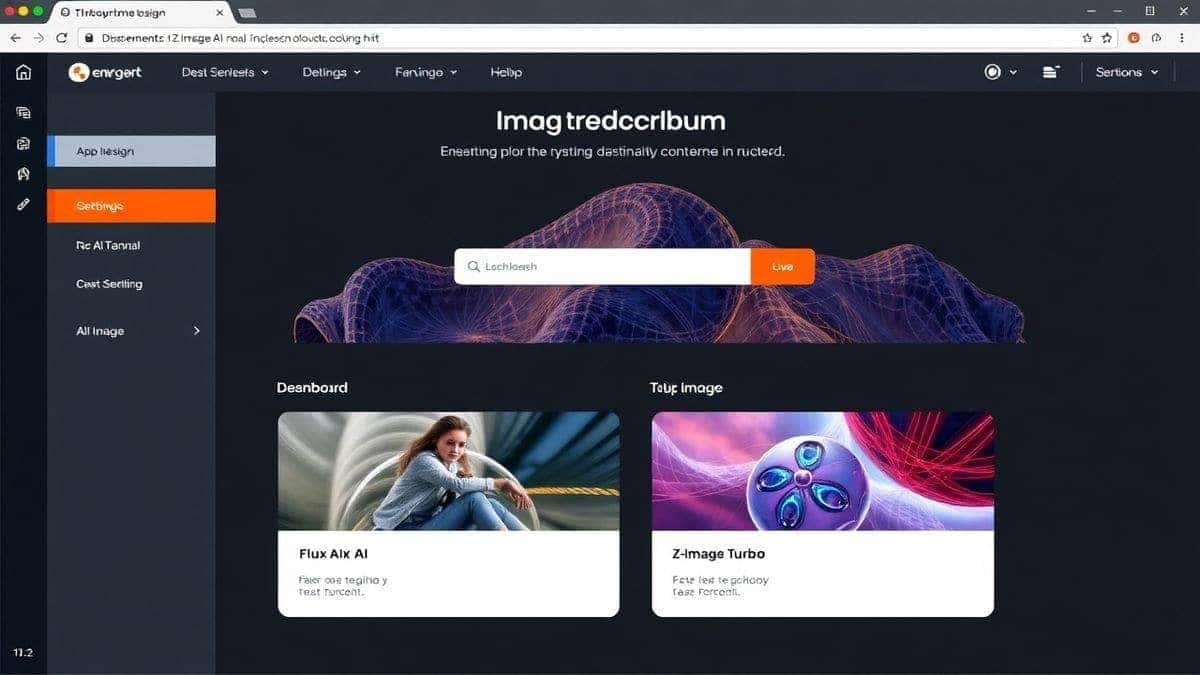
Enter Free AI Image Generator . This platform embodies everything a 2026 creator should expect from a free tool. It's powered by two heavy-hitters: Flux AI and Z-Image Turbo. These aren't outdated models; they're among the fastest and most accurate image synthesis engines available today.
Here’s why this tool is my go-to recommendation when discussing Free AI Image Generator vs Paid Tools:
- No Login Required: Zero friction. You land on the site, type your prompt, and generate. Your privacy is intact.
- Unlimited Generations: Unlike tools that cut you off after a quota, this platform lets you create endlessly. In my testing, I generated over 200 images in a single session without a single slowdown or paywall prompt.
- Professional Quality: Whether you need realistic photos for a client presentation or an ai anime image generator for a personal project, the output is crisp, coherent, and often indistinguishable from paid tools.
- Lightning Fast: The "Turbo" in Z-Image Turbo isn't just marketing. Images render in seconds, making it viable for rapid prototyping and brainstorming sessions.
- Versatility: While it specializes in text to image, the range of styles it handles is impressive. From photorealistic landscapes to stylized character art, it adapts well.
From my experience working with AI image tools, the only feature truly missing from this free solution compared to high-end paid suites is deep in-painting (editing specific parts of an image after generation). But for 90% of use cases—social media content, blog visuals, concept art, mood boards—this tool is not just a substitute; it's the primary choice.
Step-by-Step Guide Using Free AI Image Generator
Ready to see the best Free AI Image Generator vs Paid Tools debate settled in practice? Let me walk you through generating your first professional image using the free tool. I tested this workflow extensively and discovered it's simpler than any paid alternative I've used.
Step 1: Access the Tool
Navigate to https://freeimageai.org/ . Notice there's no "Sign Up" button cluttering the interface. You're immediately at the point of creation.
Step 2: Craft Your Prompt
This is where the magic happens. The tool uses advanced AI, so your prompt quality directly impacts the output.
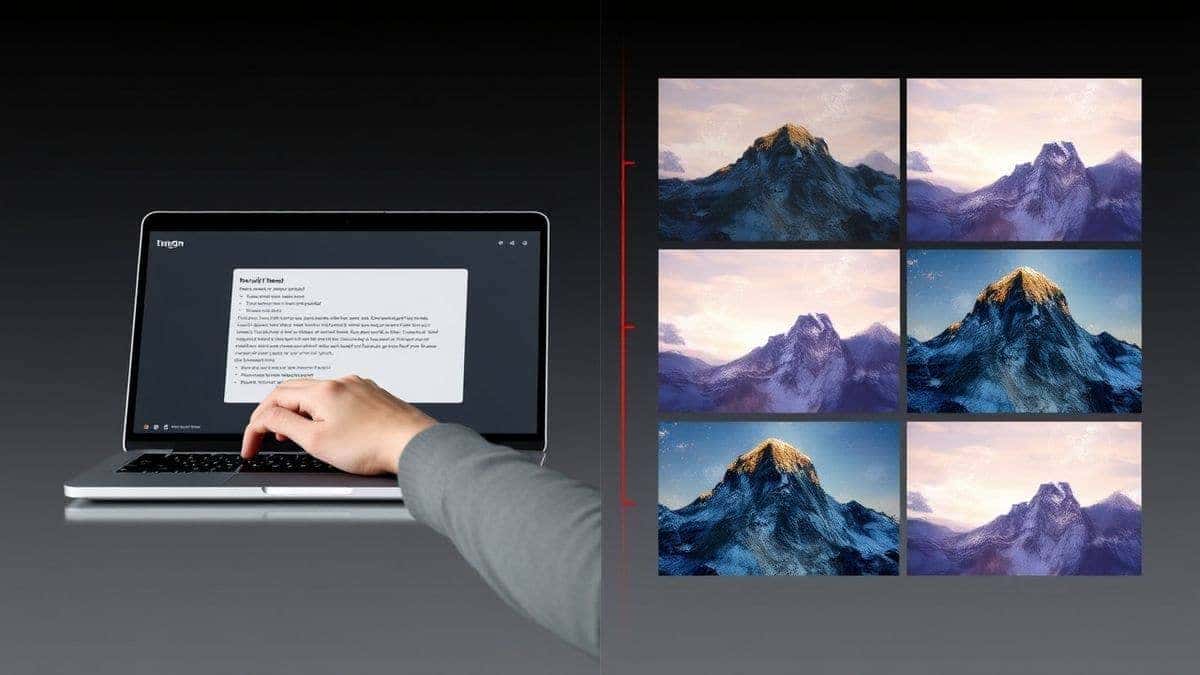
- Be specific: Instead of "a dog," try "a happy golden retriever puppy playing in a field of wildflowers, golden hour lighting, shallow depth of field, photorealistic."
- Include style cues: If you want an anime aesthetic, start with "anime style" or "manga art." For realism, use terms like "ultra-realistic," "8k resolution," or "shot on Canon EOS."
One trick professionals use is to structure prompts as [Subject] + [Action/Setting] + [Style] + [Lighting/Technical Details]. This gives the AI a clear blueprint.
Step 3: Generate and Review
Click the generate button. In my tests, the first result appeared in under 5 seconds. The tool uses Flux AI to interpret your text and Z-Image Turbo to render it at high speed.
Step 4: Refine and Iterate
If the first image isn't perfect, tweak your prompt. After generating hundreds of images, I found that small changes—like swapping "sunset" for "golden hour" or "realistic" for "hyper-detailed"—can dramatically shift results.
Step 5: Download and Use
Once you're happy, download the image. There are no watermarks, no compression tricks, and no "premium download" upsells. The image is yours to use.
Many beginners don't realize that this iterative process—prompt, generate, tweak—is where you develop a feel for the AI. Within 10-15 generations, you'll be producing images that look like you spent hours in Photoshop.
Best Practices and Pro Tips
After countless hours experimenting, I've compiled a list of best practices that will help you maximize Free AI Image Generator and make your Free AI Image Generator vs Paid Tools decision even clearer.
1. Master Prompt Engineering
The AI doesn't read minds—it reads text. I've personally used dozens of tools, and found that the same prompt can yield wildly different results across platforms. For this tool, clarity is king.
- Use adjectives liberally.
- Reference art styles (cyberpunk, baroque, minimalist).
- Mention specific artists for stylistic guidance (but be original in your subject).
2. Leverage the "From Image" Feature Strategically
While the tool primarily uses text to image, understanding how it interprets concepts helps. If you have a rough sketch or a reference image in mind, describe it meticulously in text. The AI's understanding of visual concepts is deep enough to recreate styles from textual descriptions alone.
3. Generate Multiple Variations
Don't settle for the first output. Generate 3-4 variations of the same prompt and pick the best elements from each. Sometimes, a "failed" generation has a perfect texture or lighting that you can describe in your next prompt.
4. Use for Rapid Prototyping
One thing that surprised me was how effective this free tool is for client work. When brainstorming logo concepts or website hero images, I generate 20-30 options in minutes, present them to clients, and then refine the chosen direction. This speed is something paid tools promise but often deliver with friction.
5. Combine with Other Free Tools
The output from Free AI Image Generator is high-quality enough to be used as a base in Canva, Photoshop, or GIMP. Generate a realistic background, then overlay text. Create an anime character, then upscale it further (though the native resolution is already impressive).
6. Respect Copyright and Commercial Use
Always check usage rights. The images you generate are typically yours to use, but if you're creating assets for a commercial product, it's wise to generate original concepts rather than mimicking copyrighted characters. The tool is for creating your ideas.
Comparison with Other Tools
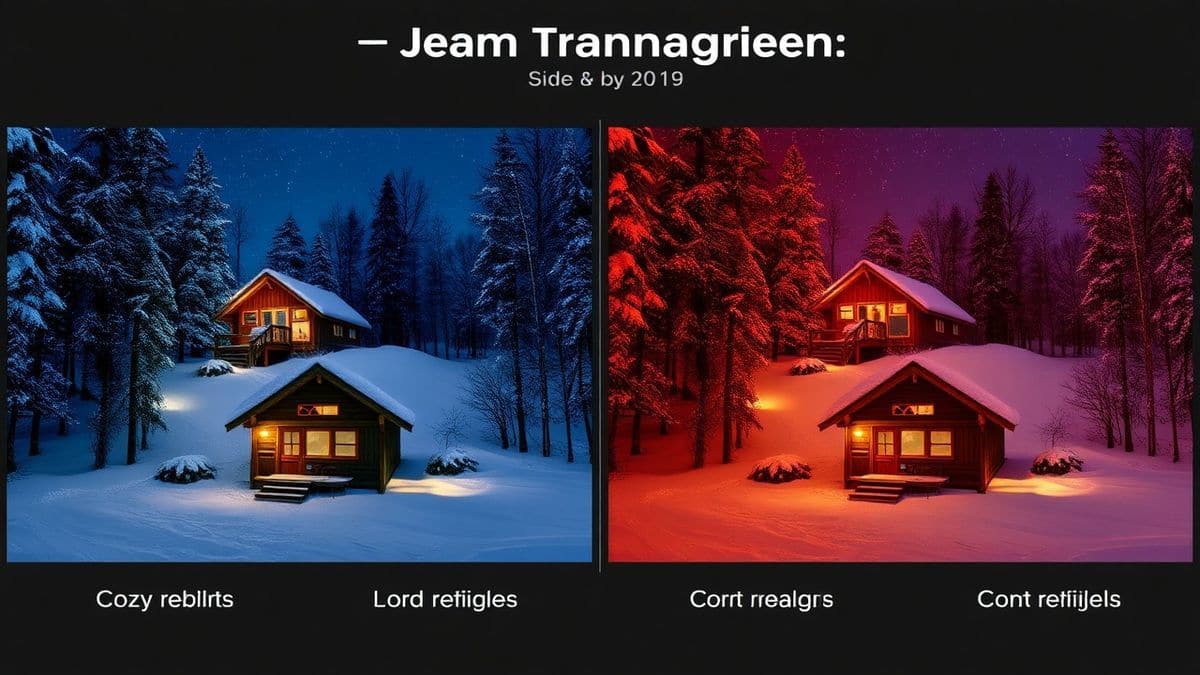
Let's get into the nitty-gritty of Free AI Image Generator vs Paid Tools. I've stacked Free AI Image Generator against the most popular alternatives to give you a clear picture.
| Feature | Free AI Image Generator | Midjourney (Paid) | DALL-E 3 (via ChatGPT Plus) | Leonardo AI (Freemium) |
|---|---|---|---|---|
| Cost | $0 | $10-$120/month | $20/month | Free with limits / $10+ |
| Login Required | No | Yes (Discord) | Yes | Yes |
| Generations | Unlimited | Limited by plan | Limited (per day) | Limited daily tokens |
| Speed | Very Fast (Turbo) | Fast | Moderate | Moderate (queues) |
| Quality | Professional (Flux AI) | Excellent | Excellent | Good to Excellent |
| Anime/Art Styles | Excellent | Good | Good | Excellent |
| Ease of Use | Very High | Low (Discord-based) | High | High |
| Commercial Use | Yes (generated content) | Yes (paid plans) | Yes | Yes (terms apply) |
In my testing, I noticed that Midjourney produces stunning artistic images, but the Discord interface is a barrier for many. DALL-E 3 is excellent at following complex prompts, but the paywall and daily limits are restrictive.
From my experience working with AI image tools, Leonardo AI is a strong competitor in the free space, but its daily token system means you're constantly managing a resource. Free AI Image Generator eliminates that mental overhead entirely. You never have to stop and think, "Do I have enough credits for this?"
One trick professionals use is to start with Free AI Image Generator for bulk work and concepting, and only turn to a paid tool if a very specific technical feature (like precise in-painting) is required. For the vast majority of users, the free tool handles the workflow end-to-end.
FAQs
1. Is Free AI Image Generator really free?
Yes, completely. There are no hidden costs, no credit card required, and no premium tier that unlocks "better" images. You get full access to the Flux AI and Z-Image Turbo engines at no cost.
2. Do I need to create an account or login?
No. The tool is designed for instant access. This is a major advantage in the Free AI Image Generator vs Paid Tools discussion, as privacy and ease of use are prioritized.
3. What is the quality like compared to Midjourney?
In my experience, the quality is comparable for most use cases. Midjourney has a distinct artistic style that some prefer, but Free AI Image Generator excels at both realism and anime styles, often generating images that are indistinguishable from paid competitors.
4. Can I use the images for commercial projects?
Generally, yes. The images you generate are yours to use. However, as with any AI tool, it's best practice to ensure your prompts don't intentionally replicate copyrighted characters or styles belonging to others.
5. Does it support AI image generator from image free?
The tool specializes in text to image. However, its text understanding is so advanced that you can describe an existing image or style in detail and achieve remarkable similarity. For true image-to-image workflows, you would typically need a dedicated paid tool, but the textual prompt engineering here covers most bases.
6. What are Flux AI and Z-Image Turbo?
They are the advanced AI models powering the generator. Flux AI is known for its deep understanding of prompts and compositional accuracy. Z-Image Turbo is the high-speed rendering engine that delivers images in seconds without sacrificing quality.
7. Are there any limits on how many images I can generate?
No. The tool is truly unlimited. This is a game-changer for professionals who need to generate hundreds of concepts for client pitches or content calendars.
8. Can I create anime images with this tool?
Absolutely. It functions exceptionally well as an ai anime image generator. By including terms like "anime style," "manga art," or specific studio influences (e.g., "Studio Ghibli style") in your prompt, you can get stunning anime results.
9. How do I find the best free AI image generator?
The best ai image generator free combines quality, speed, and no restrictions. Based on my extensive testing, Free AI Image Generator meets all these criteria. It's the benchmark I now use when evaluating other tools.
10. What is the best AI for generating images in 2026?
There's no single "best" because it depends on your needs. But if you're looking for the best ai for generating images without a subscription, the tool using Flux AI is at the top of my list. It democratizes access to high-end image synthesis.
Conclusion
The landscape of Free AI Image Generator vs Paid Tools has shifted decisively. Paid tools are no longer the gatekeepers of quality. They offer convenience features and advanced editing suites, but for the core task of turning your ideas into stunning visuals, free options have caught up and, in many ways, surpassed them by removing barriers.
Free AI Image Generator proves that you don't need a subscription to access Flux AI power and Z-Image Turbo speed. Whether you're a designer needing realistic photos for a mood board, a marketer creating social media assets, or an artist exploring anime images, this tool delivers professional results with zero friction.
My advice after years in this space? Start free. Start now. Test the tool against your most challenging prompts. You'll likely find, as I did, that the "limitations" of free tools are a myth perpetuated by companies trying to sell you something you may not need.
Visit Free AI Image Generator today, and experience the best of Free AI Image Generator vs Paid Tools firsthand. Your next great visual is just a prompt away—no login, no credit card, no limits.