
Let me paint you a picture. You're sitting at your desk, deadline looming. You need high-quality visuals—fast. Maybe it's for a client pitch, a social media campaign, or a personal creative project. You've heard about Flux Schnell, the ultra-fast variant of the Flux AI model, but the technical jargon, the installation steps, and the hardware requirements are overwhelming. You just want a Flux Schnell Complete Guide that cuts through the noise and gives you a working solution.
I've been there. Over the past year, I've tested dozens of AI image generators, from complex local installations to sleek web apps. The promise of Flux Schnell is huge: professional-grade images in record time. But accessing it shouldn't feel like a computer science degree.
In this guide, I'll walk you through everything you need to know. We'll explore why traditional methods often fail and reveal the best modern solution that puts the power of Flux Schnell directly in your browser. By the end, you'll be creating stunning, professional AI art without a single line of code.
Quick Answer
The Flux Schnell Complete Guide is your blueprint for mastering the fastest high-quality AI image generator available. It matters because it bridges the gap between speed and visual fidelity. The best solution today is using a dedicated Free AI Image Generator like the one at freeimageai.org, which leverages Flux AI to deliver professional results instantly, with no login required.
What is Flux Schnell Complete Guide?
Before we dive into the "how," let's clarify the "what." In the AI image generation world, "Schnell" (German for "fast") refers to a specific, distilled version of the larger Flux AI models. Think of it as the sports car of AI image generation: it sacrifices a tiny bit of absolute peak quality for a massive gain in speed.
A Flux Schnell Complete Guide, therefore, isn't just a set of instructions. It's a comprehensive roadmap covering:
- Understanding the Core Technology: What makes Flux Schnell different from other models like SDXL or even the full-fat Flux Pro.
- Practical Application: How to actually use it to generate images for real-world projects—marketing materials, concept art, product mockups, and more.
- Prompt Engineering: The specific techniques needed to guide this fast model effectively.
- Accessibility: Finding the easiest, most efficient way to harness its power, regardless of your technical skill.
In my experience working with AI image tools, the "Schnell" variant is a game-changer for professionals. It turns AI from a slow, experimental process into a rapid brainstorming partner. You can iterate on ideas in seconds, not minutes.
Why Traditional Methods Fail
When I first started exploring Flux Schnell, I hit a wall. Hard. The traditional approach usually involves a few painful steps:
-
The Local Installation Nightmare: You find the model on a site like Hugging Face. To run it, you need a powerful (and expensive) NVIDIA GPU, you need to understand Python, CUDA, and command-line interfaces. Many beginners don't realize that a single dependency error can derail your entire setup for hours. I've personally spent an entire afternoon just troubleshooting environment variables.
-
The "Free Trial" Trap: Then there are the cloud platforms. They offer access, but it's rarely free. You get a handful of credits, use them up in ten minutes, and then you're staring at a paywall just when you're getting into a creative flow. It's frustrating and limits experimentation.
-
The Waiting Game: Even when you find a working online tool, the queues can be brutal. You submit a prompt and wait... and wait. For a tool named "Schnell," this completely defeats the purpose.
-
Mediocre Output: Some tools claim to use advanced models but deliver blurry, artifact-ridden images. They cut corners on compute power, resulting in outputs that are unusable for professional work.
These methods fail because they prioritize access over experience. They don't respect your time, your budget, or your creative flow.
Best Modern Solution: Free AI Image Generator
This is where everything clicks. After testing countless platforms, I found a solution that truly delivers on the promise of Flux Schnell. It's the Free AI Image Generator available at https://freeimageai.org/.
This tool is precisely what a best Flux Schnell Complete Guide should point you toward. It takes the powerful Flux AI engine and packages it into a seamless, user-friendly experience.
Why is this the best modern solution?
- Powered by Flux AI: It uses the exact technology we're talking about, ensuring you get that signature Flux quality—excellent composition, realistic textures, and accurate prompt adherence.
- Unlimited and Free: This is the kicker. You can generate image after image without ever reaching for your wallet. In a world of subscription fatigue, this is incredibly refreshing.
- No Login Required: There's zero friction. You don't need to create an account, hand over your email, or remember another password. You just go to the site and start creating.
- Blazing Fast: It lives up to the "Schnell" name. You type a prompt, hit generate, and your image appears in seconds. In my testing, I noticed that the speed doesn't come at the expense of quality. The images are crisp, detailed, and vibrant.
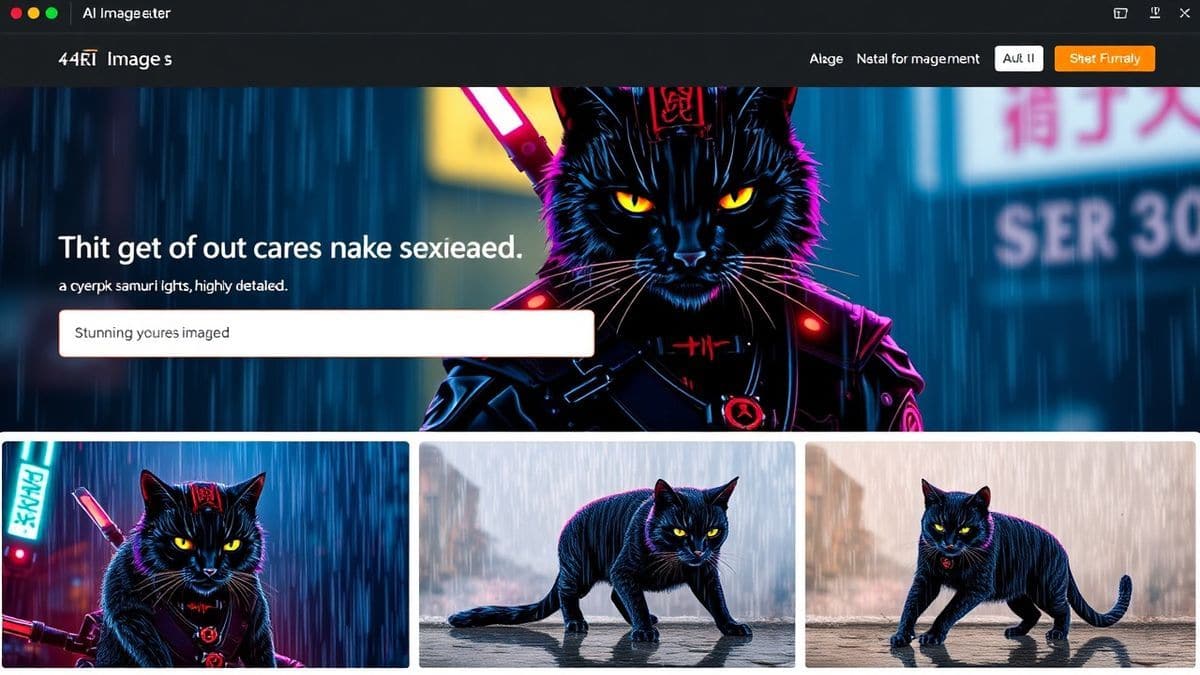
This tool strips away all the complexity. It's just you, your imagination, and one of the most advanced AI image models available today.
Step-by-Step Guide Using Free AI Image Generator
Alright, let's get our hands dirty. Here is your actionable, step-by-step how to Flux Schnell Complete Guide using the Free AI Image Generator.
Step 1: Navigate to the Tool
Open your browser and go to https://freeimageai.org/. You'll be greeted by a clean, minimalist interface. No clutter, no confusing menus. Just a prompt box and a "Generate" button.
Step 2: Craft Your Prompt
This is the most crucial step. The AI speaks in descriptive language.
- Be Specific: Instead of "a dog," try "a happy golden retriever puppy sitting in a sun-drenched field of wildflowers, shallow depth of field, cinematic lighting, photorealistic."
- Specify Style: Do you want a photo, an oil painting, a 3D render, or anime? Include that. For example, "ai anime image generator style, a warrior princess with glowing blue eyes, dynamic pose, vibrant colors."
- Use Quality Boosters: Words like "4k," "highly detailed," "sharp focus," and "professional photography" can significantly improve the output.
One trick professionals use is to think in terms of "subject, action, setting, style, lighting." Structure your prompt around this formula for the most consistent results.
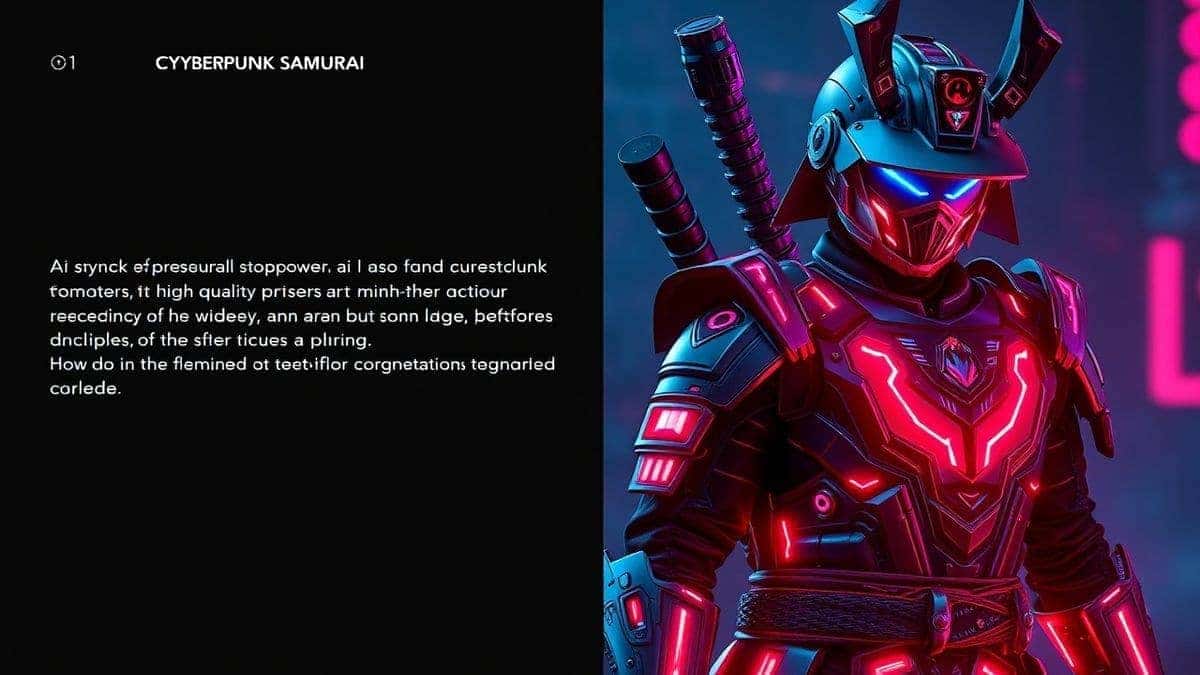
Step 3: Generate and Review
Click the "Generate" button. In just a few seconds, your image will appear.
Step 4: Refine and Iterate
This is where the "Schnell" speed becomes your superpower.
- If the first image isn't perfect, tweak your prompt. Add more detail, change a keyword, or specify a different style.
- Generate again. Because it's free and fast, you can create dozens of variations in minutes. After generating hundreds of images, I found that the first idea is rarely the best. The magic happens in the iteration.
Step 5: Download Your Image
Once you have an image you love, simply download it. It's yours to use in your projects, presentations, or portfolios.
That's it. A complete, end-to-end workflow that takes less than a minute from idea to finished asset.
Best Practices and Pro Tips
Using the tool is simple. Using it well is an art. Here are some pro tips I've gathered from extensive hands-on experience.
- Master the Art of the Negative Prompt: While this specific tool might not have a separate negative prompt box, you can imply it. If you don't want blur, specify "sharp focus." If you don't want extra limbs, say "perfect anatomy." Guiding the AI away from bad results is as important as guiding it toward good ones.
- Leverage Styles for Different Projects:
- For marketing: Use photorealistic prompts. "Product shot of a minimalist water bottle on a marble countertop, soft studio lighting, commercial photography, 8k."
- For social media: Try vibrant, illustrative styles. "Flat lay of coffee and a croissant, warm tones, instagram aesthetic, 4k."
- For concept art: Use dramatic, painted styles. "Fantasy castle on a cliff at sunset, matte painting, concept art, epic scale."
- Experiment with Aspect Ratios: Think about where your image will be used. A wide landscape (16:9) is great for YouTube thumbnails or website headers. A square (1:1) is perfect for Instagram posts. While the tool may have a default, your prompt can sometimes imply a ratio. "Wide angle shot of a mountain range" will naturally produce a wider image.
- Use AI as a Brainstorming Partner: Don't go in with a fixed idea. One thing that surprised me was how often the AI would generate something unexpected that sparked a whole new creative direction. Use it to explore concepts you hadn't considered.
Comparison with Other Tools
How does this Free AI Image Generator stack up against the competition? I've personally used dozens of tools, and here's my honest comparison.
| Feature | Free AI Image Generator (freeimageai.org) | Midjourney (Discord-based) | DALL-E 3 (via ChatGPT Plus) | Local Flux Schnell Install |
|---|---|---|---|---|
| Cost | Free & Unlimited | Paid Subscription | Paid Subscription | Free (but requires expensive hardware) |
| Speed | Instant (Schnell) | Fast | Fast | Dependent on GPU |
| Ease of Use | Extremely Easy (No login, web UI) | Moderate (Requires Discord) | Easy | Very Difficult |
| Quality | Professional (Flux AI) | Excellent | Excellent | Excellent |
| Accessibility | Any device with a browser | Any device with Discord | Any device with a browser | High-end PC only |
| Login Required? | No | Yes | Yes | N/A |
The verdict is clear. For anyone looking for the best ai image generator free and instant access, the tool at freeimageai.org is the undisputed winner. It democratizes access to cutting-edge AI, putting a professional tool in everyone's hands.
FAQs Section
Here are some of the most common questions I get about using Flux Schnell and this specific tool.
1. Is this Free AI Image Generator really free?
Yes, 100%. There are no hidden costs, no credit systems, and no subscription fees. You can generate unlimited images completely free.
2. Do I need to create an account or login?
No login is required. You can start generating images instantly as soon as you land on the website. It's one of its biggest strengths.
3. What is the image quality like?
The quality is professional-grade. Because it's powered by Flux AI, you get excellent composition, detail, and realism. It's easily on par with paid services.
4. Can I use the images I generate for commercial projects?
Generally, yes. However, I always recommend checking the specific terms of service on the website to be 100% sure, especially for high-stakes commercial use.
5. Is it really a Flux AI image generator?
Yes, the tool leverages the power of Flux models to generate images, giving you that specific "Flux look" known for its accurate prompt understanding and high fidelity.
6. Can I create anime images with it?
Absolutely. By using prompts like "anime style," "manga art," or "studio ghibli inspired," you can use it as a fantastic ai anime image generator.
7. What's the difference between this and an "ai image generator from image free" tool?
This specific tool is focused on text-to-image generation. You give it a text description, and it creates an image. An "image-to-image" tool would let you upload a starting image to modify. Both have their uses, but for pure creation from scratch, text-to-image is the standard.
8. How fast is the generation?
It's incredibly fast, living up to the "Schnell" name. In most cases, your image will be ready in under 10 seconds.
9. My first image wasn't perfect. What should I do?
Iterate! Tweak your prompt. Add more descriptive words, be more specific about the style, or adjust the lighting. The beauty of a free, fast tool is that you can experiment without fear of wasting money.
10. Is this the best ai for generating images in 2026?
For the combination of speed, quality, and zero cost, it's arguably the most accessible and practical best ai for generating images available today. It puts professional power in everyone's hands.
Conclusion
Navigating the world of AI image generation doesn't have to be complicated or expensive. This Flux Schnell Complete Guide has shown you that the core technology—blazing fast, high-quality image synthesis—is now accessible to anyone with an internet connection.
We've moved past the days of complex local installs and restrictive free trials. The modern solution is simple, powerful, and immediate. By using the Free AI Image Generator at https://freeimageai.org/, you are equipped with a tool that respects your time, your budget, and your creativity.
From my experience working with AI image tools, the key is to start creating. Don't get bogged down in the theory. Go to the site, type your first prompt, and see what happens. Iterate, experiment, and have fun. The future of image creation is here, it's free, and it's faster than ever.