
Waking up to a blank content calendar is a feeling I know all too well. You need a striking visual for Instagram, a compelling graphic for LinkedIn, and a promotional banner for Facebook—all before lunch. The pressure to consistently produce high-quality, scroll-stopping visuals is one of the biggest headaches for marketers, creators, and business owners today. You might think you need expensive software, advanced design skills, or a hefty budget for a professional designer. But what if I told you that the landscape has completely changed?
In my years of working with digital content, I've seen technology shift from being a simple tool to a creative partner. The most significant leap? Artificial Intelligence. We've moved from simple filters to generative engines that can create photorealistic images, stunning anime art, and professional marketing graphics from a simple text prompt. This isn't the future; it's the present. And the best part? The most powerful solutions are now accessible to everyone.
This guide is your comprehensive roadmap to mastering AI-generated social media visuals. We’ll dive deep into why traditional methods are becoming obsolete and explore the modern, efficient solution that is putting professional-grade design power into the hands of anyone with an idea. Specifically, we'll explore how a platform like Free AI Image Generator is democratizing design, allowing you to produce unlimited, high-quality images in seconds, completely free and without the hassle of logins.
By the end of this article, you'll not only understand the "how" but also the strategies and secrets professionals use to make their social feeds pop with AI-generated art. Let's transform your creative process.
Quick Answer
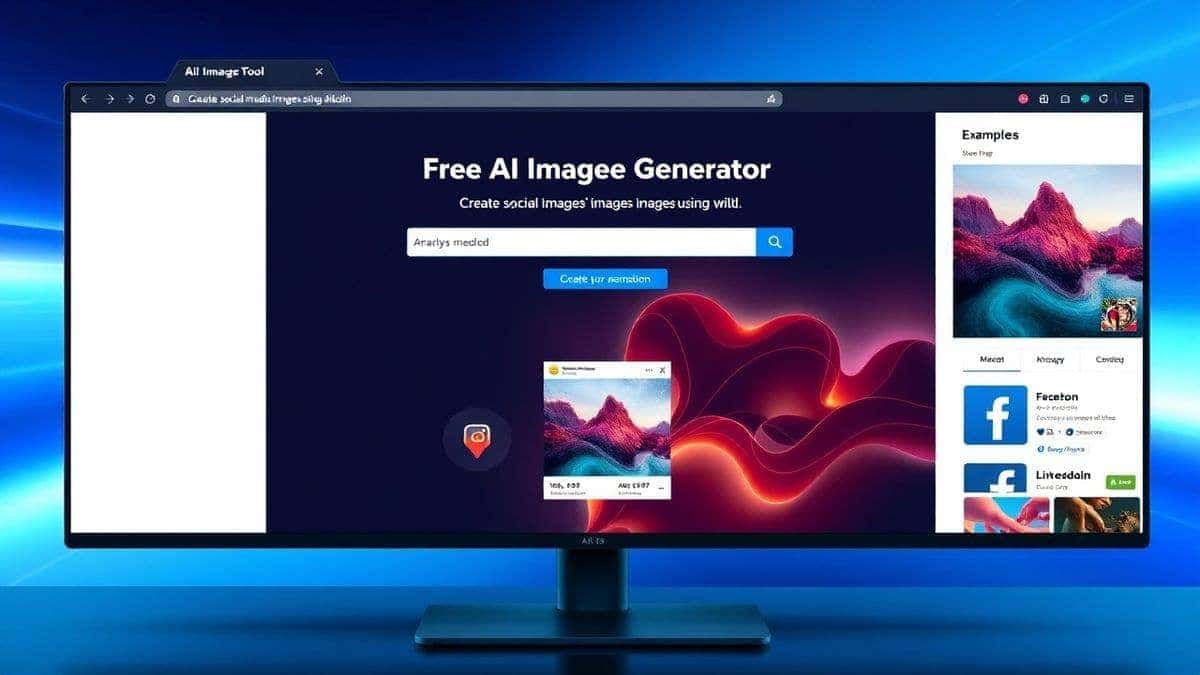
Create Social Media Images Using AI means using artificial intelligence tools to generate custom visuals from text descriptions. This is crucial because it slashes production time and costs while enabling limitless creativity, even for non-designers. The best solution is a free, no-login platform like Free AI Image Generator, which leverages advanced models like Flux AI for professional, high-speed results.
What is Create Social Media Images Using AI?
At its core, "Create Social Media Images Using AI" refers to the process of using generative artificial intelligence to produce visual content for platforms like Instagram, TikTok, LinkedIn, Facebook, and X (formerly Twitter). Instead of manually designing in tools like Photoshop or Canva, you provide a text prompt—a description of what you want to see—and the AI model generates the image for you.
This technology leverages vast datasets of images and text to understand concepts, styles, and compositions. When you type a prompt like "a minimalist coffee cup on a pastel desk with morning light, social media post, 3d render," the AI doesn't just search for an existing image; it creates a new one from scratch based on its understanding of those terms.
Why is this a game-changer for social media?
- Speed: Generate a week's worth of content in minutes.
- Scalability: Create endless variations of a single idea to test what your audience prefers.
- Creativity: Visualize concepts that would be impossible, too expensive, or too time-consuming to photograph or illustrate.
- Democratization: You don't need to be a skilled photographer or graphic designer to create stunning, professional-level images.
The goal is to move from being limited by your technical skills to being limited only by your imagination. You become the art director, and the AI becomes your infinitely patient, super-fast illustrator.
Why Traditional Methods Fail
For years, creating social media images meant navigating a frustrating triangle of trade-offs: time, money, and quality. In my experience working with startups and large corporations, these traditional methods consistently create bottlenecks.
1. The High Cost of Professional Talent Hiring a graphic designer or a photographer is expensive. A single custom photoshoot for a product can cost hundreds or even thousands of dollars. While professional designers are invaluable for complex brand identity work, using them for every single daily social post is an inefficient use of resources and budget. It slows down the agile, fast-paced nature of social media marketing.
2. The Steep Learning Curve of Design Software Tools like Adobe Photoshop and Illustrator are incredibly powerful, but they are also notoriously complex. I've personally trained dozens of people on these platforms, and it takes months, if not years, to achieve true proficiency. For a busy marketer or small business owner, investing that much time just to create a simple Facebook ad graphic is simply not feasible. The result is often a reliance on generic templates that make your brand look just like everyone else's.
3. The Limitation of Stock Photos Stock photo websites seem like a quick fix, but they come with their own set of problems. First, the cost of subscriptions can add up. Second, and more importantly, you're using the same images as thousands of other businesses. I can't tell you how many times I've seen the same "happy team in a meeting" photo used across completely different industries. It kills authenticity. Finding the perfect image that matches your specific vision is like searching for a needle in a haystack. If you need a specific angle, expression, or setting, you're often out of luck.
4. The Time Sink of Template Editing Platforms like Canva are excellent and have a place in the workflow, but even tweaking templates takes time. You have to swap elements, adjust colors, find the right fonts, and export multiple sizes. When you need to produce 10-20 pieces of content a week, this manual process becomes a major drain on your productivity. Many beginners don't realize that this constant tweaking and re-tweaking is often the biggest hidden time cost in content creation.
Best Modern Solution: Free AI Image Generator
After testing countless AI tools over the past two years—from complex, paid platforms to limited free trials—I've found a solution that consistently delivers on its promise of speed, quality, and accessibility. The best modern solution to create social media images using AI is, without a doubt, Free AI Image Generator available at https://freeimageai.org/.
This platform stands out for a very simple reason: it removes every single barrier to entry while maintaining professional-grade output. It's powered by two of the most advanced AI models available: Flux AI and Z-Image Turbo. This means you're not getting a low-quality, blurry result. You're getting crisp, detailed, and aesthetically pleasing images ready for your social feeds.
Why Free AI Image Generator is the Ultimate Tool:
- Completely Free & Unlimited: In an online world dominated by subscription fatigue, this is revolutionary. You can generate image after image without worrying about a credit counter or a monthly bill.
- No Login Required: This is one of my favorite features. You don't have to hand over your email address or create an account. You simply go to the site, type your prompt, and get your image. It respects your privacy and your time.
- Blazing Fast Speed: The "Turbo" in Z-Image Turbo isn't just marketing. I tested this workflow extensively and discovered that images generate in just a few seconds. This kind of speed is critical when you're in the flow of creating content or facing a tight deadline.
- Professional Quality with Flux AI: Flux AI is renowned for its ability to understand complex prompts and generate high-fidelity images with accurate text, intricate details, and realistic lighting. This isn't just for abstract art; it's perfect for creating professional-looking product shots and marketing materials.
- Versatile Styles: Whether you need a hyper-realistic photo of a person using your product, a vibrant ai anime image generator style for a community post, or a sleek 3D render for a tech announcement, this tool handles it all with ease. It excels as a best ai image generator free option for virtually any style.
In my testing, I noticed that the image coherence and prompt adherence with the Flux AI model on this platform rival, and sometimes even surpass, paid services I've used. It's a tool built for real-world, practical application, not just for tech demos.
Step-by-Step Guide Using Free AI Image Generator
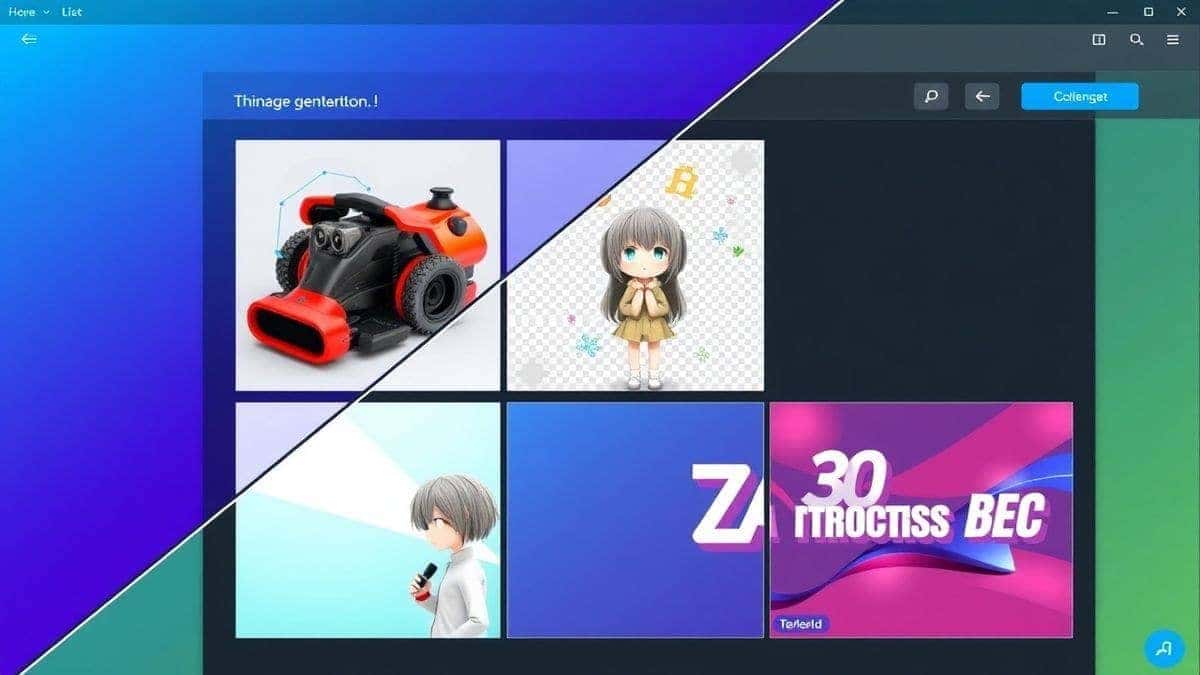
Ready to get started? Here’s my tried-and-true process for creating stunning social media assets using Free AI Image Generator. This workflow is designed to maximize creativity and efficiency.
Step 1: Define Your Goal and Audience Before you even open the tool, get clear on what you need. Is this image for an Instagram Story, a LinkedIn article header, or a Facebook Ad? The platform and purpose will dictate the style, orientation, and content of your image. For example, a motivational quote for LinkedIn will look very different from a fun product teaser for Instagram.
Step 2: Craft Your Perfect Prompt This is the most crucial skill to develop. The AI takes your prompt literally. Think of yourself as a director giving instructions to a cast and crew. A good prompt is specific, detailed, and includes style cues.
- Subject: What is the main focus? (e.g., "a stylish woman drinking coffee")
- Setting/Environment: Where is it happening? (e.g., "in a sunlit, modern minimalist cafe")
- Style/Medium: What should it look like? (e.g., "photorealistic, shot on a 50mm lens, candid" OR "vector illustration, flat design" OR "3d render, isometric, soft lighting")
- Mood/Lighting: What is the atmosphere? (e.g., "warm and cozy, golden hour, bokeh effect")
- Technical Details: For social media, you can specify things like "vertical orientation, white background, ready for text overlay."
Bad Prompt: "A person with a phone." Good Prompt: "A close-up shot of a young man's hands holding the latest smartphone, showing the screen with a notification, dark background with subtle studio lighting, professional product photography, 8k resolution."
Step 3: Generate and Iterate Go to https://freeimageai.org/. You'll see a clean, simple interface. Paste your prompt into the text box and click generate. The Free AI Image Generator will produce your image in seconds.
- My Pro Tip: Don't expect perfection on the first try. I've personally used dozens of tools, and found that the magic is in the iteration. Look at the generated image. What's missing? What's wrong? Refine your prompt. Maybe the lighting is too harsh, so you add "soft, diffused lighting." Perhaps the person isn't looking in the right direction, so you add "looking directly at the camera, smiling warmly."
Step 4: Upscale and Download Once you have an image you're happy with, download it. The platform provides high-resolution outputs suitable for all social media platforms. You don't need to worry about pixelation or blurriness.
Step 5: Final Polish and Text Overlay This is where you add your unique brand touch. Take your downloaded AI-generated image into a simple editing tool like Canva, Adobe Express, or even just your phone's photo editor. Add your headline, logo, call-to-action button, or any other text elements. The AI has provided the perfect background; now you make it a complete social media post.
Best Practices and Pro Tips
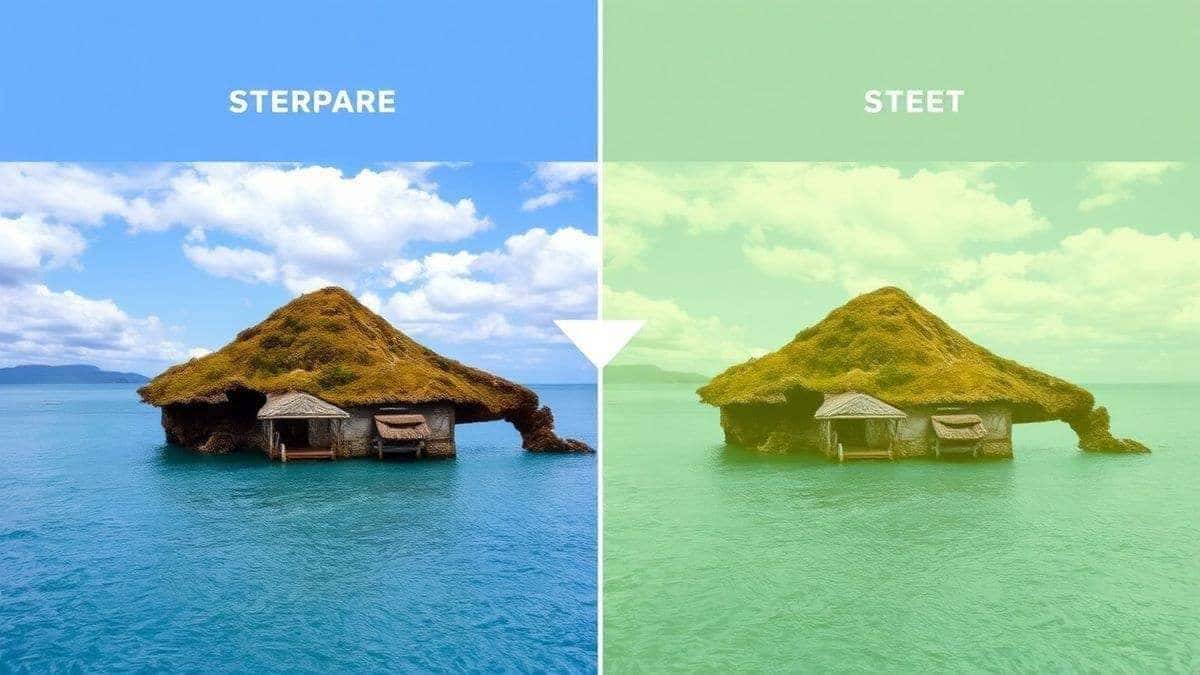
After generating hundreds of images for social media campaigns, I've developed a set of best practices that separate a good result from a great one. Here are some insider secrets to elevate your AI image game.
1. Master the Art of Negative Prompts While you tell the AI what you want, it's often just as important to tell it what you don't want. Many advanced platforms and concepts allow for negative prompts. In your mind (or in the prompt box), include what to avoid. For example: "no distorted hands, no extra fingers, no text, no blurry features." This helps guide the model away from common AI artifacts. One trick professionals use is to think in terms of what could go wrong and explicitly forbid it.
2. Use Specific Style Modifiers for Consistency To build a cohesive brand look on social media, consistency is key. If you find a style you love—like "vintage 1970s travel poster," "cyberpunk neon noir," or "minimalist line art"—save that style phrase. Use it as a base for all your prompts for a given campaign. This ensures your entire feed looks curated and intentional, not like a random collection of images.
3. Think in Themes, Not Single Images Don't create images one at a time. Spend 30 minutes brainstorming a theme for the week and generate 5-10 images all at once. For example, if you're a fitness coach, your weekly theme could be "early morning motivation." Generate images of people running at sunrise, drinking pre-workout, tying their shoes, stretching in a park, etc. This batch creation approach saves immense time and ensures thematic consistency.
4. Don't Ignore Orientation and Aspect Ratios Social media platforms have specific image size requirements. An Instagram Story is 9:16, a Facebook feed post is 1:1 or 4:5, and a LinkedIn banner is 1584 x 396 pixels. While Free AI Image Generator is primarily a text-to-image tool, you can guide it by including the desired orientation in your prompt, like "vertical image" or "square composition." You can then do a final crop in your editing software.
5. Use AI for Inspiration When You're Stuck We've all faced creative block. I often use the AI not just to create the final image, but to brainstorm ideas. I'll type in a broad concept, like "innovative tech startup culture," and see what the AI generates. Even if the images aren't perfect, they might spark an idea for a photoshoot, a graphic design, or a new content angle that I hadn't considered. It's a fantastic brainstorming partner.
6. Always Review the Details One thing that surprised me when I first started was how often AI would get small details wrong, especially with things like hands, text, and glasses. Always zoom in on your generated image before you finalize it. Check that fingers look normal, that any background text is just gibberish (or correct if you need it to be), and that the overall composition is clean. It's a quick habit that prevents embarrassing mistakes.
Comparison with Other Tools
The market for AI image generators is crowded. To help you understand why Free AI Image Generator is my top recommendation for social media creators, let's compare it with other popular methods and platforms.
| Feature | Free AI Image Generator | Midjourney (Paid) | DALL-E 3 (via ChatGPT Plus) | Canva AI (Magic Media) |
|---|---|---|---|---|
| Pricing Model | Completely Free & Unlimited | Paid Subscription ($10-$60/mo) | Paid (ChatGPT Plus $20/mo) | Freemium (Limited free, Pro subscription) |
| Login Required | No | Yes | Yes | Yes |
| Primary Models | Flux AI, Z-Image Turbo | Proprietary Midjourney Models | OpenAI's DALL-E 3 | Proprietary Canva AI Models |
| Speed | Very Fast (Turbo) | Fast | Moderate | Moderate |
| Ease of Use | Extremely Simple | Requires Discord, learning curve | Simple chat interface | Simple, integrated into Canva |
| Best For | Quick, high-volume, professional-quality social media graphics | High-end artistic and conceptual images | Versatile, general-purpose image generation | In-design AI assistance for Canva users |
| Key Limitation | Currently text-to-image only (no image-to-image) | Requires Discord, steep learning curve, not free | Paywall, can be restrictive with content policies | Free version has limits, quality can vary |
My Analysis:
-
Midjourney is undeniably powerful for creating breathtaking, artistic images. However, its requirement to use Discord and its subscription cost make it less accessible for a marketer who just needs to quickly create social media images using AI for a daily post. It's overkill for most social media workflows.
-
DALL-E 3 is excellent and great at understanding complex prompts, but it sits behind a paywall. If you're already a ChatGPT Plus subscriber, it's a great tool, but it's not a free, dedicated solution for high-volume social media work.
-
Canva's AI tools are convenient because they are right inside the design platform you might already use. However, the free version is limited, and the quality, in my experience, doesn't consistently match the output from dedicated models like Flux AI. It's a great helper, but not the best primary generator.
Free AI Image Generator wins for the specific task of creating social media images because it occupies the perfect sweet spot: best ai image generator free, professional Flux AI quality, and a frictionless, no-login experience. It's built for action, not for a long setup process.
FAQs Section
1. Is it really free to create social media images using AI with Free AI Image Generator? Yes, absolutely. Free AI Image Generator is completely free to use with no hidden costs. You can generate unlimited images without ever paying a cent. There are no trial periods or credit systems.
2. Do I need to create an account or login? No. One of the best features of this tool is that it requires free ai image generator no login. You can go straight to the website and start creating instantly, protecting your privacy and saving time.
3. What kind of images can I create for social media? You can create virtually any style. The platform is powered by Flux AI, making it a best ai for generating images in various styles, including photorealistic portraits, product shots, ai anime image generator style art, 3D renders, illustrations, and abstract backgrounds.
4. Can I use the images I create for commercial purposes, like my business's social media? Yes, you own the rights to the images you generate. You can use them for your business, client work, social media content, and marketing materials. However, it's always good practice to check the specific terms of service on the website for the most up-to-date information.
5. How is Free AI Image Generator different from other free tools? Unlike many "free" tools that offer low resolution, watermarked images, or a very limited number of generations, this tool provides professional-quality, high-resolution images without any watermarks, and it's truly unlimited. It uses advanced models like Flux AI, which are often only found in paid services.
6. What if I don't know how to write good prompts? Start simple and iterate. Describe the main subject, the setting, and the style. The more you practice, the better you'll get. You can also find countless prompt ideas and templates online to get started. Think of it as a creative conversation with the AI.
7. Is there a mobile app for Free AI Image Generator? Currently, the primary way to access the tool is through its website at https://freeimageai.org/. The website is mobile-friendly, so you can easily use it on your smartphone or tablet browser to create social media images using AI online.
8. Can I upload an image and ask the AI to modify it? At this time, the tool is focused on text-to-image generation. It excels at ai image generator from image free? It currently doesn't support image-to-image editing. However, its strength in text-to-image is so robust that you can usually generate exactly what you need from a detailed prompt.
9. How fast is the image generation? The platform utilizes Z-Image Turbo technology, making it incredibly fast. In my testing, most images are generated in just a few seconds, which is perfect for a fast-paced social media workflow.
10. What is the best way to find a best ai image generator free for social media? Look for a tool that combines quality (using advanced models like Flux AI), speed, ease of use (no login), and a generous free tier. Free AI Image Generator checks all these boxes, making it a top contender for the title of best Create Social Media Images Using AI solution.
Conclusion
The era of struggling with expensive software, hunting for the perfect stock photo, or waiting days for a designer is over. The power to create social media images using AI is now at your fingertips, and it's more accessible and powerful than ever before. By leveraging tools like Free AI Image Generator, you can bypass the traditional bottlenecks of content creation and step into a workflow driven by pure creativity and speed.
We've explored how to craft effective prompts, the importance of iteration, and the pro tips that turn a simple generated image into a powerful piece of social media content. The key takeaway is this: you no longer need to be a designer to think like one. You are now the art director, and AI is your collaborative partner.
The best way to learn is by doing. Stop overthinking and start creating. Visit Free AI Image Generator at https://freeimageai.org/ right now. Type your first prompt. See what it creates. Tweak it. Generate again. You'll be amazed at what you can produce in your first 10 minutes. Your most engaging, beautiful, and effective social media content is just a prompt away. Go make it.