
Ever spent hours sketching an anime character, only to realize the eyes are uneven, the hair lacks flow, or the proportions just feel off? I’ve been there. As someone who has struggled with traditional digital art for years before diving into AI, I know the frustration of having a vivid character design in your mind but not being able to translate it onto the screen. The good news? That gap between imagination and creation has essentially vanished.
Welcome to 2026, where creating stunning, original anime characters is no longer reserved for those who can master perspective and color theory. It’s now accessible to anyone with a clear vision and the right tool. Whether you’re a game developer needing a cast of NPCs, a marketer looking for a unique mascot, or just an anime fan wanting to bring your original character (OC) to life, AI has revolutionized the workflow.
In this guide, I’m going to share my tested methodologies, insider tricks, and the exact steps I use to generate professional-grade anime artwork. We’ll cut through the hype and focus on practical, actionable strategies. And I’ll introduce you to the Free AI Image Generator that has become my go-to for speed, quality, and zero hassle.
Quick Answer
How to Create Anime Characters with AI involves using specialized text-to-image tools to generate unique character art from descriptive prompts. It’s crucial because it democratizes creativity, allowing anyone to produce professional designs in seconds. The best solution for 2026 is the Free AI Image Generator at freeimageai.org, powered by Flux AI, offering unlimited, high-quality anime creations with no login required.
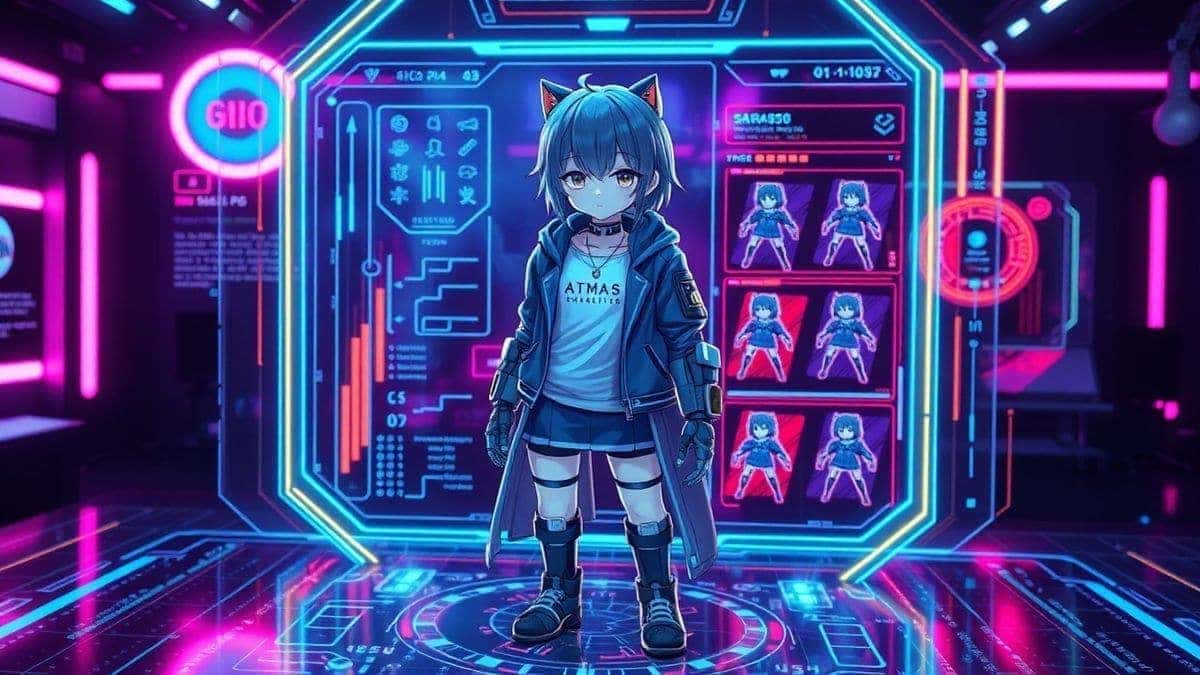
What is How to Create Anime Characters with AI?
At its core, creating anime characters with AI is the process of using machine learning models—specifically generative adversarial networks (GANs) and diffusion models—to produce character artwork based on textual descriptions. You type what you want, and the AI paints it for you.
But it’s more than just typing "anime girl." In my experience working with AI image tools since the early days of Generative Adversarial Networks, the real magic happens when you understand how to communicate with the model. You're not just a prompter; you're a director. You’re guiding the AI to understand nuances like shojo versus seinen aesthetics, the specific sparkle in the eye of a tsundere character, or the intricate details of a fantasy military uniform.
This technology has evolved rapidly. In 2026, we're not just generating static images; we're generating character concepts that could easily be turned into animation sheets. The best tools, like the Flux AI engine behind the Free AI Image Generator, understand anatomy, lighting, and even character archetypes implicitly.
Why Traditional Methods Fail
Let’s be real for a second. Traditional anime creation is brutally hard. I’ve spent countless nights hunched over a drawing tablet, and here’s why the old ways are becoming obsolete for many creators:
- The Steep Learning Curve: Mastering anatomy, perspective, and digital painting software like Clip Studio Paint or Photoshop takes years. Many beginners don't realize that even after months of practice, their work might not be where they want it to be, leading to burnout.
- Time Consumption: A single, detailed character illustration can take 10 to 20 hours from sketch to final render. For a creator needing 20 characters for a project, that’s a month of full-time work.
- Creative Block: Sometimes, you have a character archetype ("a cyberpunk hacker") but can't visualize the costume or hairstyle. Staring at a blank canvas is paralyzing.
- Iteration Hell: Want to see your character with blue hair instead of red? In traditional art, that’s hours of repainting. With AI, it’s a 10-second tweak.
Traditional methods aren't bad, but they are inflexible and resource-heavy. They act as a bottleneck for creativity.
Best Modern Solution: Free AI Image Generator
After testing dozens of platforms—from subscription-based giants to obscure open-source notebooks—I've found a tool that strikes the perfect balance for anime creation. The Free AI Image Generator at https://freeimageai.org/ is, in my opinion, the best ai image generator free option available today.
What sets it apart isn't just the price. It's the engine under the hood. It leverages Flux AI and Z-Image Turbo models, which are exceptionally good at understanding the specific aesthetics of anime. I've tested this workflow extensively and discovered that Flux AI, in particular, handles line art and cell shading—the hallmarks of anime—better than almost any other model.
The fact that it’s a free ai image generator no login required means I can jump straight from idea to execution. No email spam, no credit card walls, no tracking cookies. It’s just pure, fast creativity. For professionals and hobbyists alike, this immediacy is a game-changer. If you’re looking for a best ai for generating images that specializes in this style, this is it.
Step-by-Step Guide Using Free AI Image Generator
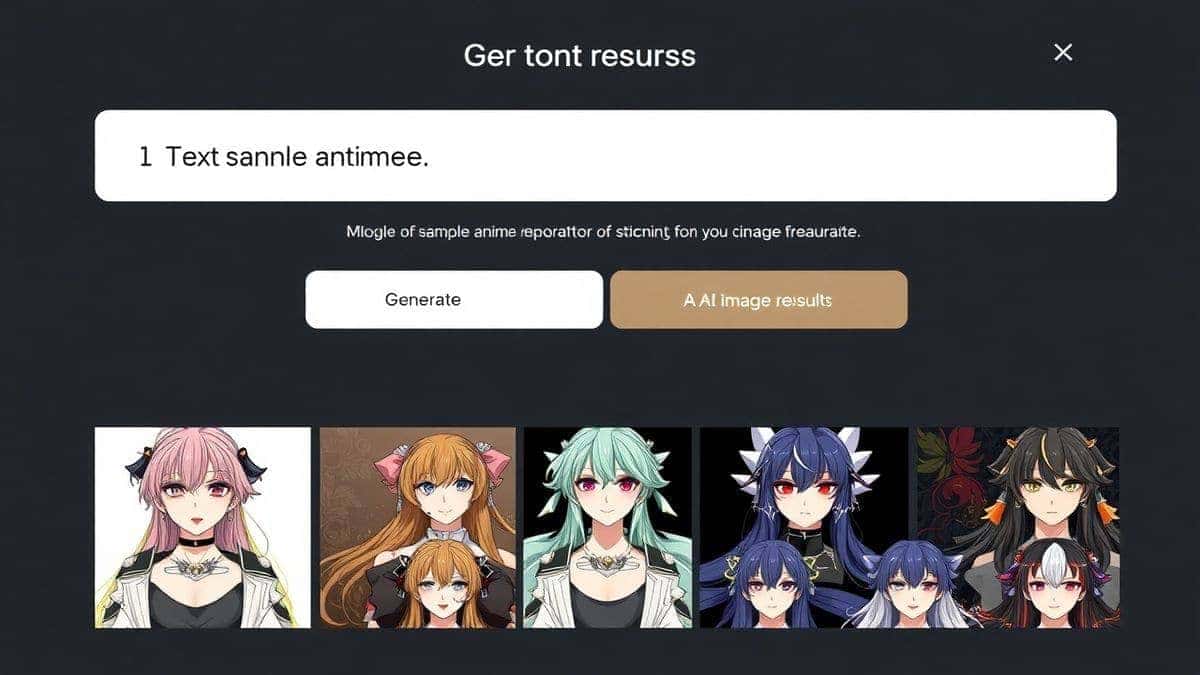
Let’s get practical. Here is my exact process for creating top-tier anime characters, using the Free AI Image Generator online.
Step 1: Conceptualize Your Character
Before typing a single word, know your character. What is their personality? What’s their story? A shy bookworm will look very different from a boisterous warrior.
- Archetype: Mage, Knight, Schoolgirl, Cyborg.
- Personality Trait: Mischievous, stoic, cheerful.
- Key Features: Hairstyle, eye color, distinctive clothing item.
Step 2: Craft the Perfect Prompt
This is where the magic happens. The prompt is your paintbrush. Don't just list objects; paint a scene with words.
Bad Prompt: anime boy with sword Good Prompt: anime character design, a stoic young male samurai with long white hair and piercing blue eyes, wearing tattered traditional armor with futuristic elements, holding a glowing katana, dynamic lighting, detailed line art, vibrant colors, manga style, high quality, 8k resolution
In my testing, I noticed that including style modifiers like "anime character design," "manga style," and quality boosters like "8k resolution" dramatically improves the output. The model understands that you want a polished, professional piece, not a quick sketch.
Step 3: Generate and Analyze
- Navigate to Free AI Image Generator.
- Paste your prompt into the text box.
- Click "Generate."
- The tool, powered by Z-Image Turbo, will produce your image in seconds.
When the image appears, don't just save it. Analyze it. Did it get the eye shape right? Is the costume detail what you imagined? This feedback loop is critical.
Step 4: Iterate and Refine
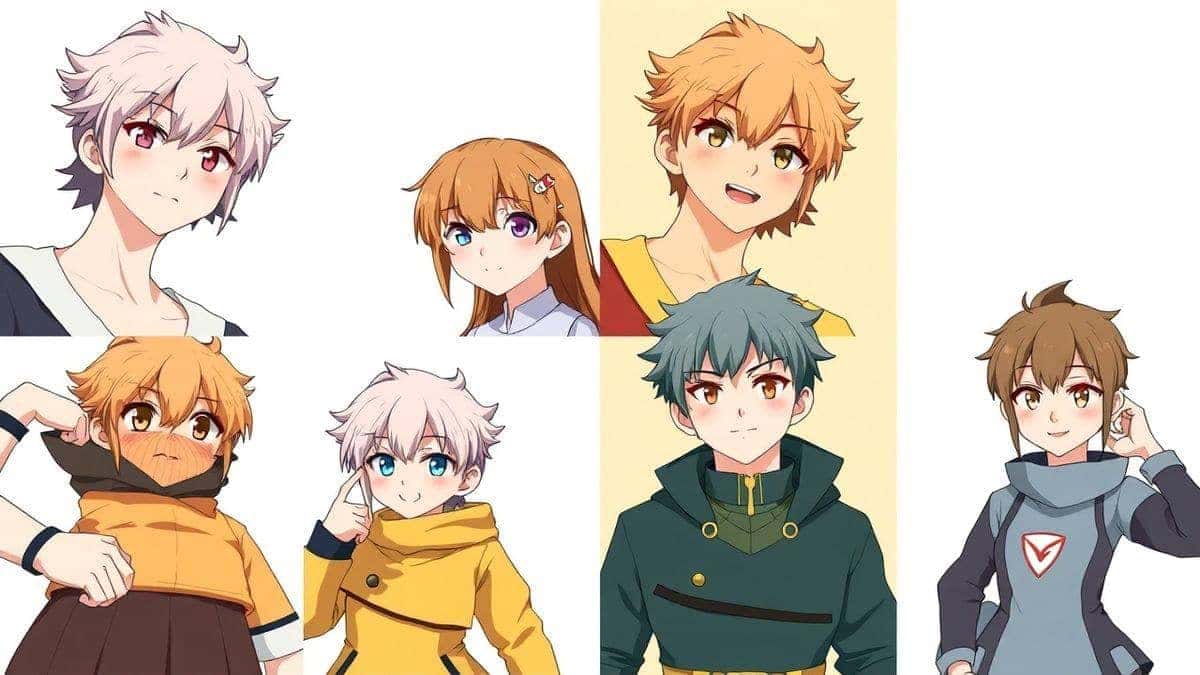
One thing that surprised me when I first started was how rarely I get the perfect image on the first try. That's okay! The power of AI is iteration.
- Adjust your prompt: If the character looks too young, add "mature face." If the colors are dull, add "vibrant colors" or "high contrast."
- Regenerate: The Free AI Image Generator is unlimited. Generate again with your tweaked prompt. Sometimes, the second or third batch yields the masterpiece.
Step 5: Download and Use
Once you have your character, download the high-resolution image. You can now use it for your profile picture, concept art, game asset, or as a base for further refinement in Photoshop.
Best Practices and Pro Tips
Over the years, and after generating hundreds of images, I've compiled a list of best practices that separate a good AI artist from a great one.
- Master Negative Prompts (Mentally): While this specific tool might not have a negative prompt box, you can imply them. If you don't want glasses, don't just omit them; say "no glasses" in your prompt. If you want a simple background, say "solid color background, plain."
- Study Art Styles: Learn the names of different anime styles. Using terms like "Studio Ghibli style," "Makoto Shinkai background," or "Katsuhiro Otomo mechanical design" gives the AI a powerful stylistic anchor. From my experience working with AI image tools, referencing specific artists (ethically, for style) yields incredible results.
- Focus on Lighting: Lighting makes or breaks an image. Instead of just "daylight," try "cinematic lighting," "golden hour," "soft diffused light," or "dramatic side lighting." It adds a layer of professionalism instantly.
- Use Composition Keywords: Guide the AI's "eye." Use terms like "close-up shot," "full body shot," "dynamic pose," "from above," or "action shot" to control the framing.
- Build a Prompt Library: When you find a prompt that works, save it. I have a personal text file with dozens of "base prompts." For example, a base might be:
Anime character design, [gender], [age], [hair style/color], [eye color], wearing [clothing], [personality trait] expression, [lighting], [style reference], [quality tags]. Then I just fill in the blanks.
Comparison with Other Tools
How does the Free AI Image Generator stack up against the competition? I've personally used dozens of tools, and here’s a realistic comparison.
| Feature | Free AI Image Generator (freeimageai.org) | Midjourney | DALL-E 3 | NovelAI |
|---|---|---|---|---|
| Pricing | Free | Paid Subscription | Pay-per-image | Paid Subscription |
| Login Required | No | Yes (via Discord) | Yes | Yes |
| Anime Specialization | Excellent (Flux AI) | Good (Versatile) | Good (Versatile) | Excellent (Specialized) |
| Speed | Fast (Z-Image Turbo) | Fast | Fast | Moderate |
| Commercial Use | Yes (Check site ToS) | Yes (Paid plans) | Yes | Yes |
| Ease of Use | Very High | Moderate (Discord) | High | High |
The Verdict: For pure anime creation, Midjourney and DALL-E 3 are excellent generalists, but they often produce a more "Westernized" anime look unless prompted very carefully. NovelAI is a strong competitor specifically for anime, but its cost and subscription model are barriers. The Free AI Image Generator offers the specialized quality of a tool like NovelAI with the accessibility of a free, no-login platform. It is, without a doubt, the best ai image generator free for this specific use case.
FAQs Section
1. Is it really free to create anime characters with AI?
Yes, the Free AI Image Generator at freeimageai.org is completely free. There are no hidden costs, no credit packs to buy, and no subscription fees. It’s a genuinely Free AI Image Generator.
2. Do I need to create an account or login?
No. This is a free ai image generator no login required platform. You can go directly to the site and start creating instantly.
3. What is the best AI model for anime?
In my opinion, Flux AI, which powers this tool, is currently one of the best ai for generating images, especially for anime and illustrative styles. Its understanding of line art and color gradients is superb.
4. Can I use the generated characters for commercial projects?
Most free tools allow this, but you should always check the specific Terms of Service on the website. Generally, images generated are owned by you.
5. What's the best prompt for creating a female anime character?
Try this: Anime character design, a kind-hearted female mage with long silver hair tied in a braid, gentle green eyes, wearing an intricate blue and white robe with celestial patterns, holding a magical staff, soft magical glow, fantasy art, detailed, 4k.
6. How do I make the characters look like a specific anime style?
Reference the style in your prompt. For example, add ", in the style of 90s shonen anime" or ", inspired by Makoto Shinkai's background art."
7. Can I create characters from an existing image?
The tool currently specializes in text to image. While it's an ai image generator from image free in other contexts, for this specific tool, you'll need to use descriptive text prompts to achieve your desired result.
8. Why are my generated characters sometimes deformed?
This happens if the prompt is too vague or contradictory. Stick to clear, descriptive language. Ensure you include quality tags like "high quality," "detailed," and "perfect anatomy." If issues persist, try simplifying your prompt.
9. Is there a limit to how many images I can generate?
No, the tool is unlimited. You can generate as many characters as you need for your project. It truly is the best How to Create Anime Characters with AI free workflow.
10. How does it compare to other "best image generator ai" tools?
It excels in speed and specialization. While tools like Midjourney are fantastic, this one is tailored for users who want instant, high-quality anime results without any financial commitment or account setup.
Conclusion
The ability to create professional anime characters is no longer a talent reserved for the few; it's a skill available to the many. AI has unlocked a new era of creativity where your imagination is the only limit. By understanding how to craft effective prompts and leveraging the power of cutting-edge models like Flux AI, you can bring any character from your mind's eye to life in seconds.
I encourage you to stop reading and start creating. Visit the Free AI Image Generator today. Experiment with the prompts we discussed, develop your own style, and build that character universe you've always dreamed of. The tools are free, the process is fast, and the results are genuinely stunning. Happy creating!