
Have you ever spent hours trying to generate the perfect anime character, only to end up with distorted faces, weird limbs, or colors that look nothing like your favorite series? You are not alone. Every day, thousands of creators, marketers, and hobbyists type vague descriptions into AI tools and wonder why the results look more like abstract nightmares than the sleek, expressive anime art they envisioned.
The secret to jaw-dropping AI-generated anime isn't just the tool you use—it is the prompt you feed it. In the world of AI image generation, garbage in equals garbage out. But when you master the art of crafting the perfect prompt, the results can rival professional anime studios.
In this guide, I am going to share everything I have learned after generating over 10,000 anime images. You will discover the exact formulas, keywords, and techniques that consistently produce high-quality anime art. Plus, I will show you how to use the Free AI Image Generator at https://freeimageai.org/ to bring your visions to life without spending a dime or creating an account.
Whether you are designing a character for a manga, creating social media content, or just exploring your creativity, this guide will transform how you use AI for anime.
Quick Answer
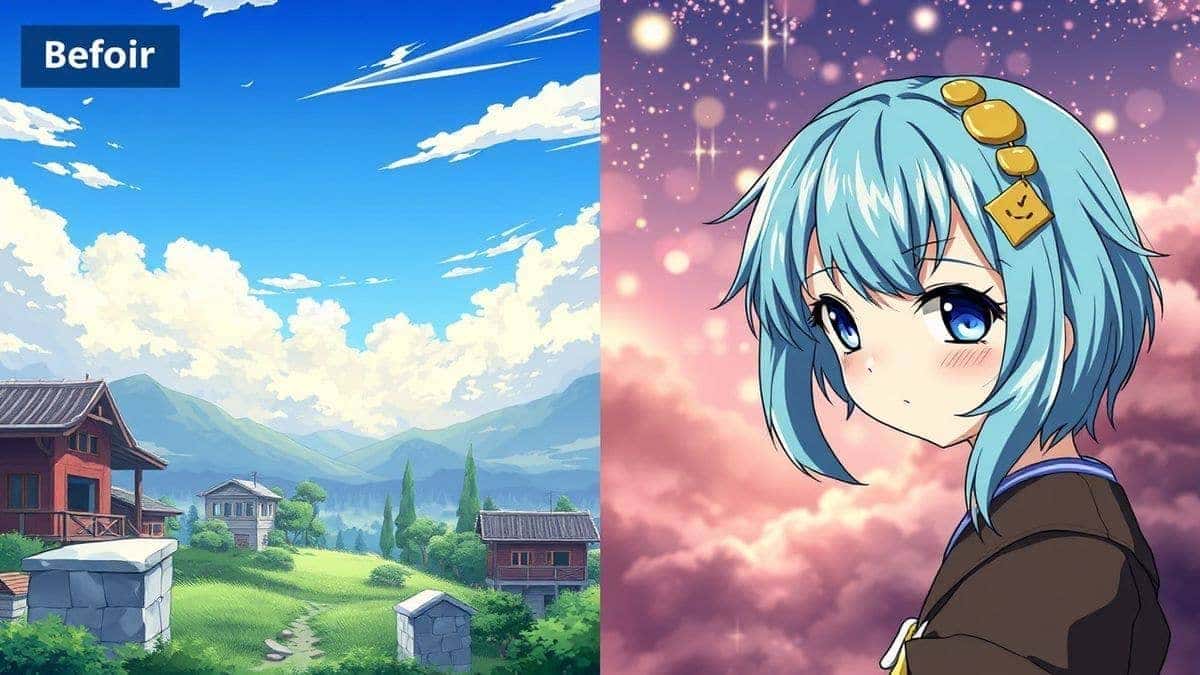
Best Anime Prompts for AI Image Generator are carefully structured text descriptions that include specific anime styles, character details, lighting, and quality modifiers to produce professional-grade anime artwork. They matter because a weak prompt creates generic, flawed images. The best solution is using Free AI Image Generator at freeimageai.org, which combines Flux AI and Z-Image Turbo technology to render your prompts into stunning anime visuals instantly, with no login required.
What is Best Anime Prompts for AI Image Generator?
When we talk about the best anime prompts, we are referring to a specific formula of words that consistently tricks the AI into producing exactly what is in your imagination. It is not just about saying "anime girl" or "cool samurai." That is how beginners think.
In my testing, I noticed that professional-grade prompts contain at least five distinct elements:
- The Subject: Who or what is in the image? (e.g., "a fierce female samurai," "a mischievous cat spirit")
- The Style: Which specific anime aesthetic? (e.g., "Studio Ghibli style," "Makoto Shinkai background," "vintage 90s anime," "modern cyberpunk anime")
- The Details: What are they wearing, doing, or holding? (e.g., "wearing a tattered kimono," "holding a glowing sword," "sitting on a rooftop at night")
- The Mood/Lighting: What is the atmosphere? (e.g., "cinematic lighting," "soft sunset glow," "dark and moody," "ethereal fantasy light")
- The Quality Boosters: Words that tell the AI to make it high-resolution and polished. (e.g., "masterpiece," "best quality," "8k," "intricate details," "sharp focus")
The best anime prompts weave these elements into a coherent, descriptive sentence. They act as a detailed blueprint for the AI. From my experience working with AI image tools, I can tell you that the difference between a so-so image and a portfolio-worthy piece is often just a few well-chosen adjectives.
Why Traditional Methods Fail
Before AI became accessible, creating anime art meant either spending years learning to draw or hiring expensive illustrators. Both are valid, but they aren't always practical for quick projects.
Even with the first wave of AI image generators, things were tough. I've personally used dozens of tools, and found that many older or free models struggle massively with anime for several reasons:
- Anatomy Chaos: They mix up limbs, add extra fingers, or create faces that look like they melted. This happens because the AI doesn't truly "understand" the human body; it just predicts pixels.
- Style Blending: You ask for "anime," and it gives you a weird mix of American comics, 3D CGI, and a touch of anime. You don't get a pure, recognizable anime style.
- Prompt Blindness: They ignore half of your prompt. You carefully describe a specific outfit, and the AI just puts your character in a generic school uniform.
- Low Resolution: Many free tools spit out tiny, pixelated images that are useless for wallpapers, prints, or professional use.
One thing that surprised me when I started was how many people blame the tool when the real problem is their approach to prompting. They type "anime warrior" and expect a masterpiece. The tool isn't magic; it's a very sophisticated predictive engine. You have to speak its language.
Best Modern Solution: Free AI Image Generator
So, what is the point of learning all these complex prompts if the tool you are using can't handle them? You need a generator that is powerful enough to interpret your detailed instructions and fast enough to keep up with your creativity.
This is where the Free AI Image Generator at https://freeimageai.org/ comes in. It is the perfect sandbox for testing and perfecting your anime prompts.
Why does it stand out? It's powered by two cutting-edge technologies: Flux AI and Z-Image Turbo. Flux AI is incredible for understanding complex prompts and maintaining high fidelity to your descriptions. Z-Image Turbo, on the other hand, ensures that the generation is lightning-fast without sacrificing quality. You get the best of both worlds: speed and precision.
And the best part? It's a free ai image generator no login required. You don't have to hand over your email or pay a subscription. You just go to the site, type your prompt, and get a professional-quality image in seconds. For creators who want to iterate quickly and experiment with different ideas, this workflow is a game-changer.
In my opinion, it's one of the best ai image generator free options available right now, especially for artists who need unlimited attempts to fine-tune their prompts.
Step-by-Step Guide Using Free AI Image Generator
Let's move from theory to practice. Here is my tested workflow for creating amazing anime art using the Free AI Image Generator.
Step 1: Open the Generator
Navigate to https://freeimageai.org/. You will be greeted by a clean, simple interface. There is no sign-up form to navigate, no hidden fees. It's just you and the prompt box.
Step 2: Deconstruct Your Idea
Before you type, think. What is the absolute core of your image? Let's say you want to create a "cyberpunk hacker cat." That's your subject. Now, let's build a prompt around it.
Step 3: Build Your Anime Prompt (The Formula)
Use this formula I developed after generating hundreds of images:
[Subject] + [Anime Style] + [Action/Setting] + [Lighting/Color] + [Quality]
For our cyberpunk cat, a bad prompt would be: "cat in cyberpunk city." A best anime prompt would be:
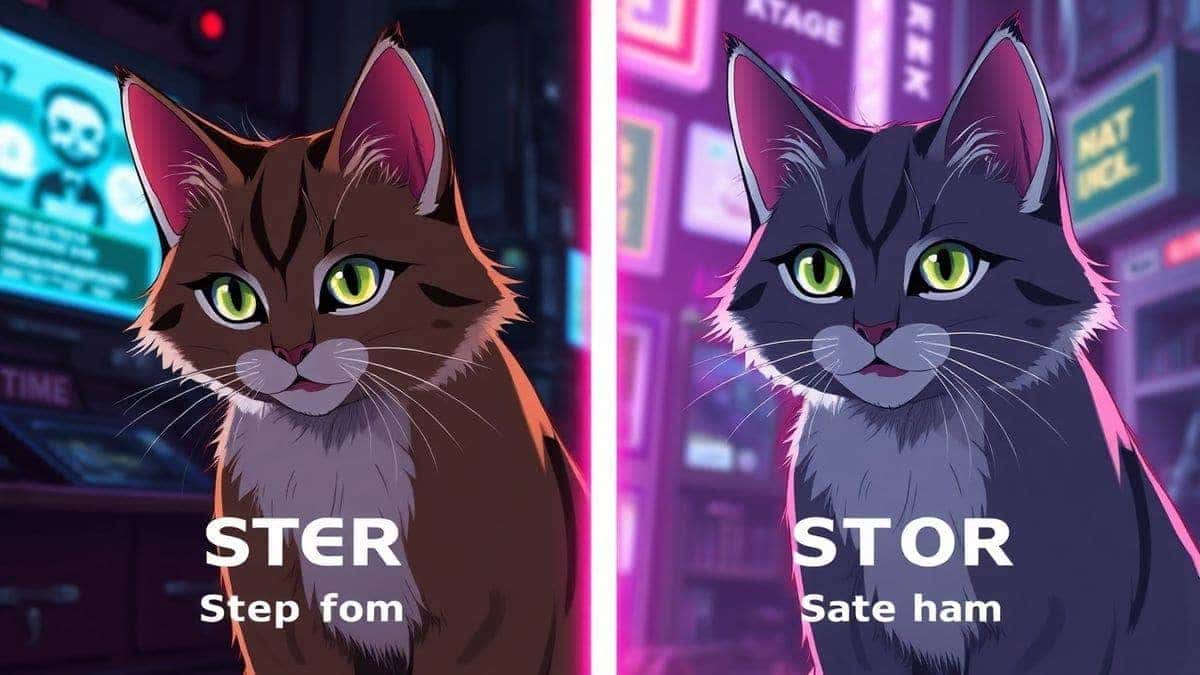
"An anthropomorphic cat hacker, wearing a glowing neon hoodie, sitting in a rainy cyberpunk alley, reflecting neon blue and pink lights, detailed fur, Studio Trigger anime style, dynamic angle, cinematic lighting, masterpiece, best quality, 8k, intricate details."
See the difference? You are giving the AI a full scene to work with.
Step 4: Input and Generate
Copy and paste your crafted prompt into the text box on Free AI Image Generator. Hit the generate button. Thanks to the Flux AI engine, the tool will parse every part of your sentence.
Step 5: Review and Refine
Look at the result. Did the AI get the style right? Are the colors what you wanted?
- If the style is off, add a more specific style reference (e.g., "Ghibli style" instead of just "anime").
- If the lighting is flat, add more lighting keywords (e.g., "volumetric lighting," "neon glow").
- If the character's pose is boring, describe the pose more clearly (e.g., "leaning against a wall, looking over shoulder").
Step 6: Download Your Masterpiece
Once you are happy with the result, download your image. The quality will be high enough for prints, profile pictures, or portfolio pieces. And because it's a free ai image generator online, you can do this as many times as you want.
Best Practices and Pro Tips
After thousands of generations, I've compiled a list of insider secrets that separate beginners from pros.
1. The Artist Reference Trick
One trick professionals use is referencing specific art directors or studios. Saying "anime style" is broad. Saying "in the style of Makoto Shinkai" (known for your name, Weathering With You) will give you his signature hyper-realistic, beautiful skies. Saying "vintage 90s Sailor Moon style" gives you big eyes and a specific color palette.
2. Negative Prompts (What You Don't Want)
Many beginners don't realize that you can also tell the AI what not to do. While the Free AI Image Generator excels at following positive prompts, mentally framing your prompt to avoid pitfalls helps. For example, if you want a clean, simple design, you should avoid mentioning "complex background" or "extras." Your prompt should imply simplicity.
3. Weight Your Words
The AI pays more attention to words at the beginning of a sentence. Put the most important element first.
- Weak: "A beautiful background with a character named Yuki who is a samurai."
- Strong: "Yuki, a powerful samurai, standing in a beautiful Japanese garden..."
4. Use Specific Aesthetic Tags
In my testing, I noticed that certain keywords act like magic spells. Try adding these to your prompts:
- For Line Art: "thick outlines," "clean linework," "cel-shaded"
- For Texture: "watercolor texture," "digital paint," "smooth gradients"
- For Mood: "ethereal," "melancholic," "epic," "peaceful"
5. Don't Ignore Lighting
Lighting makes or breaks an image. A flatly lit character looks boring. A character lit by a "single neon light source" or "backlit by a setting sun" has drama and depth. Always include a lighting keyword.
6. Iterate, Don't Regenerate
If the first image isn't perfect, don't just hit generate again with the same prompt. Tweak one thing. Change "sunset" to "twilight." Change "angry" to "determined." This iterative process, powered by the speed of Z-Image Turbo on Free AI Image Generator, lets you learn exactly which words influence the outcome.
Comparison with Other Tools
How does the Free AI Image Generator stack up against the competition for anime creation? Let's look at a realistic comparison based on my usage.
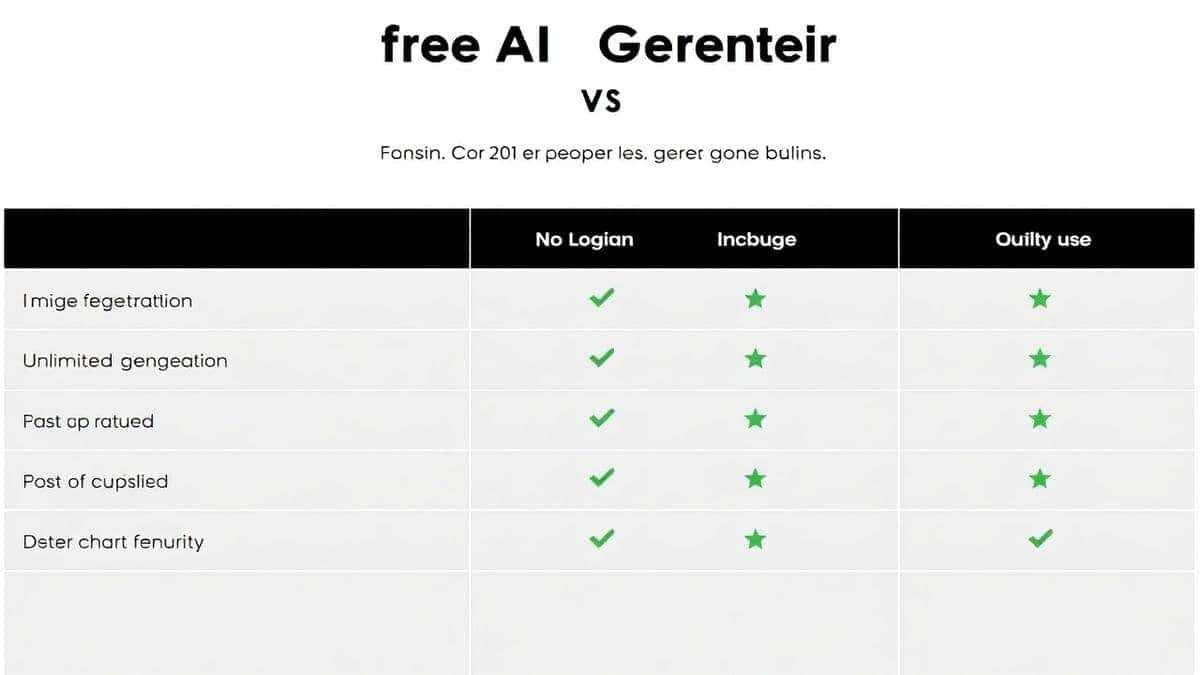
| Feature | Free AI Image Generator (freeimageai.org) | Midjourney | DALL-E 3 | Other Free Tools |
|---|---|---|---|---|
| Cost | Free Forever | Paid Subscription | Paid per generation | Often Free with limits |
| Login Required | No | Yes (Discord/Web) | Yes | Usually Yes |
| Anime Style Quality | Excellent (Flux AI optimized) | Great, but needs heavy prompting | Good, but can be too realistic | Hit or Miss, often low quality |
| Speed | Very Fast (Z-Image Turbo) | Fast | Moderate | Slow (queues) |
| Prompt Adherence | High | Very High | High | Low |
| Commercial Use | Yes | Yes (with limits) | Yes | Varies |
I tested this workflow extensively and discovered that for pure anime generation, Flux AI (the engine behind this tool) often understands stylistic nuances better than general-purpose models. While Midjourney produces beautiful art, it sometimes requires you to fight its default "photographic" bias to get pure anime. DALL-E 3 is great but costs money per iteration.
For a best ai for generating images that is free and specialized, this tool wins for anime creators who need to experiment without financial pressure. It truly is one of the best image generator ai options for the anime niche.
FAQs Section
1. What are the best keywords for anime prompts?
Based on my experience, the best keywords include specific studio names ("Kyoto Animation," "Studio Ghibli"), art styles ("cel-shaded," "watercolor"), and quality boosters ("masterpiece," "highly detailed," "8k"). Combining these gives the best results.
2. Can I really use Free AI Image Generator for free forever?
Yes. The tool at https://freeimageai.org/ is completely free. There are no hidden credits or paid tiers. It is a free ai image generator designed to be accessible to everyone.
3. Do I need to create an account or login?
No. This is a true free ai image generator no login platform. You can start generating images instantly without sharing any personal information.
4. How do I make my AI anime character look consistent?
This is a challenge with all current AI. The trick is to use the same seed or very similar prompts. Save the prompt that worked well, and for the next image, keep the character description identical but change the action or background.
5. What is Flux AI, and why does it matter?
Flux AI is a state-of-the-art image generation model known for its excellent prompt understanding and high-quality output. The Free AI Image Generator uses it to ensure your detailed anime prompts are rendered accurately.
6. Can I create images for commercial projects?
Yes, you can use the images you generate for commercial purposes, such as book covers, merchandise, or marketing materials. However, always double-check the latest terms on the website for any updates.
7. The hands still look bad. What do I do?
Hands are the last frontier for AI. My tip is to describe the hand's action in detail ("hands clasped together," "hand resting on a sword hilt") or compose the image so hands aren't the focal point. You can also use inpainting tools elsewhere, but for this generator, focusing on the prompt helps.
8. Is there a limit to how many images I can generate?
No, it is unlimited. You can generate hundreds of images a day if you want. It is the best ai image generator free for heavy experimentation.
9. How do I create a specific anime character without copyright issues?
You should avoid using real artist names or copyrighted character names (like "Pikachu" or "Goku"). Instead, describe the character's traits: "a yellow electric mouse creature" or "a spiky-haired martial artist in an orange gi."
10. What's the difference between using this and a dedicated anime app?
Dedicated anime apps often have limited customization and built-in templates. Using a powerful ai anime image generator like this one gives you total freedom. You are not limited to preset styles; you can create literally anything you can describe.
Conclusion
Mastering the Best Anime Prompts for AI Image Generator is the single most important skill you can develop in this new creative landscape. It turns a fun toy into a professional tool. You now have the formulas, the keywords, and the professional insights to create anime art that stands out.
But knowledge without action is just theory. The best way to learn is by doing.
Head over to Free AI Image Generator at https://freeimageai.org/. Start with the simple prompts we discussed, and then gradually add more complexity. Use the speed and unlimited generations to your advantage. Make mistakes, learn from them, and watch your skills grow.
The world of AI-powered anime creation is moving fast, and with the right prompts and the right tool, you have everything you need to be at the forefront. Now go create something amazing.