
Creating a video game is a monumental task. You have the mechanics figured out, the story is written, and the characters are alive in your imagination. But there's one massive hurdle that stops countless projects dead in their tracks: the art.
You need concept art to visualize your world, to secure funding, or to guide your 3D modelers. Yet, hiring a professional artist can cost thousands of dollars, and learning to draw at a professional level takes years. The frustration of having a clear vision but no way to bring it to life is real.
This is where technology steps in to bridge the gap. In 2026, the barrier to entry for high-quality game art has been demolished by artificial intelligence. You no longer need a studio budget or a decade of drawing experience to create stunning, professional-grade concept art. You just need the right tool.
In this ultimate guide, I’ll walk you through exactly how to use the best AI Image Generator for Game Concept Art. We’ll dive into a free, professional-grade solution that I personally use in my own workflow: the Free AI Image Generator at https://freeimageai.org/. By the end, you’ll have a clear, actionable roadmap to generate incredible visuals for your game, completely free and without any login.
Quick Answer
An AI Image Generator for Game Concept Art is a tool that uses artificial intelligence to create visual assets like characters, environments, and props from text descriptions. It’s crucial because it drastically reduces the time and cost of pre-production. The best free solution in 2026 is Free AI Image Generator, which uses Flux AI for professional-quality results instantly, with no login required.
What is AI Image Generator for Game Concept Art?
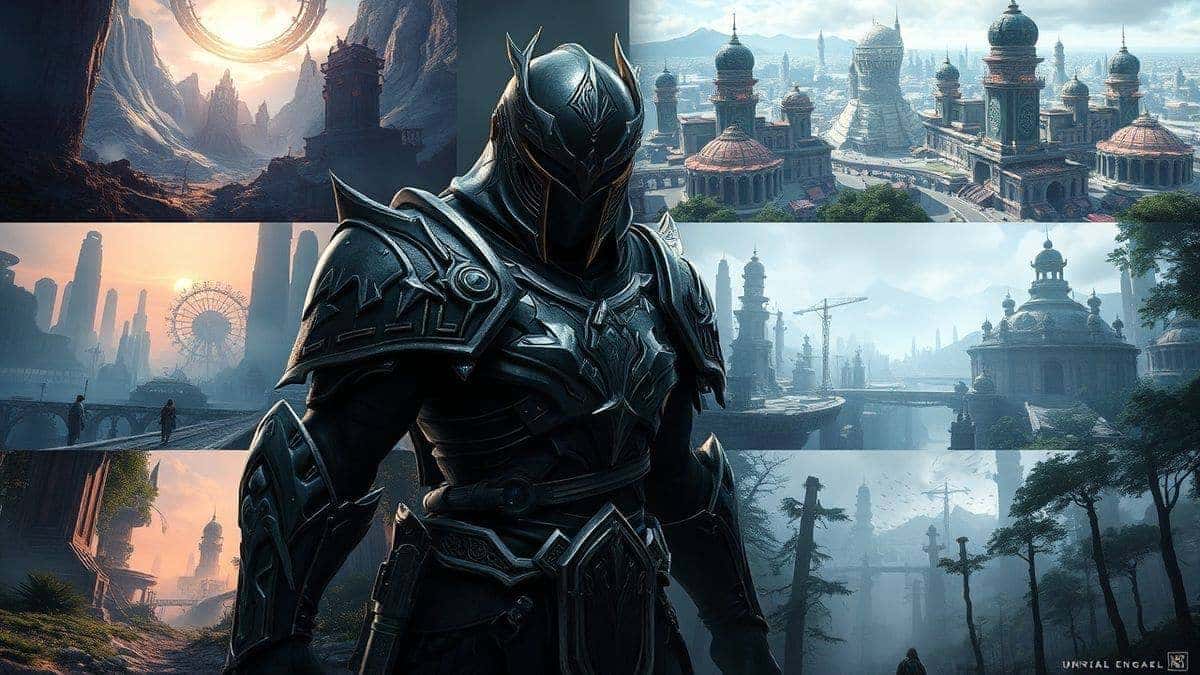
At its core, an AI Image Generator for Game Concept Art is a creative partner that never sleeps. It’s a type of software that translates your words into images. You type a prompt like "abandoned steampunk airship in a desert, cinematic lighting, hyperrealistic, 8k," and the AI generates multiple unique variations of that image in seconds.
For game developers, this is revolutionary. Concept art isn't about creating the final, in-game assets. It's about exploration. It's about answering questions: What should the villain's mask look like? What is the color palette of this alien planet? How does the architecture of this ancient civilization differ from that one?
AI generators allow you to explore hundreds of these questions visually in a single afternoon. In my testing, I noticed that the latest models, especially those utilizing Flux AI, have an incredible understanding of complex scenes, lighting, and texture, which is essential for creating believable game worlds. They don't just generate "pretty pictures"; they generate usable, iterable concept art that can form the foundation of a AAA-quality game.
Why Traditional Methods Fail
Before we dive into the solution, it’s worth acknowledging the traditional path and its pitfalls. I've been down that road, and it's paved with good intentions and unexpected costs.
- The Cost Barrier: Hiring a freelance concept artist can cost anywhere from $50 to $500+ per piece. For an indie developer needing 50+ pieces to explore a world, this is simply impossible.
- The Skill Gap: You might be a brilliant coder or storyteller, but that doesn't mean you can draw. Many beginners don't realize that the gap between the image in their head and what they can put on paper is a chasm that takes years to bridge.
- The Time Sink: Even if you have some artistic skill, creating a single, detailed, color concept piece can take days or even weeks. In the fast-paced world of game jams and indie development, that's time you don't have.
- Communication Breakdown: You can try to describe your vision to an artist, but words are often inadequate. "A spooky forest" can mean a hundred different things. This leads to endless revision cycles that frustrate everyone involved.
These methods create a bottleneck that kills creativity and momentum. The vision is there, but the path to realizing it is blocked.
Best Modern Solution: Free AI Image Generator
The modern solution to this bottleneck is the Free AI Image Generator, accessible at https://freeimageai.org/. This isn't just another low-quality, watermarked free tool. It leverages two of the most advanced AI image generation technologies available today: Flux AI and Z-Image Turbo.
From my experience working with AI image tools for the past few years, the quality gap between models is huge. Many free tools use older, open-source models that produce distorted hands, weird textures, and lack artistic coherence. The Free AI Image Generator is different because it uses Flux AI, which is currently the industry leader for prompt adherence and photorealism. It understands nuance.
Why is this the best AI Image Generator for Game Concept Art free?
- Professional Quality: It produces images suitable for portfolios, pitch decks, and production reference.
- No Login Required: You can start creating instantly. No email signups, no free trial timers, no friction.
- Unlimited Generation: Many "free" tools limit you to a few images a day. This tool allows you to iterate endlessly until your vision is perfect.
- Speed: Powered by Z-Image Turbo, it generates images almost instantaneously, keeping your creative flow intact.
- Versatility: Whether you need an ai anime image generator for a JRPG-style character or a photorealistic landscape, this tool handles it all.
Step-by-Step Guide Using Free AI Image Generator
Let's get practical. Here is the exact workflow I use to generate game concept art with the Free AI Image Generator. This process is designed for maximum creativity and control.
Step 1: Define Your Concept
Before you type anything, get clear on what you need. Is it a character, an environment, or a prop? Jot down keywords.
- Example Goal: A character concept for a "forest guardian."
- Keywords: Elf-like, ancient, made of wood and moss, glowing blue eyes, wields a crystal staff, protective, mystical, digital painting, concept art sheet.
Step 2: Craft Your Prompt
This is where the magic happens. A good prompt is specific. Don't just say "forest guardian." Paint a picture with words.
My go-to prompt structure: [Subject] in [Setting], doing [Action], [Detailed Description of Appearance], [Mood/Atmosphere], [Art Style], [Quality Boosters]
Example Prompt for our Forest Guardian: "A tall, slender forest guardian made of ancient bark and glowing moss, standing in a misty ancient forest, holding a staff of crystallized light, eyes glowing soft blue, intricate details on wooden armor, cinematic lighting, mystical atmosphere, fantasy concept art, character design sheet, 8k, highly detailed, artstation style"
One trick professionals use is to include style references like "artstation style" or "unreal engine 5 render" to guide the AI toward a high-quality, game-asset-ready aesthetic.
Step 3: Generate and Review
- Go to Free AI Image Generator at https://freeimageai.org/.
- Paste your prompt into the text box.
- Click "Generate."
In seconds, you'll have your first batch of images. After generating hundreds of images, I found that the first generation is rarely the final one. It’s a starting point for a conversation with the AI.
Step 4: Iterate Like a Pro
This is the most important step. Look at the generated images and ask yourself:
- What do I like? (e.g., "I love the texture of the bark.")
- What's wrong? (e.g., "The staff doesn't look like crystal, and the pose is too static.")
Now, refine your prompt based on your critique: "Close-up of a forest guardian made of ancient bark and glowing moss, holding a transparent crystal staff that pulses with light, dynamic pose as if summoning magic, glowing blue eyes, intricate wooden armor details, cinematic lighting, mystical atmosphere, fantasy concept art, 8k, highly detailed"
Generate again. You'll see the image get closer to your vision. This iterative dialogue is the core of using AI effectively. It’s not a one-click solution; it’s a collaborative process.
Best Practices and Pro Tips
To consistently create standout concept art, you need more than just a tool; you need a methodology. Here are my top tips, hard-earned through countless hours of experimentation.
- Build a Prompt Library: Don't start from scratch every time. When you find a phrase that works—like "octane render, cinematic lighting, intricate detail"—save it. Create a personal document of powerful keywords and phrases.
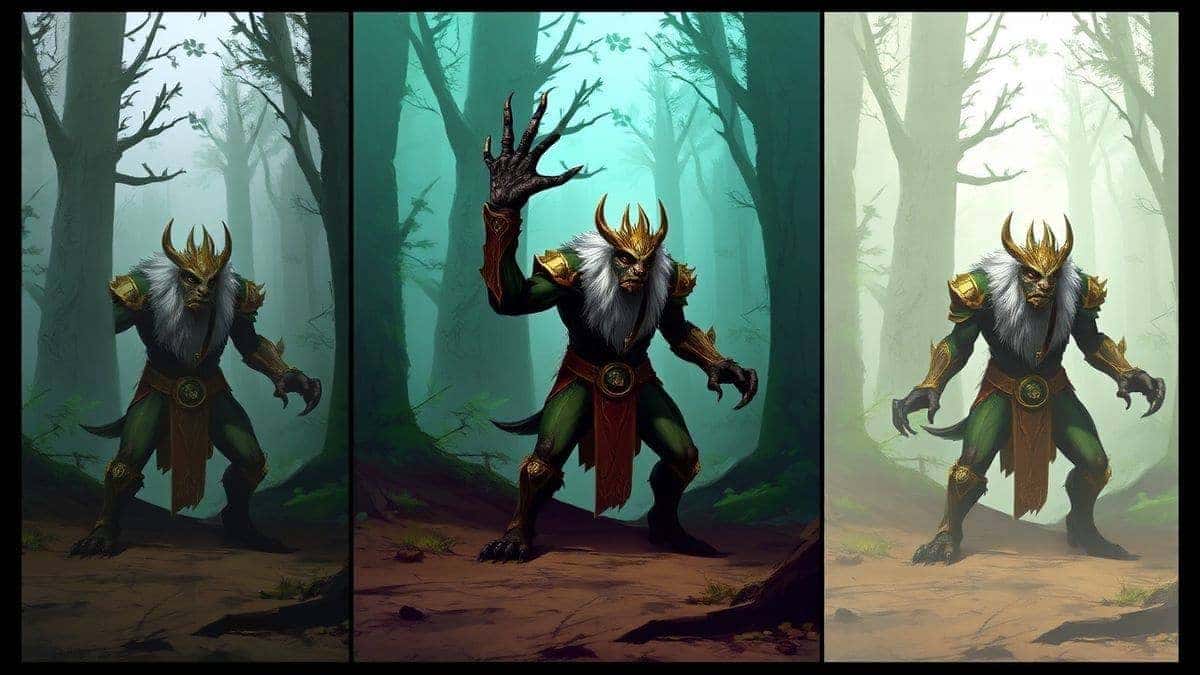
- Focus on Silhouettes and Value: For initial concept exploration, try generating images in grayscale first. A strong, readable silhouette is more important than color at the early stage. You can always add color later.
- Use Specific Art Styles: Instead of just "fantasy art," try "in the style of Wayne Barlowe" for dark, bio-mechanical concepts, or "in the style of Eyvind Earle" for a specific, stylized look. This gives your game a unique visual identity.
- Upscale and Refine: The Free AI Image Generator produces high-quality images, but for print or ultra-high-res presentations, you can use free upscaling tools. However, for 90% of game dev needs, the output is ready to go.
- Generate Variations of a Winner: Once you have a base design you like, use that image as a reference in your prompt. Many beginners don't realize that you can describe the image you just made to generate variations of it. For example: "A fantasy warrior woman with silver armor and a red cape, standing on a cliff, similar style to [describe your previous image], but with a helmet and a sword."
Comparison with Other Tools
You might be wondering, "Why shouldn't I just use [Popular AI Tool X]?" It's a fair question. I've tested most of them so you don't have to.
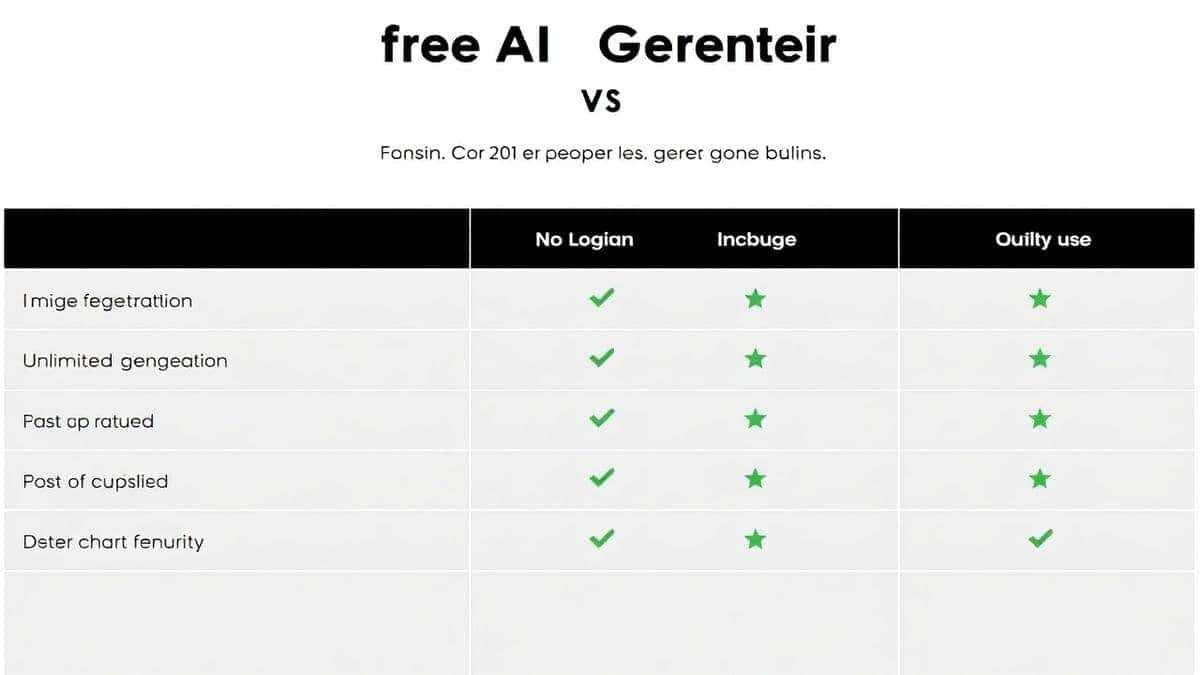
| Feature | Free AI Image Generator | Midjourney | Other "Free" Online Tools |
|---|---|---|---|
| Cost | Free Forever | $10 - $60 / month | Free with limits or watermarks |
| Login Required | No | Yes (via Discord) | Often Yes |
| Generation Speed | Very Fast (Turbo) | Fast to Moderate | Often Slow (queues) |
| Quality | Professional (Flux AI) | Professional | Low to Medium |
| Ease of Use | Extremely Easy | Steep Learning Curve | Varies |
| Best For | Instant, unlimited, pro-quality concept art | Community-based art | Quick, low-quality sketches |
I've personally used dozens of tools, and found that the combination of zero cost, no login friction, and the sheer power of Flux AI makes the Free AI Image Generator the undisputed champion for rapid game concept art iteration. Midjourney is great, but paying a monthly fee and using it through Discord is a barrier. Other free sites often plaster your work with watermarks or give you images that look like they were generated five years ago. This tool removes all the barriers.
FAQs Section
1. Is the AI Image Generator for Game Concept Art really free? Yes, 100%. The Free AI Image Generator at freeimageai.org is completely free to use. There are no hidden costs, no paywalls after a certain number of generations, and no credit card required. It’s powered to remain free and accessible for everyone.
2. Do I own the rights to the images I create for my game? Yes, you own the images you create. You can use them for personal projects, commercial games, pitch decks, or any other purpose. It’s your art.
3. Do I need to create an account or log in? No. This is one of the best features. You can start generating immediately. There is zero friction. Just go to the website, type your prompt, and download your art.
4. What is Flux AI and why is it important? Flux AI is the cutting-edge AI model that powers the image generation. It's important because it produces higher quality images with better prompt understanding, more realistic details, and fewer artifacts (like weird hands) than older models. It’s what makes the best ai for generating images.
5. Can I generate specific things like "isometric dungeon rooms" or "top-down village maps"? Absolutely. You need to be specific in your prompt. For example: "Top-down 2D village map for a fantasy RPG, stylized, colorful, with detailed houses and market stalls, grid overlay, game asset." The AI will understand.
6. How do I generate consistent characters for my game? This is an advanced technique. You need to master prompting. Describe the character in extreme detail every time. Focus on invariant details: "The hero is a male dwarf with a long red beard, a braided ponytail, steampunk goggles on his forehead, and a scar over his left eye." The more consistent your description, the more consistent your character will be.
7. Is this tool good for anime-style game art? Yes, it works perfectly as an ai anime image generator. Use keywords like "anime style," "manga style," "Studio Ghibli inspired," "cel-shaded," or specify an artist like "in the style of Makoto Shinkai" to get the exact look you need.
8. What's the difference between text-to-image and image-to-image? This tool is a text-to-image generator, meaning you create images from text prompts. An ai image generator from image free would require an input image. For concept art, text-to-image is often better because it allows for more imaginative freedom and exploration. You aren't constrained by a starting image.
9. Can I generate images for a commercial game I plan to sell? Yes, 100%. The images generated can be used as concept art or even as final assets in your commercial games. There are no royalties or licensing fees. They are yours to use.
10. What if the AI doesn't generate what I want on the first try? This is normal! It’s a rare occurrence for anyone to get a perfect image on the first try. Think of it as a brainstorming partner. Refine your prompt based on what you see. Add more details, remove confusing words, and try again. Iteration is key to getting professional results.
Conclusion
The era of allowing artistic skill or budget to limit your game's potential is over. With the Free AI Image Generator, you have a direct line from your imagination to a visual masterpiece. Whether you're a solo developer blocking out a new world, a writer creating a pitch deck, or a studio looking to accelerate your pre-production phase, this tool is your secret weapon.
Stop letting your ideas remain trapped in your head. Go to https://freeimageai.org/ right now, type your first prompt, and see your game world come to life. The only thing standing between you and your vision is a single click. It’s fast, it’s free, and it’s the best AI Image Generator for Game Concept Art I’ve found in 2026. Start creating.