Free AI Image Generator From Text
Free to try · No account for initial use · Text to Image. Create anime art, photos, illustrations, and digital artwork from prompts.
💯 Free to Try ⚡ No Signup Required 🔒 Check Usage Terms
01 Empty canvas
Start with an idea Your image will appear here
Describe an idea, choose your settings, and generate your first image.
Describe your image...

Reference image ready Describe how you want to transform it.
Tip: add the subject, style, and lighting.
Why Choose Our Free AI Image Generator?
Explore multiple models and prompt-based image workflows with clear usage expectations.
Text & Image Prompts
Create from text descriptions, or use the separate image-to-prompt tool to turn a reference image into reusable text.
Free to Try
Start with the prompt workflow and review the current fair-use limits and Terms of Service.
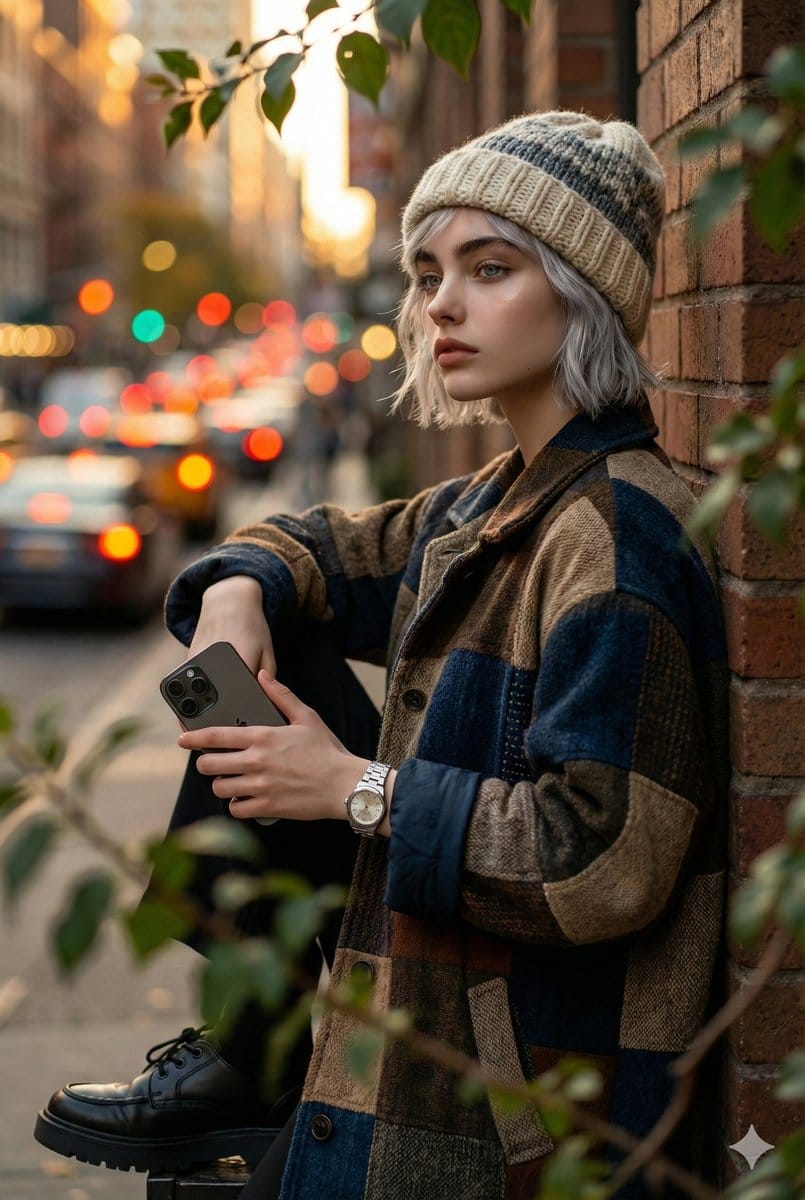
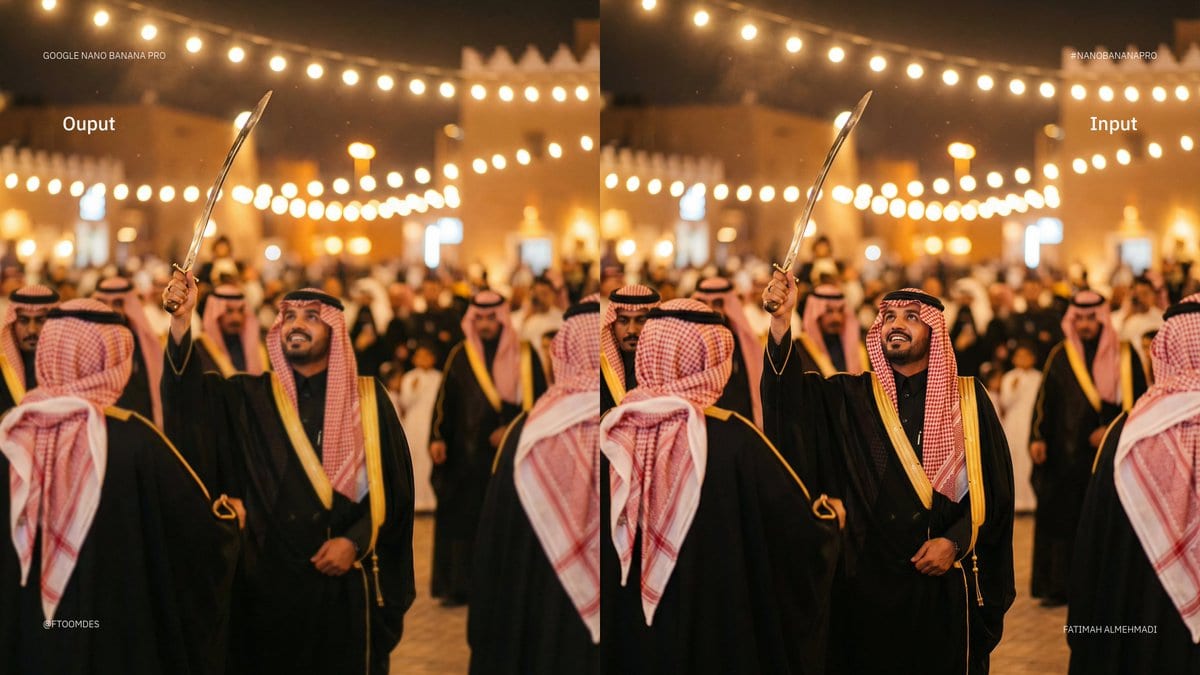
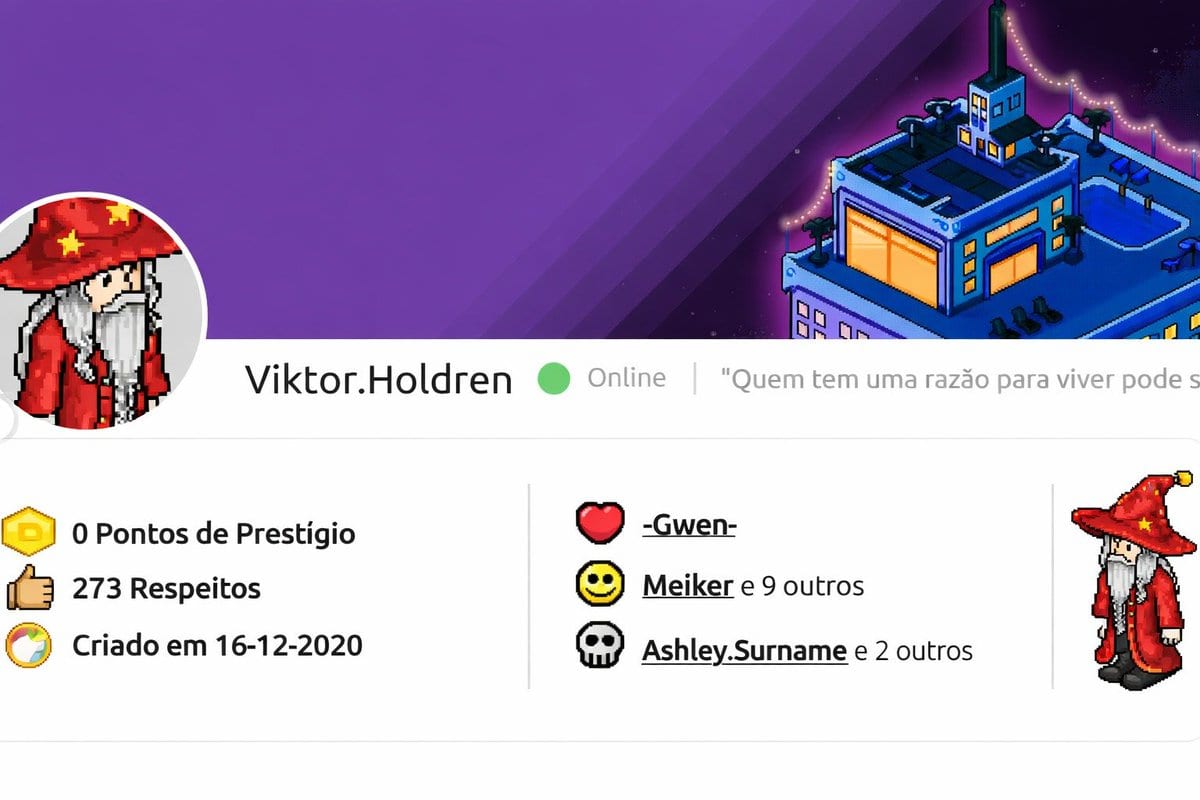
Get Inspired: Try These AI Prompts
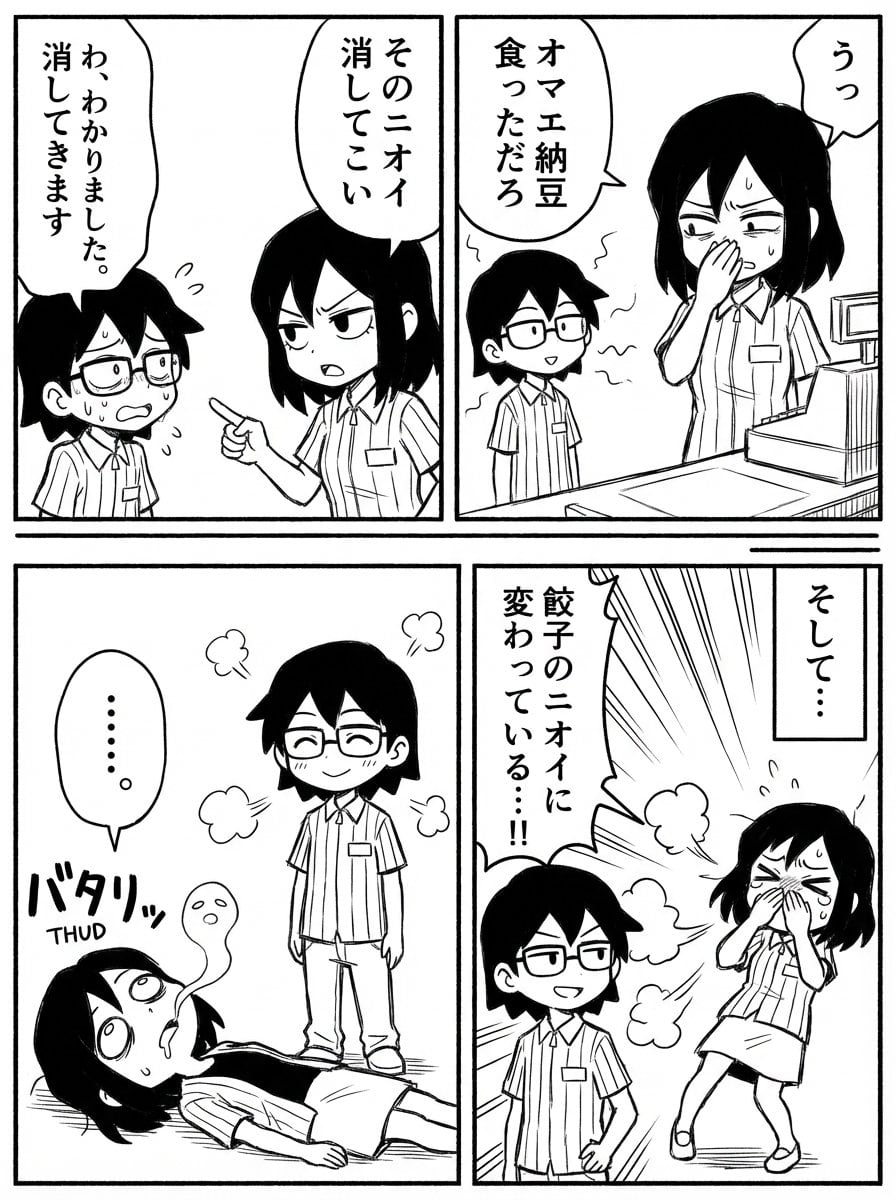
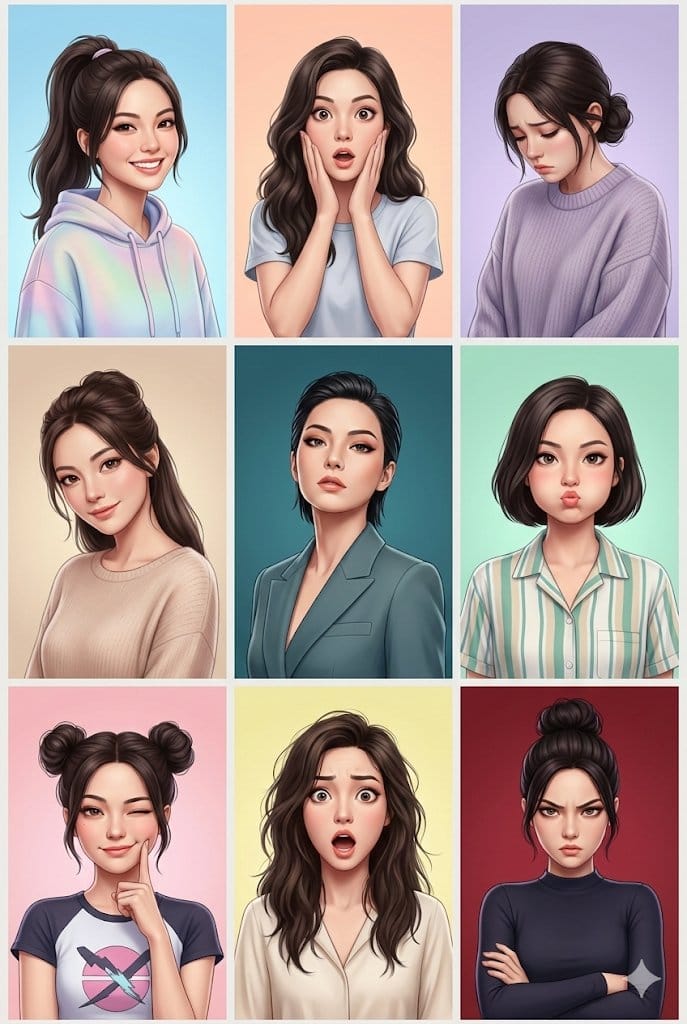
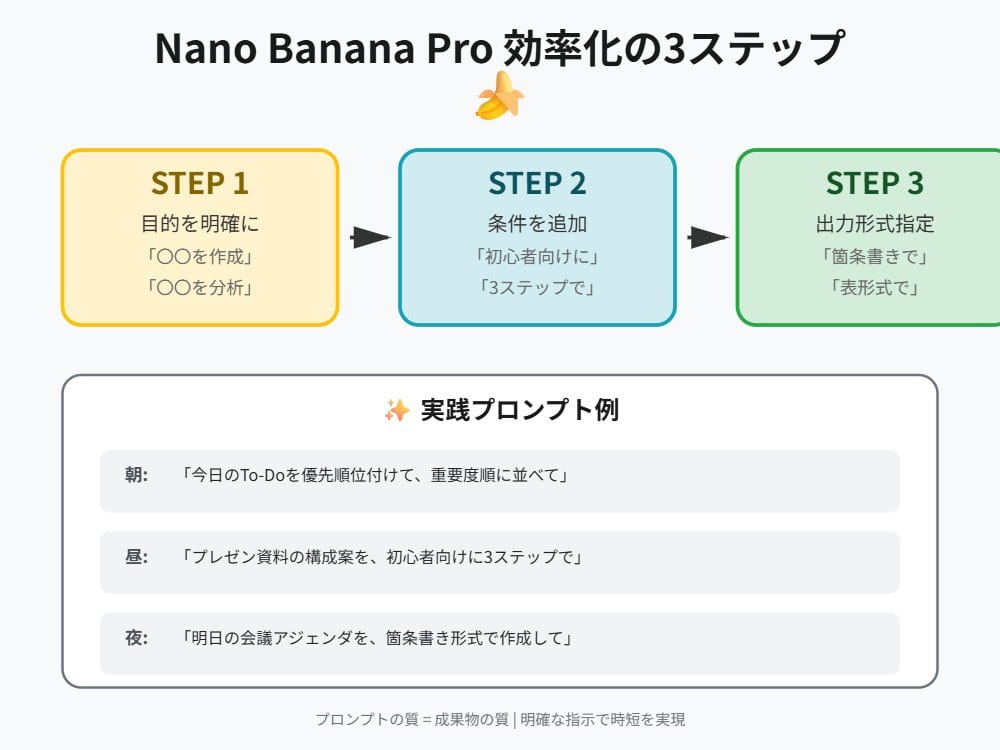
Hand-picked AI prompts to spark your creativity. Click "Try It Now" to generate similar images instantly!
How to Use Our Free AI Image Generator
Create images in 5 simple steps
1
Enter Your Prompt
Describe what you want to create. More detail usually means better results.
2
Choose Style & Settings
Pick an art style, aspect ratio, and AI model.
3
Upload Image (Optional)
Use Image to Prompt or Image Recognition when you need to analyze an existing image.
4
Generate
Click generate and wait while the selected model processes your prompt.
5
Download & Share
Preview, download as PNG, and use anywhere you need.
Perfect For Every Creative Need
From social graphics to concept art — see how creators use this tool
Digital Art & Illustration
Create stunning artwork, character designs, and illustrations for books, games, and digital media.
Marketing & Advertising
Generate compelling visuals for social media, websites, banners, and promotional materials.
E-commerce & Product Design
Create product mockups, lifestyle images, and packaging designs for online stores.
Content Creation
Create unique visuals for blogs, YouTube thumbnails, podcast covers, and social media posts.
Frequently Asked Questions
Common questions about using this tool
Is this AI image generator really free?
You can try the initial workflow for free. Rate limits, verification or temporary restrictions may apply to protect the service.
What image formats and resolutions are supported?
We support 1:1, 16:9, 9:16, 4:3, and 3:4 aspect ratios. Images are generated in high-quality PNG format, up to 1024×1024 pixels.
How long does generation take?
Generation time varies with the selected model, prompt complexity and current server load.
Can I use generated images commercially?
Review the FreeImage AI Terms of Service and applicable model or provider terms before commercial use. Rights and restrictions can vary.
Do I need to register or sign up?
No registration required. Start creating immediately without an account or personal information.
What makes this tool different?
Multiple available models, aspect-ratio choices, prompt examples, image analysis tools, and a browser-based workflow are available in one place.
Start Creating Now
Try a prompt-based image workflow online and refine the result in a few iterations.
Generate Your First AI Image Now