
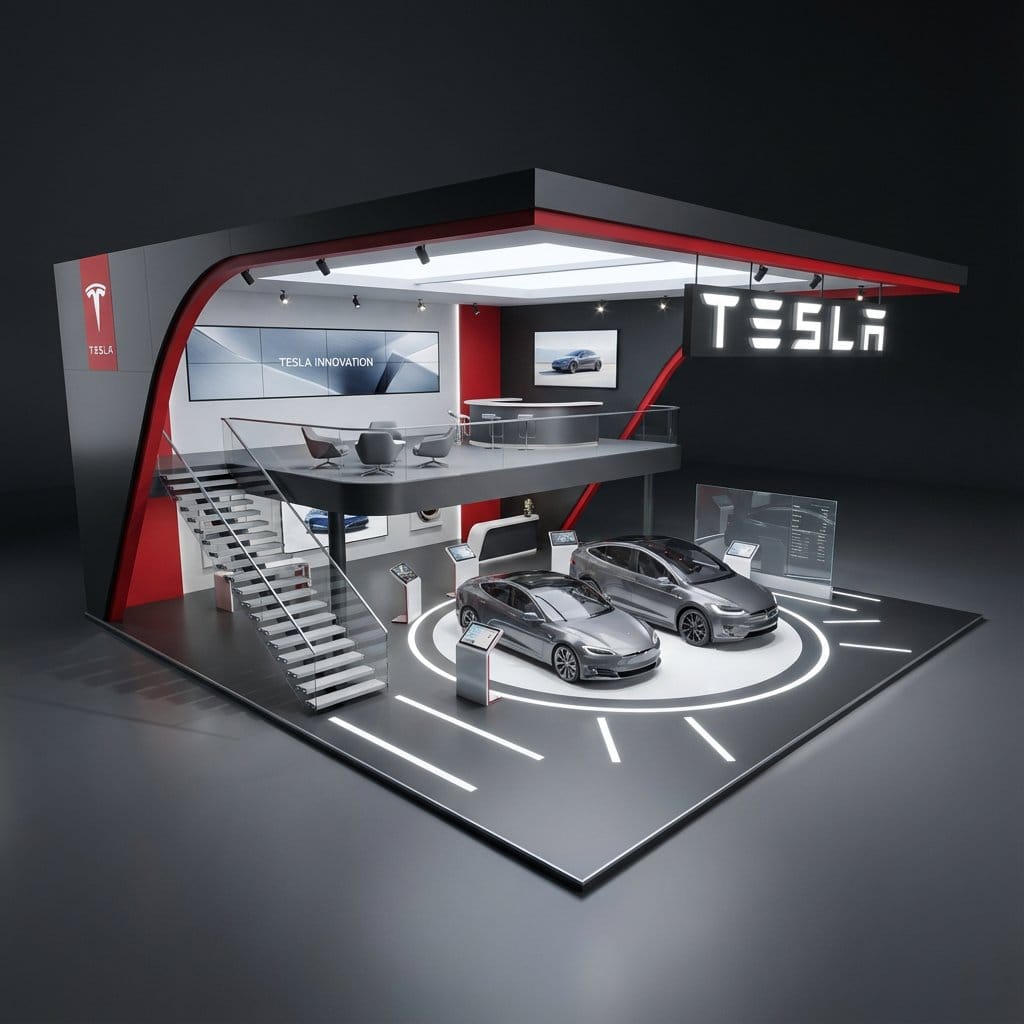
Free AI Image Generator From Text
Free to try · No account for initial use · Text to Image. Create anime art, photos, illustrations, and digital artwork from prompts.
💯 Free to Try ⚡ No Signup Required 🔒 Check Usage Terms
Your image will appear here
Describe an idea, choose your settings, and generate your first image.
Describe your image...
Tip: add the subject, style, and lighting.
Free AI Image Generator Highlights
3 Available AI Models
5 Flexible Aspect Ratios
Fair-Use Access
Zero Sign-Up Required
Why Choose Our Free AI Image Generator?
Explore multiple models and prompt-based image workflows with clear usage expectations.
Flexible Aspect Ratios
Choose 1:1, 4:3, 3:4, 16:9, or 9:16 for social posts, wallpapers, thumbnails, and portrait art.
Model-Dependent Generation
Generation time varies by model, prompt complexity and current server load.
No Sign-Up Required
Try the initial workflow without an account; verification or fair-use limits may apply.
Text & Image Prompts
Create from text descriptions, or use the separate image-to-prompt tool to turn a reference image into reusable text.
Multiple AI Models
Flux Schnell, Agnes, and Cogview 3 — each supports a different creative workflow.
Free to Try
Start with the prompt workflow and review the current fair-use limits and Terms of Service.
AI Model Comparison
Choose the perfect AI model for your creative needs
| Model | Speed | Quality | Best For | Status |
|---|---|---|---|---|
| Flux Schnell | Varies | High | Anime, Illustrations | Active |
| Agnes | Varies | High | Prompt-based drafts | Active |
| Cogview 3 | Varies | High | Realistic Photos | Active |
Get Inspired: Try These AI Prompts
Hand-picked AI prompts to spark your creativity. Click "Try It Now" to generate similar images instantly!
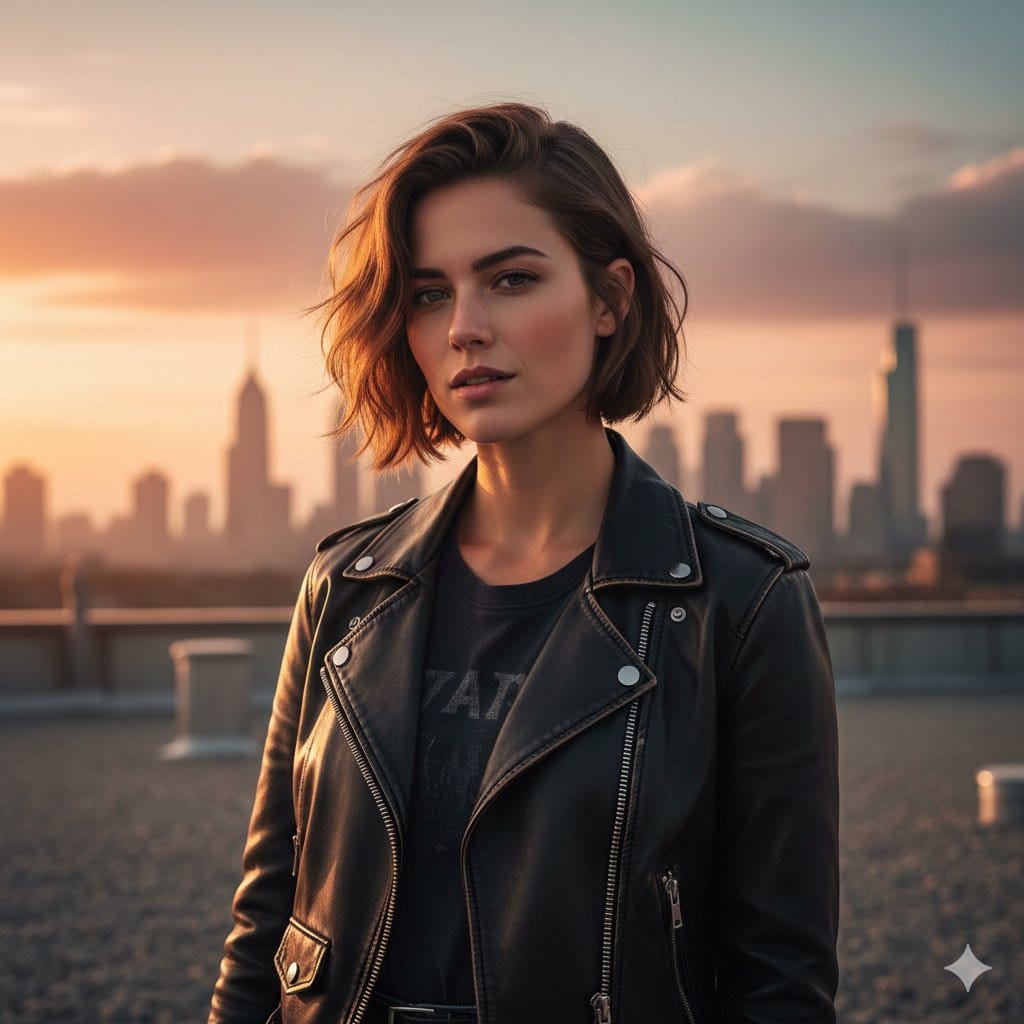
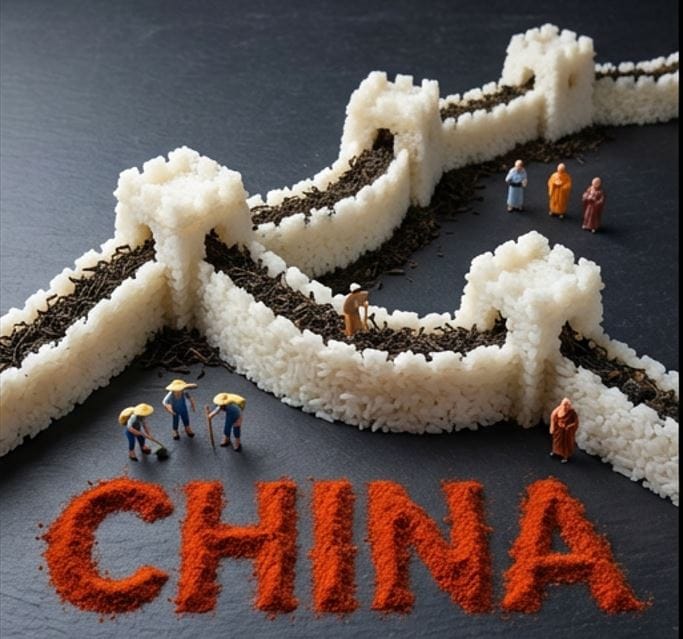
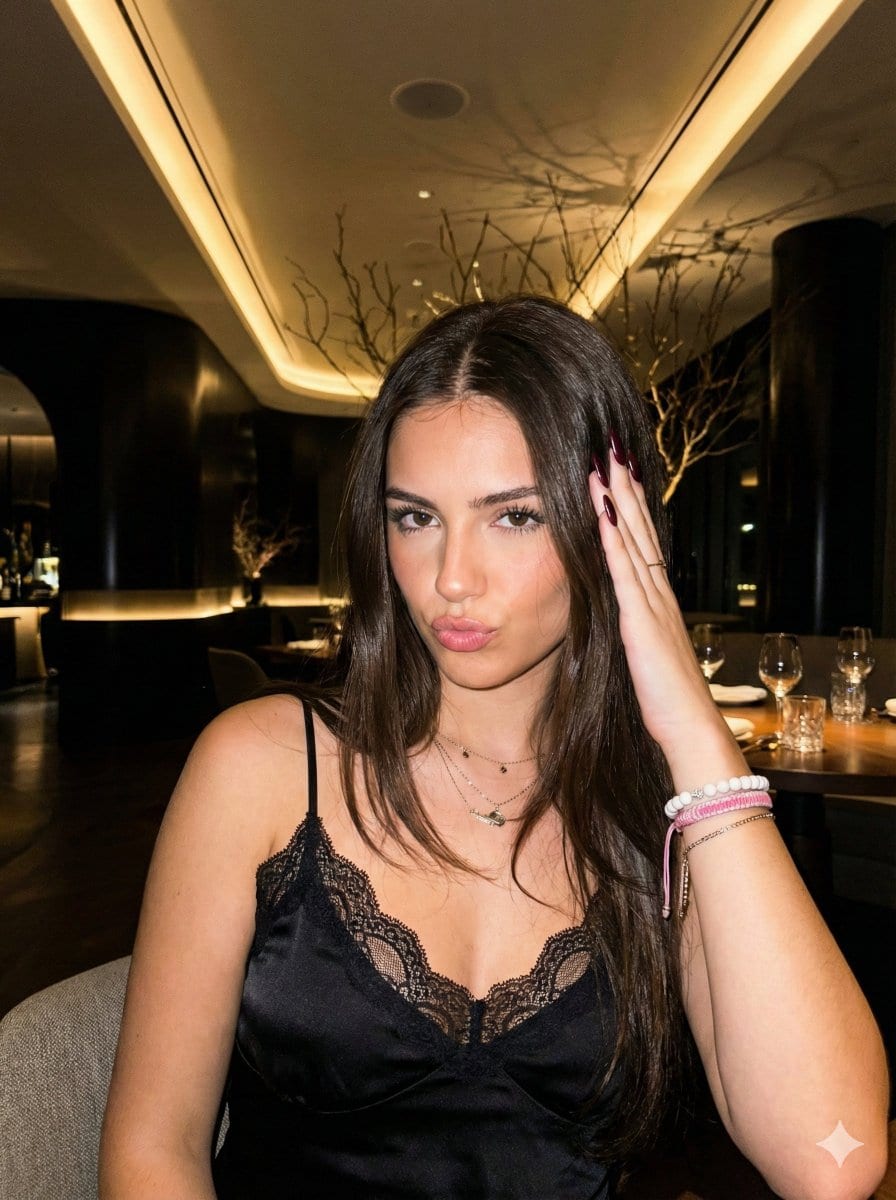
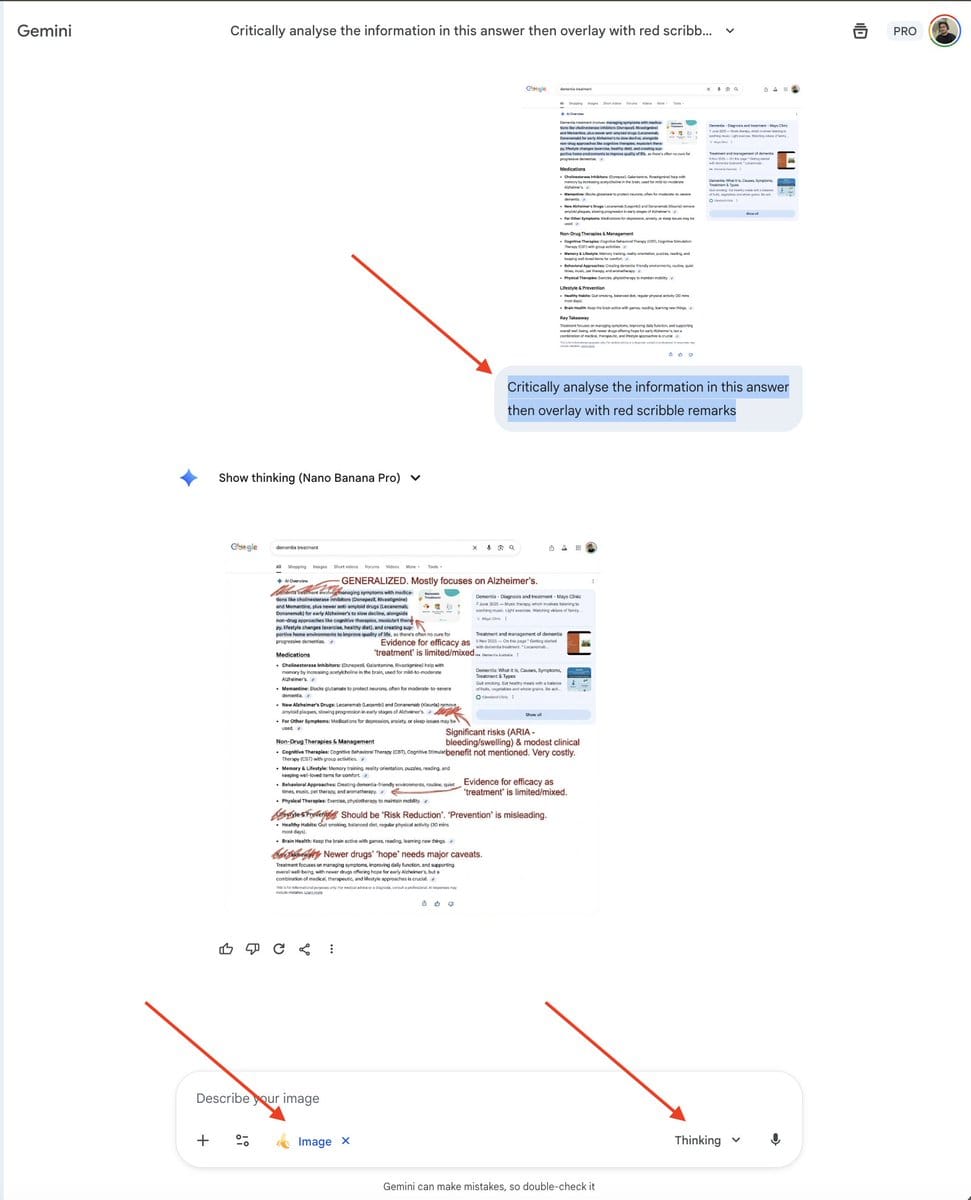
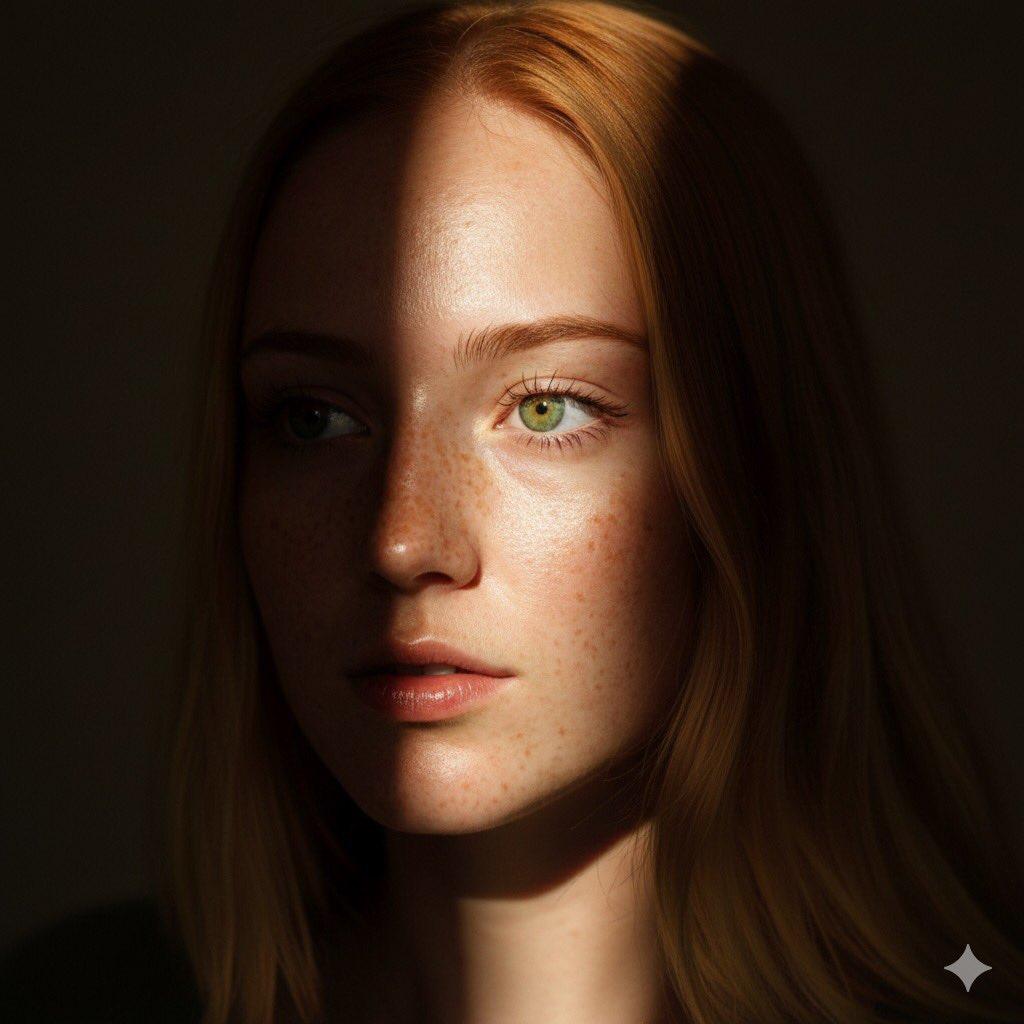
AI-Generated Image Examples
Examples from simple text prompts — review the result and try a variation in the generator.
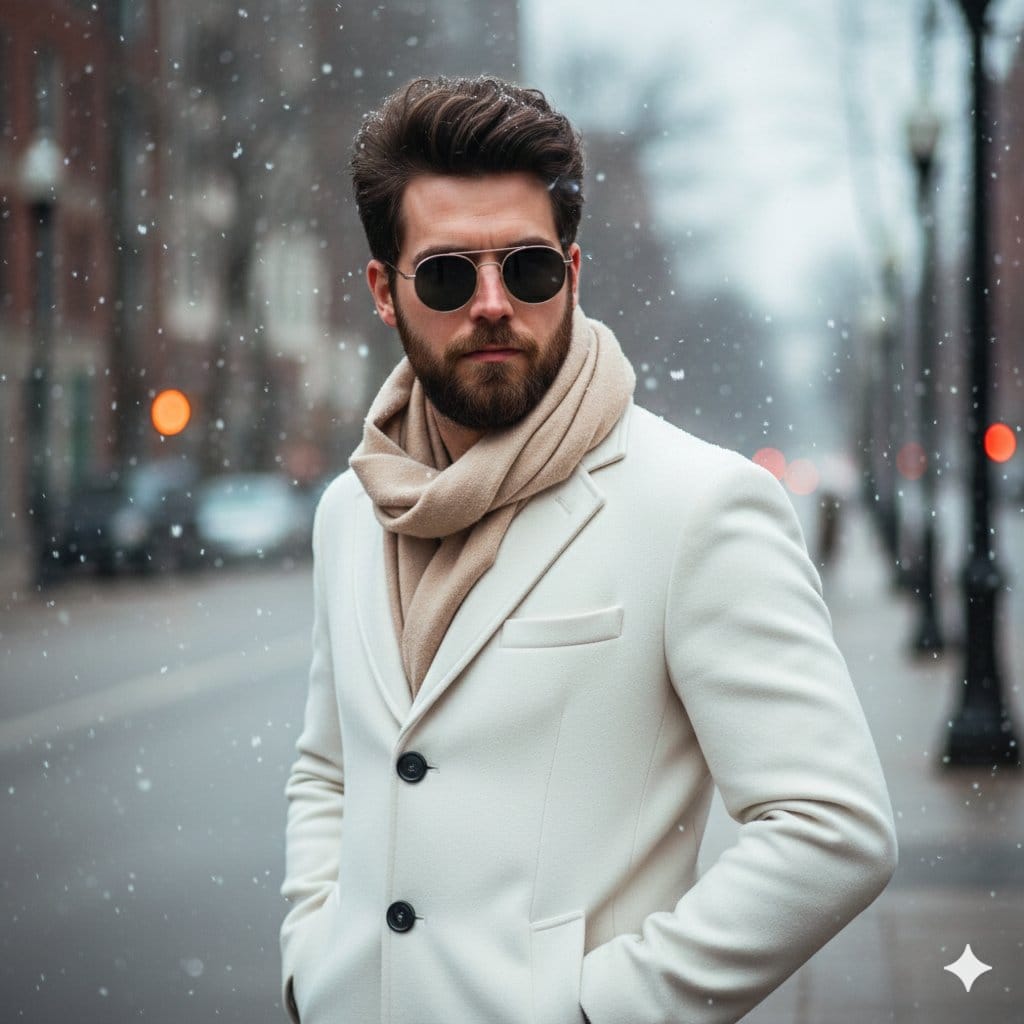
{ "Objective": "Create an ultra-realistic winter fashion portrait of a young man in a dynamic modeling pose during lig...
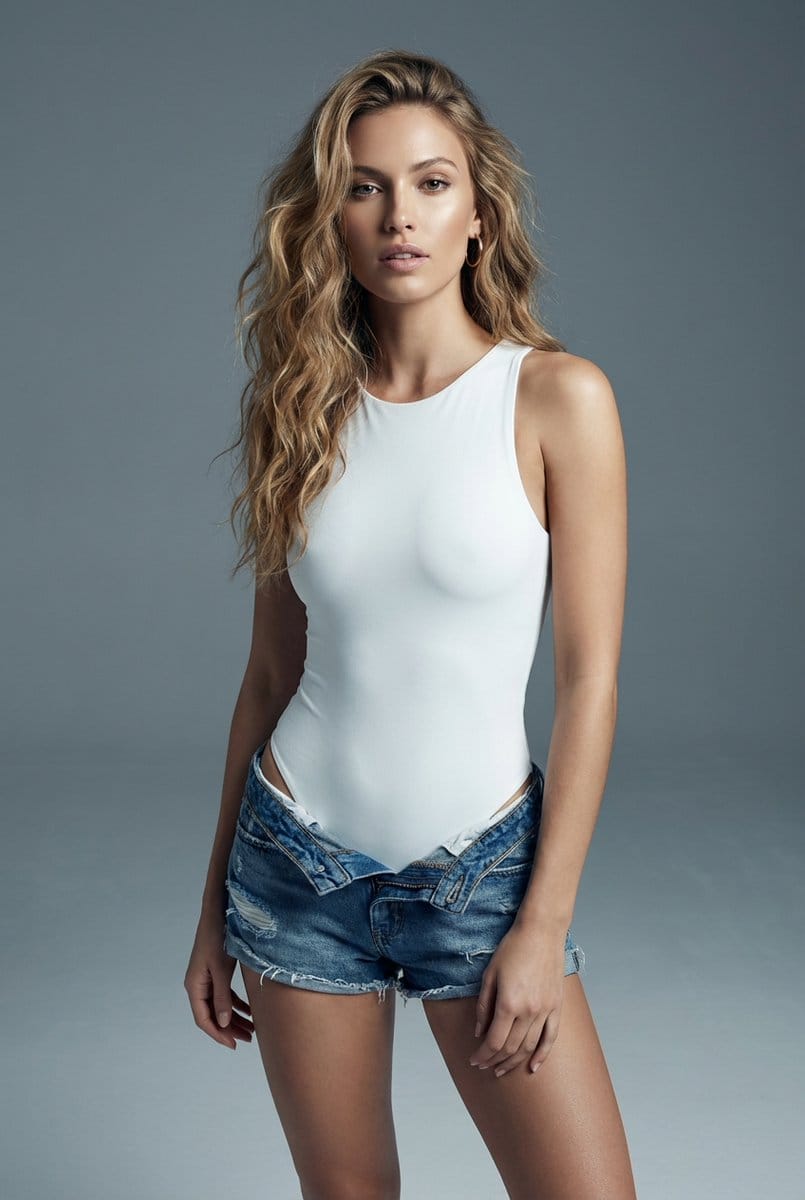
{ "prompt_description": { "subject": "A young adult female model, appearing to be in her early to mid-20s, with a...
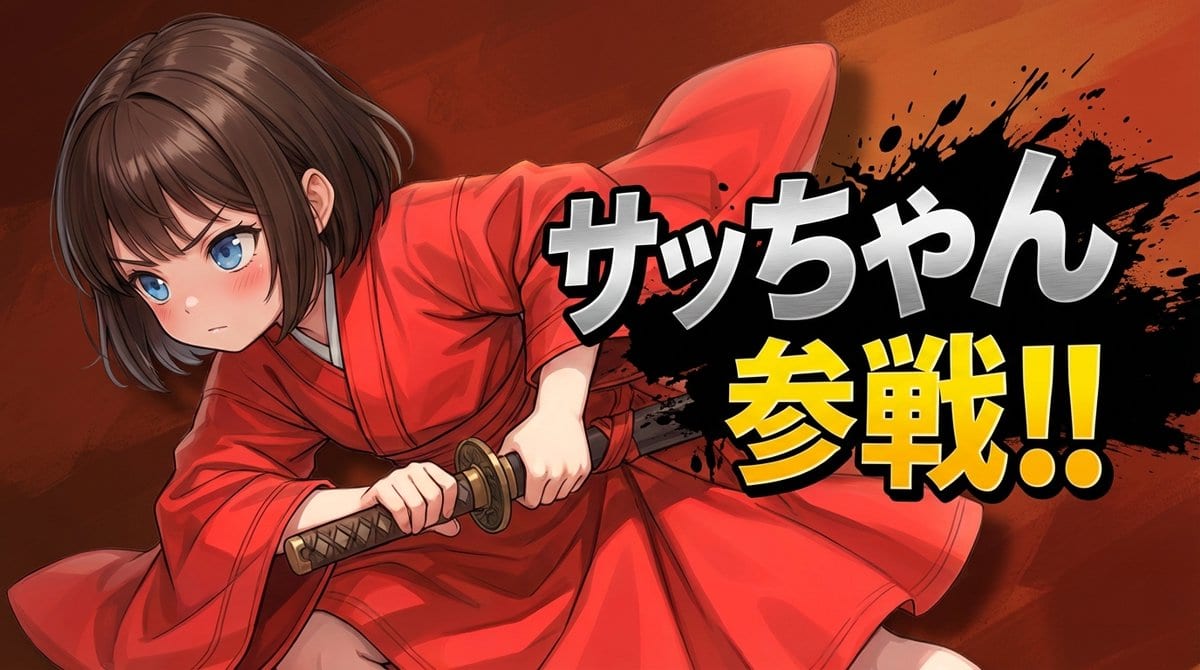
layering: order: - text_layer - character_layer - background_layer strict: true subject: description:...
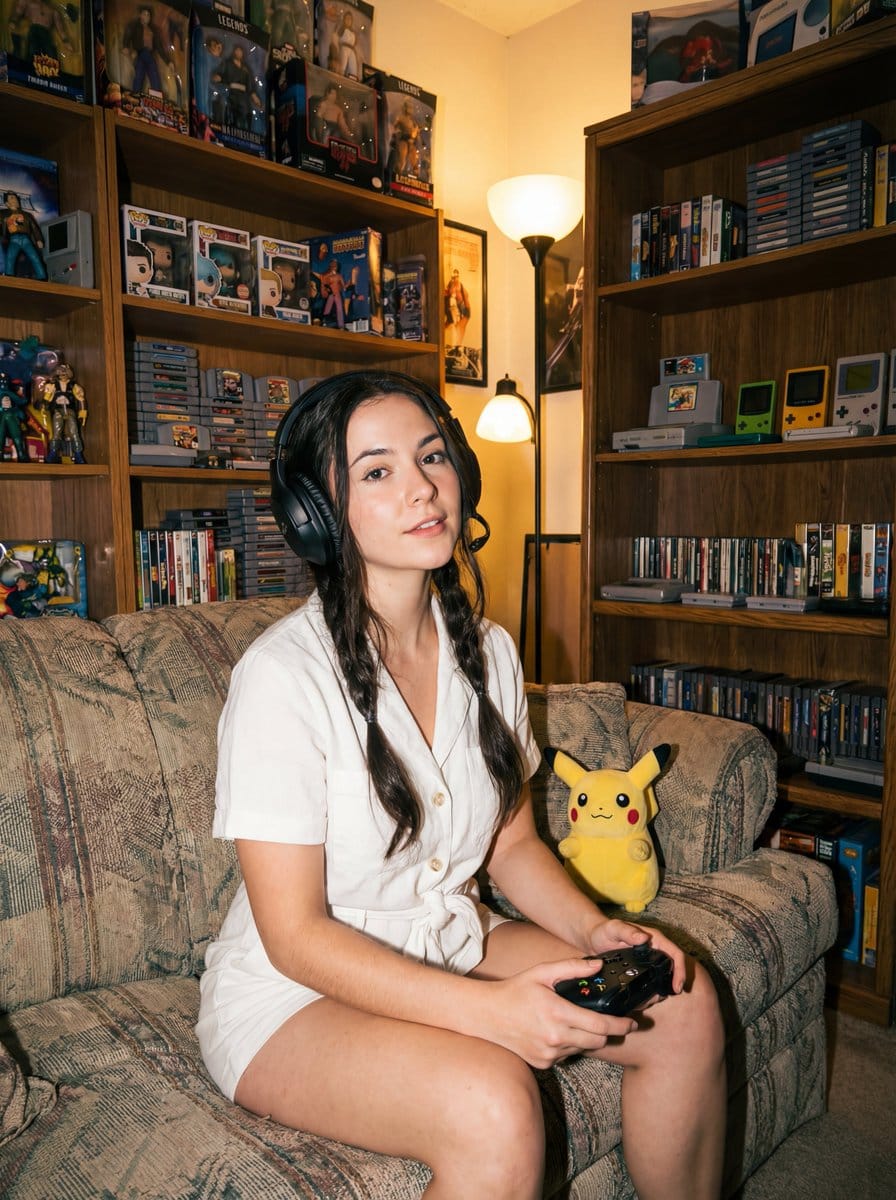
{ "label": "{argument name="label" default="direct-flash-gamer-girl"}", "tags": [ "{argument name="lighting styl...
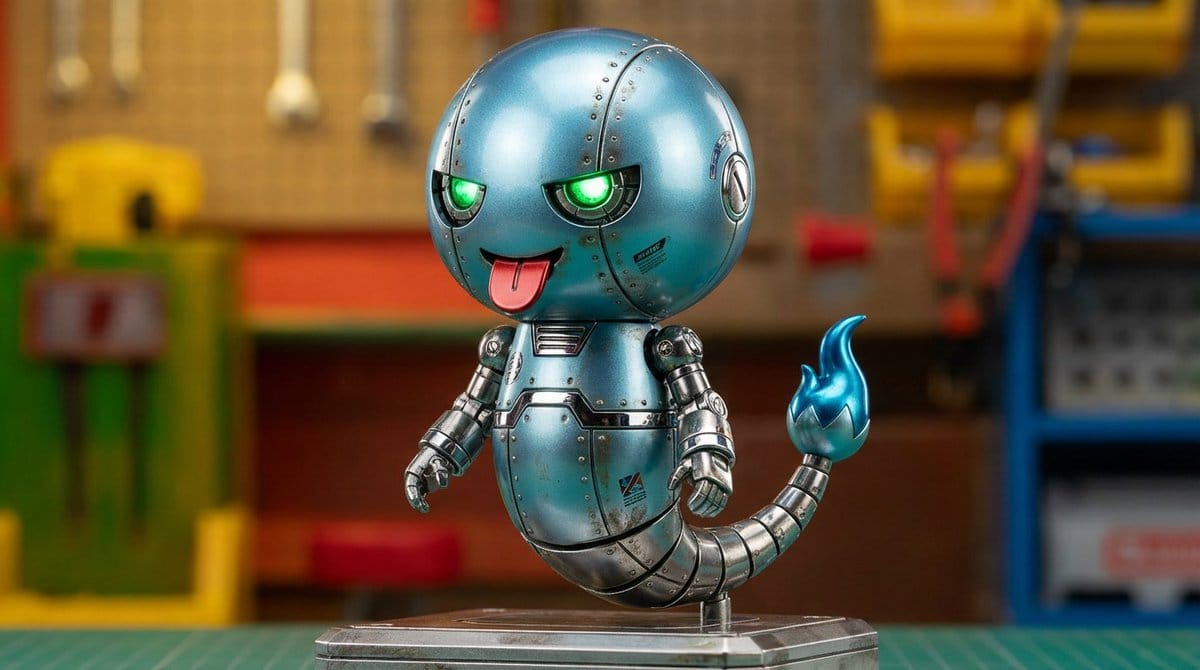
Turn this character into a superalloy-style robot.
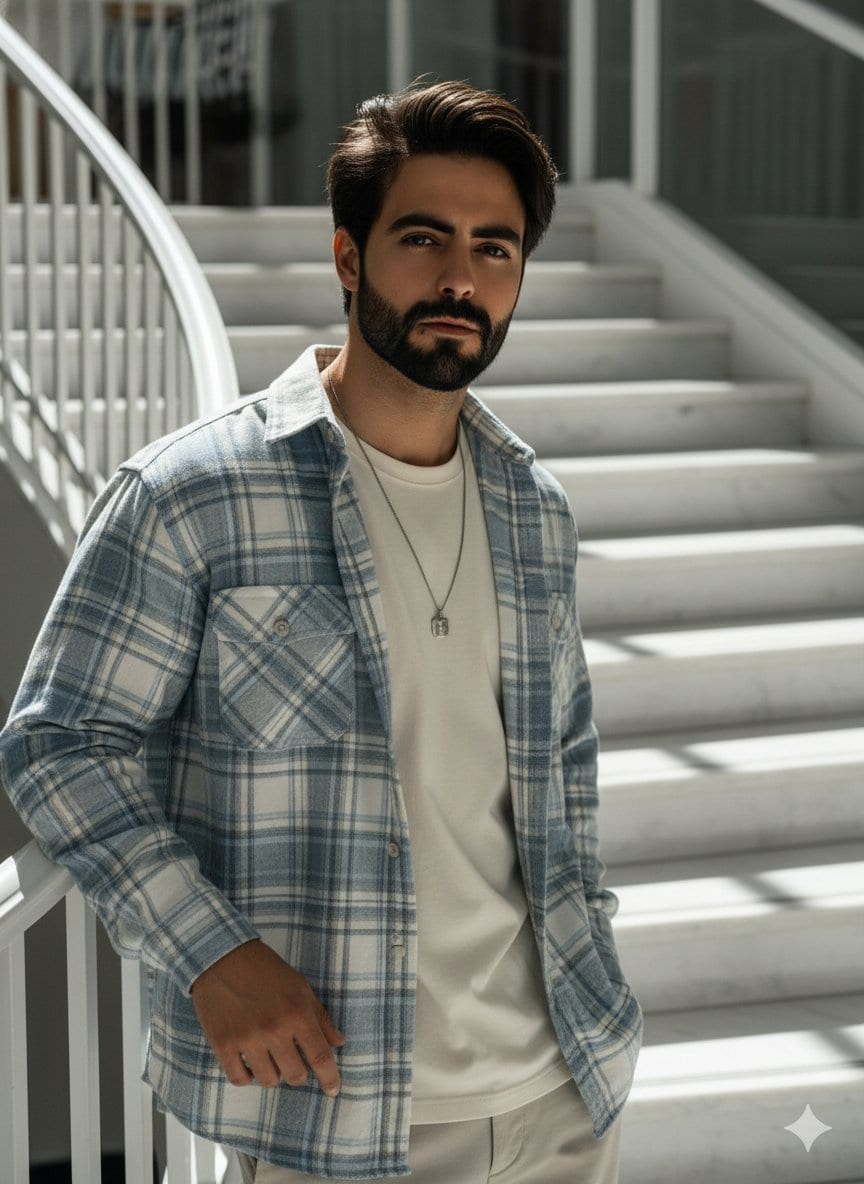
High-angle fashion portrait of a 25-year-old Asian man, with the same facial features as the man in the reference photo,...
How to Use Our Free AI Image Generator
Create images in 5 simple steps
1
Enter Your Prompt
Describe what you want to create. More detail usually means better results.
2
Choose Style & Settings
Pick an art style, aspect ratio, and AI model.
3
Upload Image (Optional)
Use Image to Prompt or Image Recognition when you need to analyze an existing image.
4
Generate
Click generate and wait while the selected model processes your prompt.
5
Download & Share
Preview, download as PNG, and use anywhere you need.
How to Write Better Prompts
Clear, specific prompts produce better results. Here are four tips to get started.
What Is a Prompt?
A prompt is the text instruction you give the generator. Think of it as describing a scene to an artist — the clearer you are, the better the output.
Describe the Style
Add style keywords like Photorealistic, Anime, Oil Painting, Cyberpunk, or 3D Render to guide the look you want.
Add Lighting & Mood
Include lighting and atmosphere — cinematic lighting, golden hour, moody, vibrant colors, highly detailed — for richer results.
Experiment & Refine
Tweak your prompt and regenerate as many times as you like. Small changes can make a big difference.
Perfect For Every Creative Need
From social graphics to concept art — see how creators use this tool
Digital Art & Illustration
Create stunning artwork, character designs, and illustrations for books, games, and digital media.
Marketing & Advertising
Generate compelling visuals for social media, websites, banners, and promotional materials.
E-commerce & Product Design
Create product mockups, lifestyle images, and packaging designs for online stores.
Content Creation
Create unique visuals for blogs, YouTube thumbnails, podcast covers, and social media posts.
Frequently Asked Questions
Common questions about using this tool
Is this AI image generator really free?
You can try the initial workflow for free. Rate limits, verification or temporary restrictions may apply to protect the service.
What image formats and resolutions are supported?
We support 1:1, 16:9, 9:16, 4:3, and 3:4 aspect ratios. Images are generated in high-quality PNG format, up to 1024×1024 pixels.
How long does generation take?
Generation time varies with the selected model, prompt complexity and current server load.
Can I use generated images commercially?
Review the FreeImage AI Terms of Service and applicable model or provider terms before commercial use. Rights and restrictions can vary.
Do I need to register or sign up?
No registration required. Start creating immediately without an account or personal information.
What makes this tool different?
Multiple available models, aspect-ratio choices, prompt examples, image analysis tools, and a browser-based workflow are available in one place.
Start Creating Now
Try a prompt-based image workflow online and refine the result in a few iterations.
Generate Your First AI Image Now