Free AI Image Generator From Text

Unlimited · Free · No Sign-Up · Text to Image. Create anime art, photos, illustrations, and digital artwork in seconds.

💯 100% Free Forever 🔒 Commercial Rights

AI is creating your masterpiece... Please wait a moment

Generating high-quality images typically takes 5-15 seconds depending on the model and complexity.

AI generated image preview
Tip: add the subject, style, and lighting.
Aspect ratio

Free AI Image Generator Highlights

4 Advanced AI Models
5 Flexible Aspect Ratios
Unlimited Generations
Zero Sign-Up Required

Why Choose Our Free AI Image Generator?

Professional results with no paywalls — unlimited generations, multiple models, zero sign-up.

Flexible Aspect Ratios

Choose 1:1, 4:3, 3:4, 16:9, or 9:16 for social posts, wallpapers, thumbnails, and portrait art.

Lightning Fast Generation

Get high-quality results in under 15 seconds without sacrificing detail.

No Sign-Up Required

Start creating immediately — no account, email, or credit card needed.

Text & Image Prompts

Create from text descriptions or upload a reference photo for style transfers and variations.

Multiple AI Models

Flux Schnell, Cogview 3, and Z-Image Turbo — each excels at different creative styles.

100% Free Forever

No trials, subscriptions, or daily limits. Free for everyone.

AI Model Comparison

Choose the perfect AI model for your creative needs

Model Speed Quality Best For Status
Flux Schnell Fast High Anime, Illustrations Active
Cogview 3 Fast High Realistic Photos Active
Z-Image Turbo Fast High Premium Quality Active
Explore More Prompts ➜

Get Inspired: Try These AI Prompts

Hand-picked AI prompts to spark your creativity. Click "Try It Now" to generate similar images instantly!
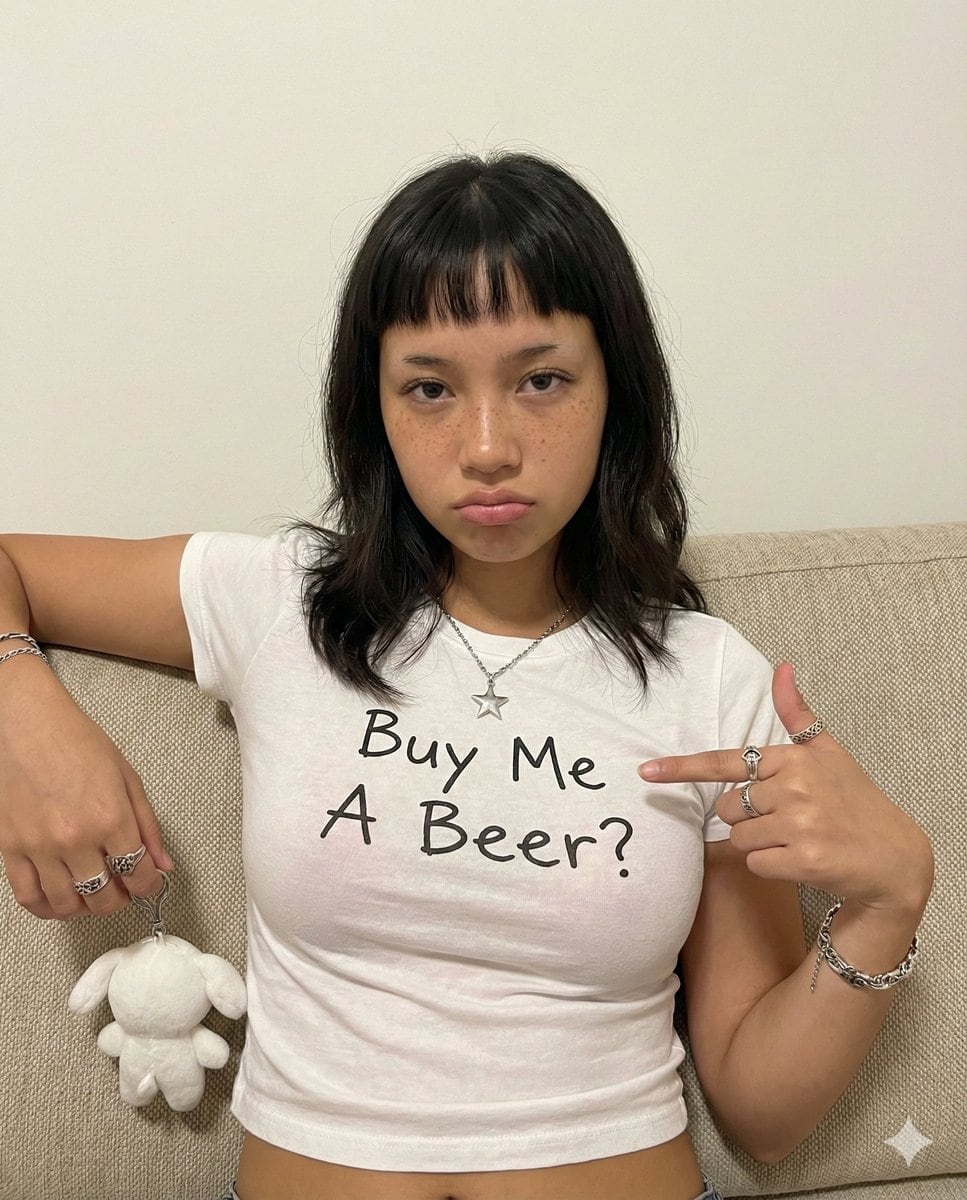
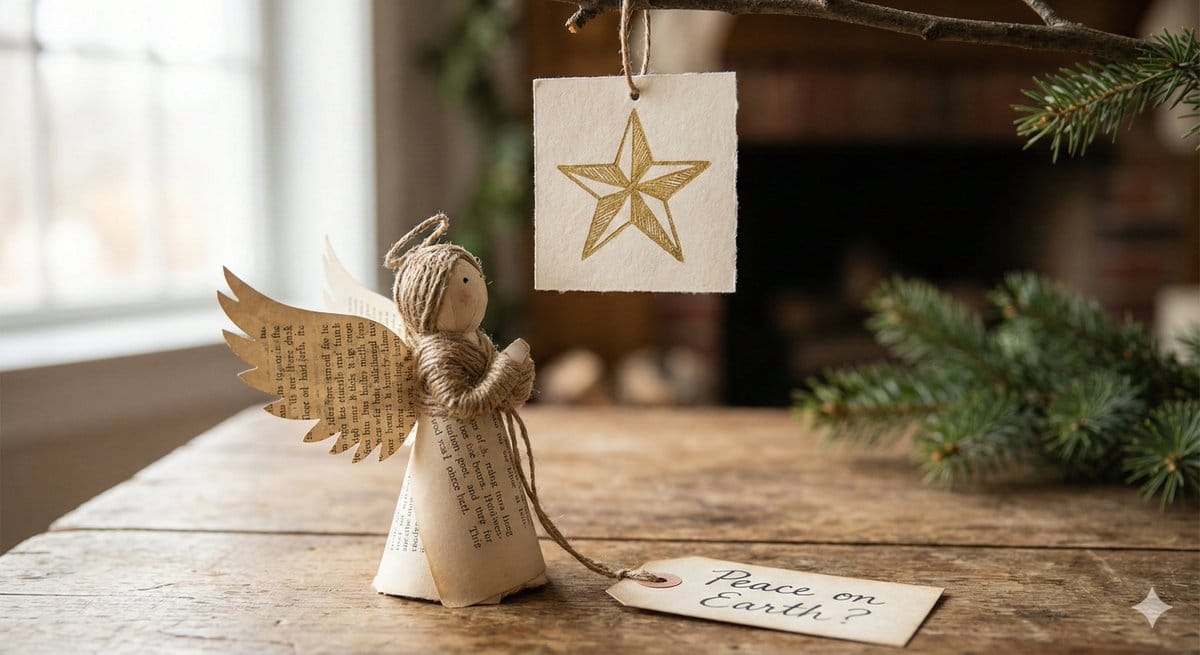
Infographic Prompt Template for Body Parts

Infographic Prompt Template for Body Parts

A reusable prompt template for Nano Banana Pro designed to create an infographic image of a specific...

Mohamed IDBRAHIM
Realistic Style
Relight Image to Daytime Prompt

Relight Image to Daytime Prompt

A simple instruction prompt used for image manipulation, specifically requesting the AI to change th...

Nathan Shipley
AI Art Style
Photorealistic Summer Park Portrait

Photorealistic Summer Park Portrait

A structured prompt for generating a photorealistic lifestyle image of a young woman seated comforta...

Maercih
Character Style
3x3 Character Pose Study Grid (Sadie Sink)

3x3 Character Pose Study Grid (Sadie Sink)

A highly structured prompt for generating a 3x3 grid of ultra-photorealistic 3D character renders of...

ANKIT PATEL ?? | AI
Character Style
Athletic Woman in Gym Streetwear Portrait

Athletic Woman in Gym Streetwear Portrait

A detailed, structured prompt for Nano Banana Pro to generate a photorealistic social media portrait...

underwood
Character Style
Cinematic Realism Portrait in Tropical Cabana at Golden Hour

Cinematic Realism Portrait in Tropical Cabana at Golden Hour

A highly specific prompt for generating an ultra-high definition, cinematic realism portrait of an a...

ANKIT PATEL ?? | AI
Character Style

Browse All Prompts

AI-Generated Image Examples

Real outputs from simple text prompts — each created in seconds.

Image-to-Comic Style Conversion Prompt
Prompt:

CHANGE THE GIVEN PICTURE INTO TRENDING COMIC STYLE PAGE. DO NOT CHANGE THE FACE OR DRESS AND ADD DIFFERENT COMIC PANELS...

Dynamic Hyper-Realistic Biryani Hero Shot (JSON)
Prompt:

{ "food_photography_series": { "subject": (biryani)", "technical_specs": { "style": "Hyper-realistic he...

16:9 Contact Sheet Generation from Reference Image
Prompt:

I want a stacked contact sheet of 16:9 aspect ratio images that respect the details of the character and setting details...

Casual Woman in Cafe Photo Prompt for Gemini Nano Banana
Prompt:

A causual woman in cafe photo

Isometric 3D Cartoon Scene of a City
Prompt:

create this isometric miniature 3D cartoon scene of [ {argument name="city name" default="Delhi"} ] including AQI and Te...

Structured Prompt for Fashion Editorial with Oversized Product
Prompt:

{ "subject": "fashion model leaning against a massively oversized beauty product", "character": { "gender": "fem...

View More Examples

How to Use Our Free AI Image Generator

Create images in 5 simple steps

1

Enter Your Prompt

Describe what you want to create. More detail usually means better results.

2

Choose Style & Settings

Pick an art style, aspect ratio, and AI model.

3

Upload Image (Optional)

Add a reference photo for image-to-image transformations.

4

Generate

Click generate and wait 5–15 seconds for your image.

5

Download & Share

Preview, download as PNG, and use anywhere you need.

How to Write Better Prompts

Clear, specific prompts produce better results. Here are four tips to get started.

What Is a Prompt?

A prompt is the text instruction you give the generator. Think of it as describing a scene to an artist — the clearer you are, the better the output.

Describe the Style

Add style keywords like Photorealistic, Anime, Oil Painting, Cyberpunk, or 3D Render to guide the look you want.

Add Lighting & Mood

Include lighting and atmosphere — cinematic lighting, golden hour, moody, vibrant colors, highly detailed — for richer results.

Experiment & Refine

Tweak your prompt and regenerate as many times as you like. Small changes can make a big difference.

Perfect For Every Creative Need

From social graphics to concept art — see how creators use this tool

Digital Art & Illustration

Create stunning artwork, character designs, and illustrations for books, games, and digital media.

Marketing & Advertising

Generate compelling visuals for social media, websites, banners, and promotional materials.

E-commerce & Product Design

Create product mockups, lifestyle images, and packaging designs for online stores.

Content Creation

Create unique visuals for blogs, YouTube thumbnails, podcast covers, and social media posts.

Frequently Asked Questions

Common questions about using this tool

Is this AI image generator really free?

Yes — completely free with unlimited usage. No hidden fees, subscriptions, or credit cards required.

What image formats and resolutions are supported?

We support 1:1, 16:9, 9:16, 4:3, and 3:4 aspect ratios. Images are generated in high-quality PNG format, up to 1024×1024 pixels.

How long does generation take?

Most images are ready in 5–15 seconds depending on complexity. Simple prompts typically finish in 5–8 seconds.

Can I use generated images commercially?

Yes. All generated images can be used commercially without restrictions or extra licensing fees.

Do I need to register or sign up?

No registration required. Start creating immediately without an account or personal information.

What makes this tool different?

Multiple advanced models (Flux, Z-Image Turbo, Cogview 3), zero watermarks, commercial rights, text and image prompt support, and strong privacy — all free with no sign-up.

Start Creating Now

Free, unlimited, and no sign-up required — try it in seconds.

Generate Your First AI Image Now